TLDR
- La structure bat les adjectifs. Ordre : sujet → environnement → caméra/lumière → style → qualité (+ texte exact + avoids).
- Image 2.0 suit le détail. Conçu pour le travail créatif réel (xAI).
- Vague vs précis est l’échec principal. « a woman in a park » laisse trop de trous.
- Une variable par run. Verrouillez la composition, puis changez lumière ou couleur.
- Testez ici : générateur d’images — CTA principal.
À retenir
- Traitez le prompt comme un brief photo.
- Quality Mode vise des stills/édits utilisables (xAI).
- Texte exact entre guillemets, court (xAI).
- Avoids en fin de prompt.
- Fixes régionaux : Precise Edit + guide Image 2.0.
- Sur ce site : Grok Imagine Image 2 → /image.
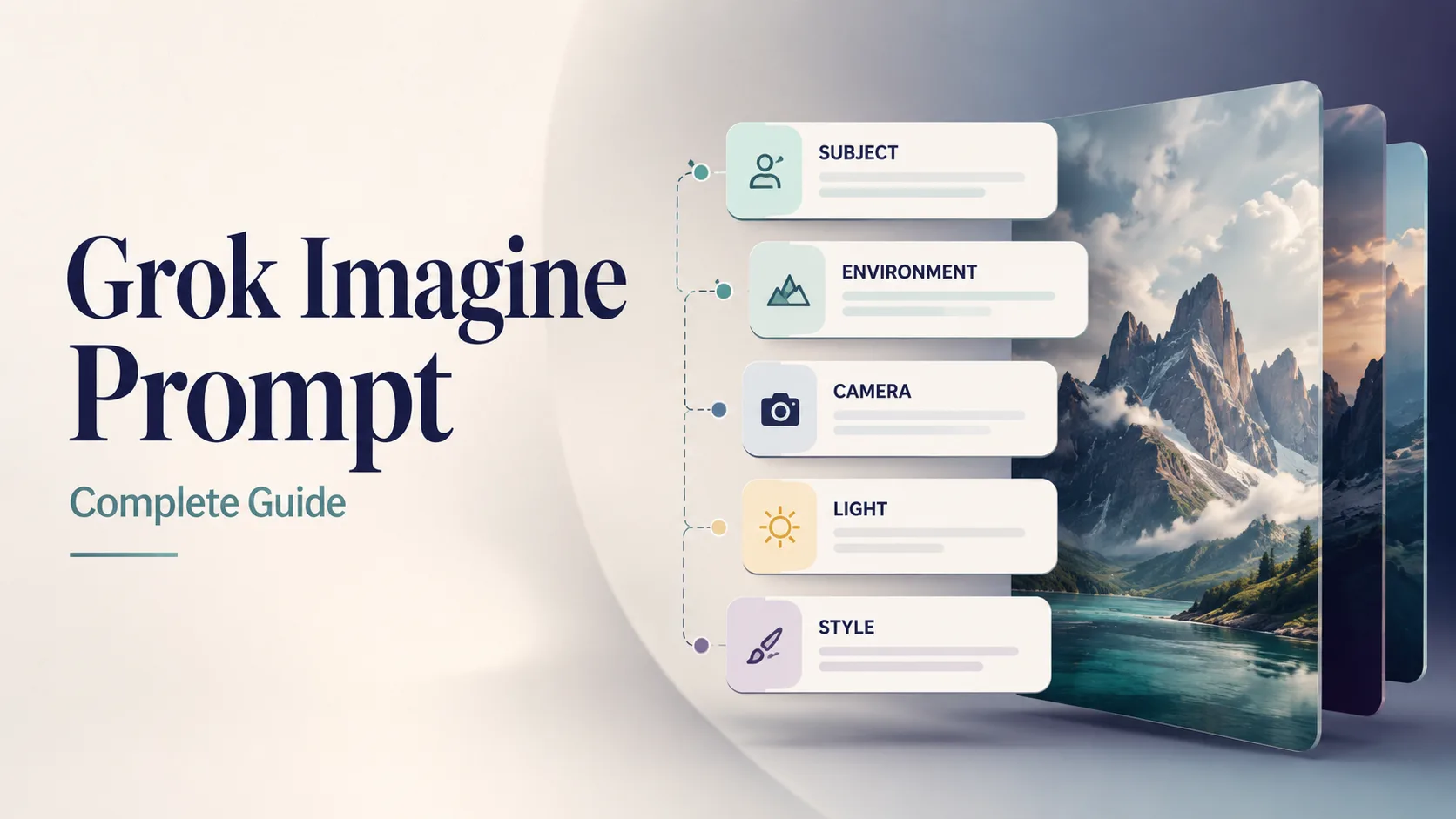
Couverture de ce guide. Visuel d’exemple pour Image 2.0.
Structure de prompt en cinq parties
Toujours cet ordre. Identité et scène d’abord ; contraintes à la fin.
| Slot | Quoi préciser | Faible | Fort | | --- | --- | --- | --- | | 1. Sujet | Qui/quoi + attributs + action | “a car” | “matte black EV hatchback, three-quarter front view, doors closed” | | 2. Environnement | Lieu, heure, météo, props | “outside” | “wet Tokyo alley at night, neon reflections on asphalt” | | 3. Caméra / lumière | Objectif, angle, éclairage | “nice light” | “35mm, eye-level, soft side light + gentle rim” | | 4. Style | Médium / genre / grade | “cool style” | “cinematic still, teal-orange grade, film grain subtle” | | 5. Qualité + avoids | Netteté, texte, négatifs | “best quality” | “sharp focus, no watermark, no extra text, no fake logos” |
[Subject + attributes + action], [environment], [camera / lens / light], [style], [quality constraints], [exact text if any], [avoids]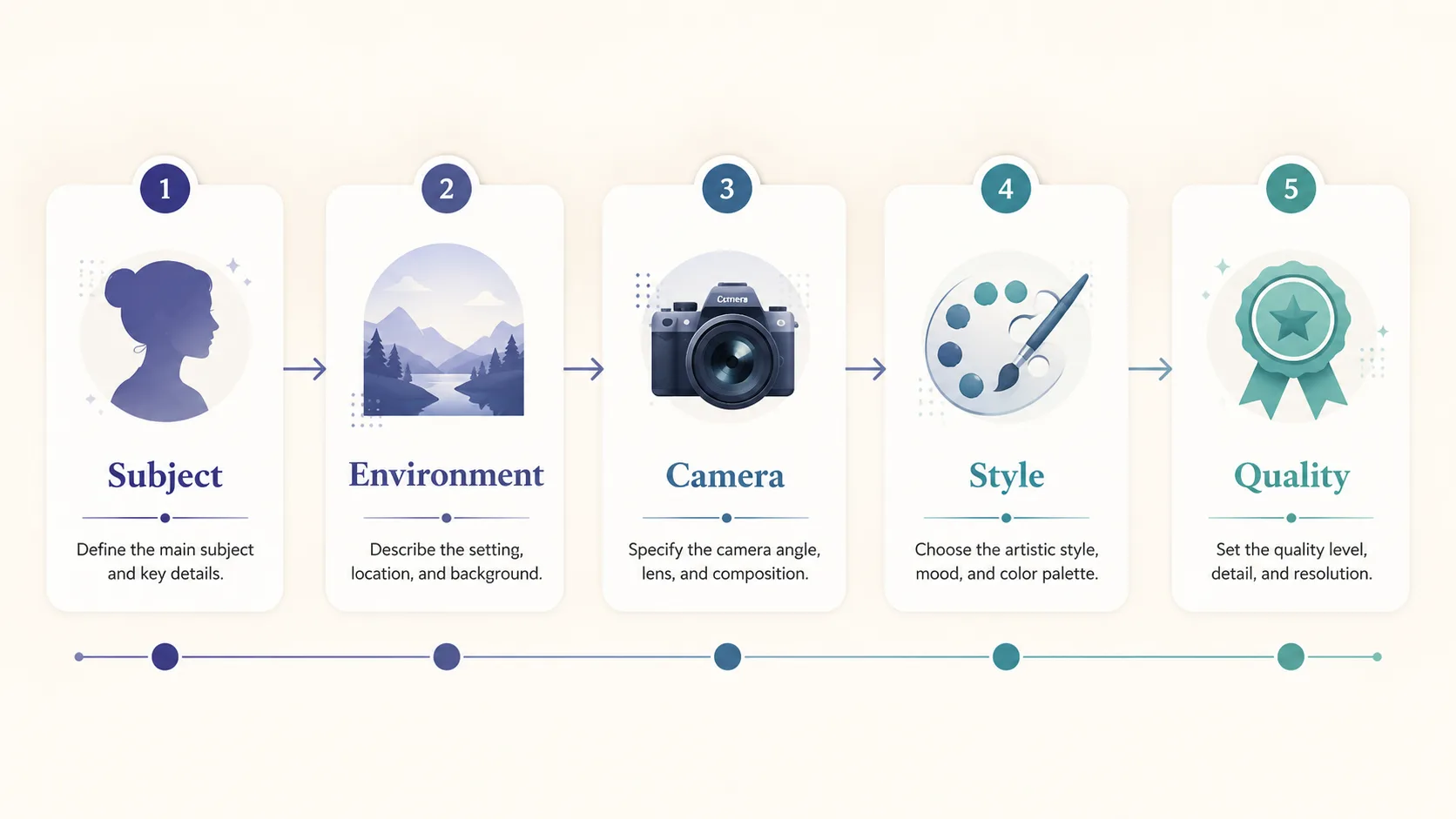
Anatomie : sujet d’abord, qualité/avoids à la fin.
Sixième slot optionnel : texte exact
Pour du texte lisible dans l’image, chaînes courtes entre guillemets :
… large exact text "SUMMER SALE", smaller exact text "Up to 40% Off", strong hierarchy, sharp small text …Image 2.0 mise sur la typographie de designer (xAI)—plus court = mieux.
Vague vs précis (la comparaison qui compte)
| | Vague | Précis |
| --- | --- | --- |
| Prompt | a woman in a park | 30-year-old East Asian woman in a camel wool coat walking through golden autumn maple trees on a Tokyo park path, warm late-afternoon side light, 85mm shallow depth of field, cinematic color grade, natural skin texture, elegant magazine photography, no watermark |
| Ce que le modèle invente | Âge, look, saison, objectif, grade | Presque rien de critique—vous avez décidé |
| Résultat typique | Stock générique | Keeper directionnel et éditable |
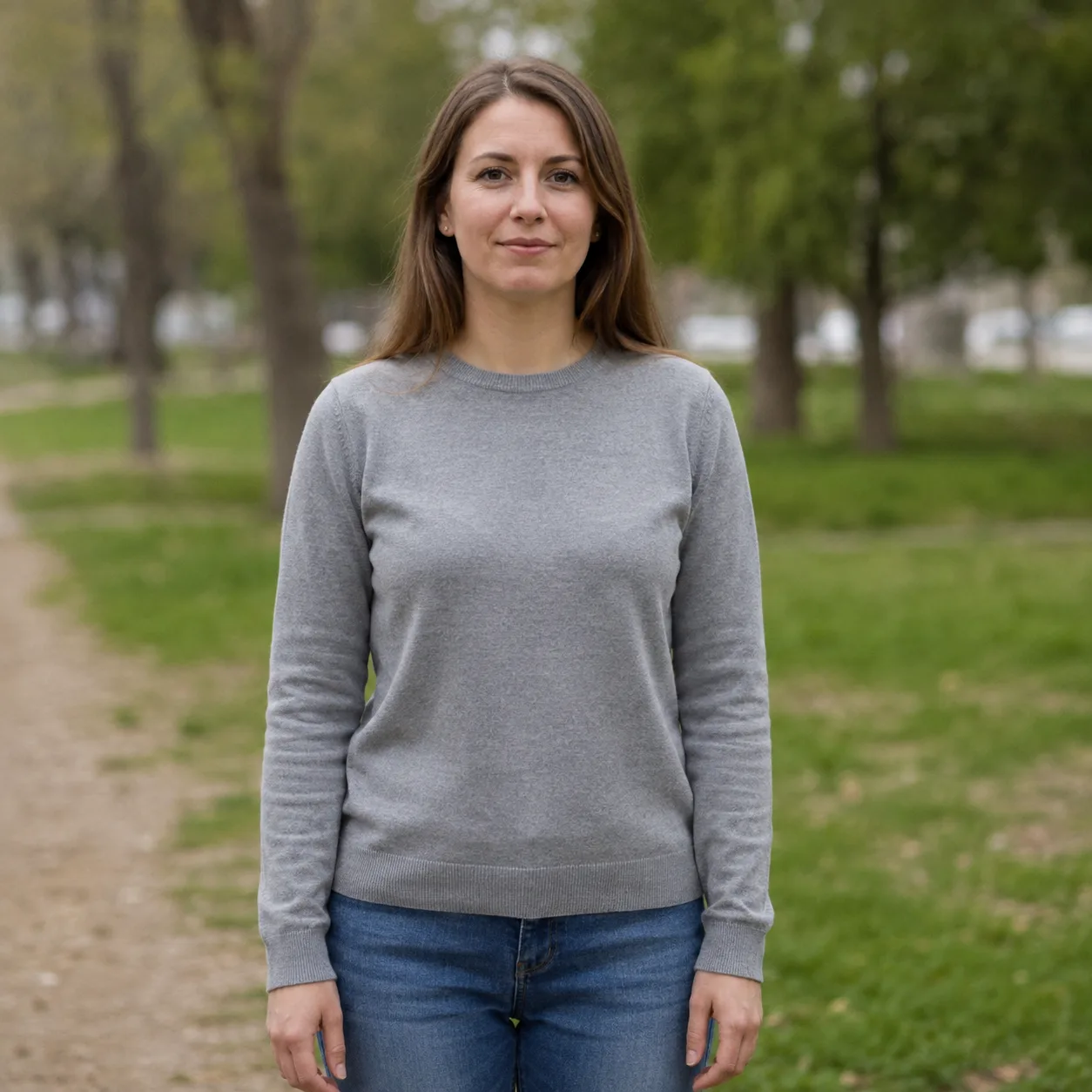
Vague : « a woman in a park ». Lumière plate.
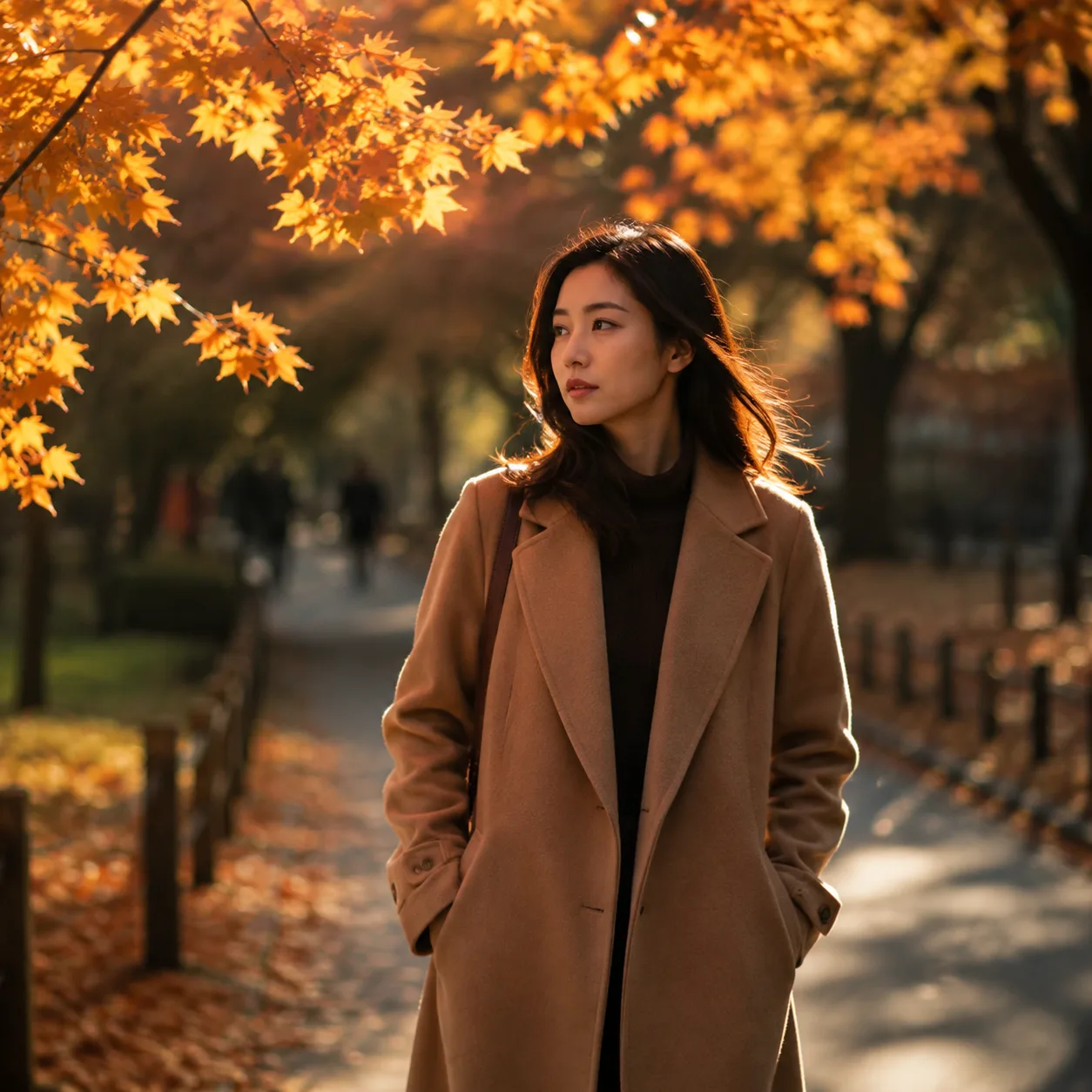
Réécriture précise : sujet + saison + 85 mm + grade.
Règle: Si un photographe poserait la question avant de shooter, mettez la réponse dans le prompt.
12 prompts Grok Imagine copiables
Corps des prompts en anglais (meilleur pour le modèle). Collez-les dans le générateur.
1 — Hero produit
Premium product photo of matte black wireless headphones on seamless soft gray backdrop, three-point studio light, crisp material detail, centered composition, commercial catalog style, sharp focus, no text, no watermark, no logosEssayer sur notre site → Open generator
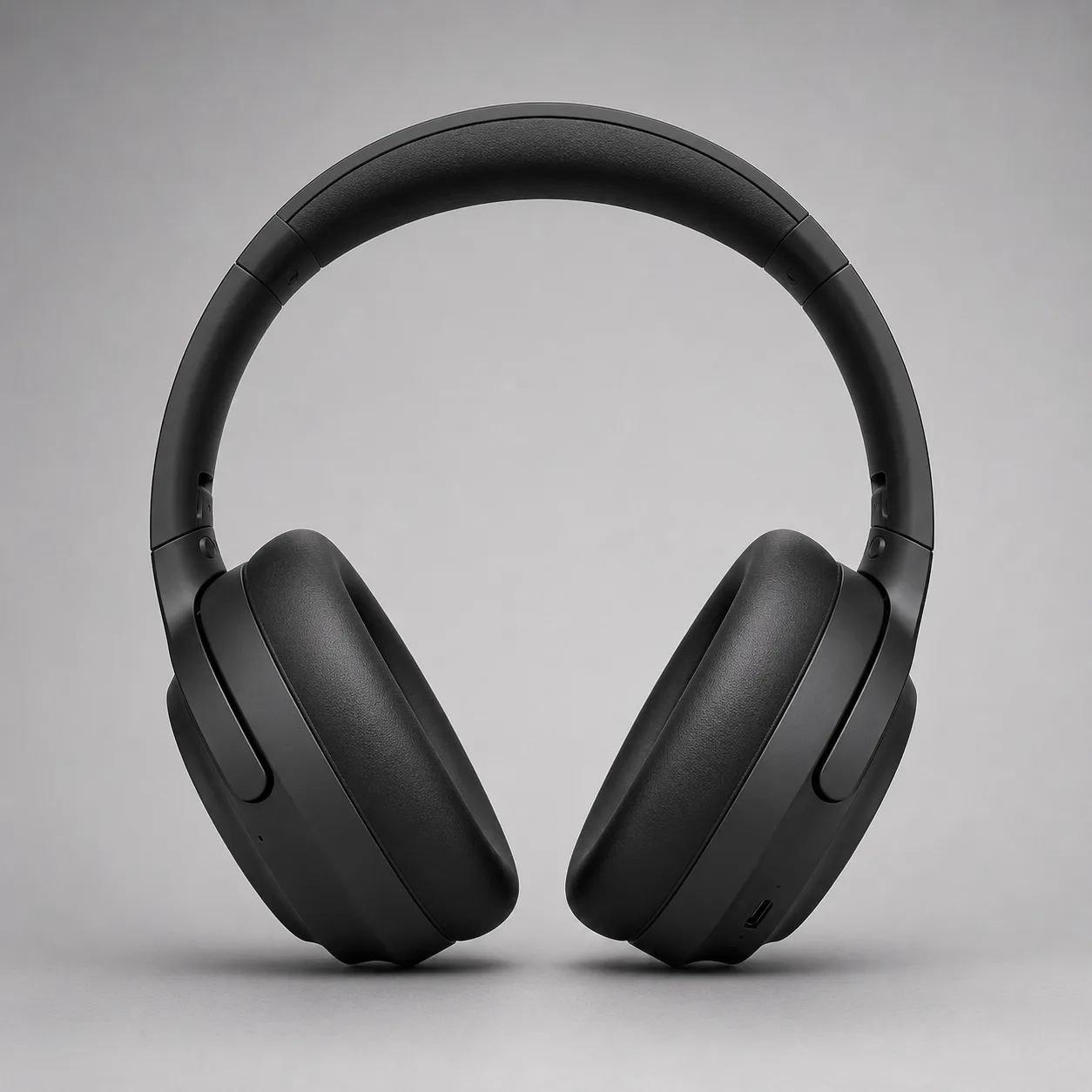
Direction hero produit. Exemple de ce guide.
2 — Headshot pro
Professional LinkedIn headshot of a confident mid-30s Black man in a navy blazer, soft gray studio background, Rembrandt lighting, 85mm portrait lens, sharp eyes, natural skin texture, corporate photography, no text, no watermarkEssayer sur notre site → Open generator

Direction headshot. Exemple de ce guide.
3 — Poster avec texte exact
Editorial poster, large exact text "PROMPT CRAFT", smaller exact text "Subject → Light → Style", modern Swiss graphic design, coral and teal geometric shapes on cream paper texture, strong hierarchy, sharp small text, clean margins, no fake logos, no watermarkEssayer sur notre site → Open generator
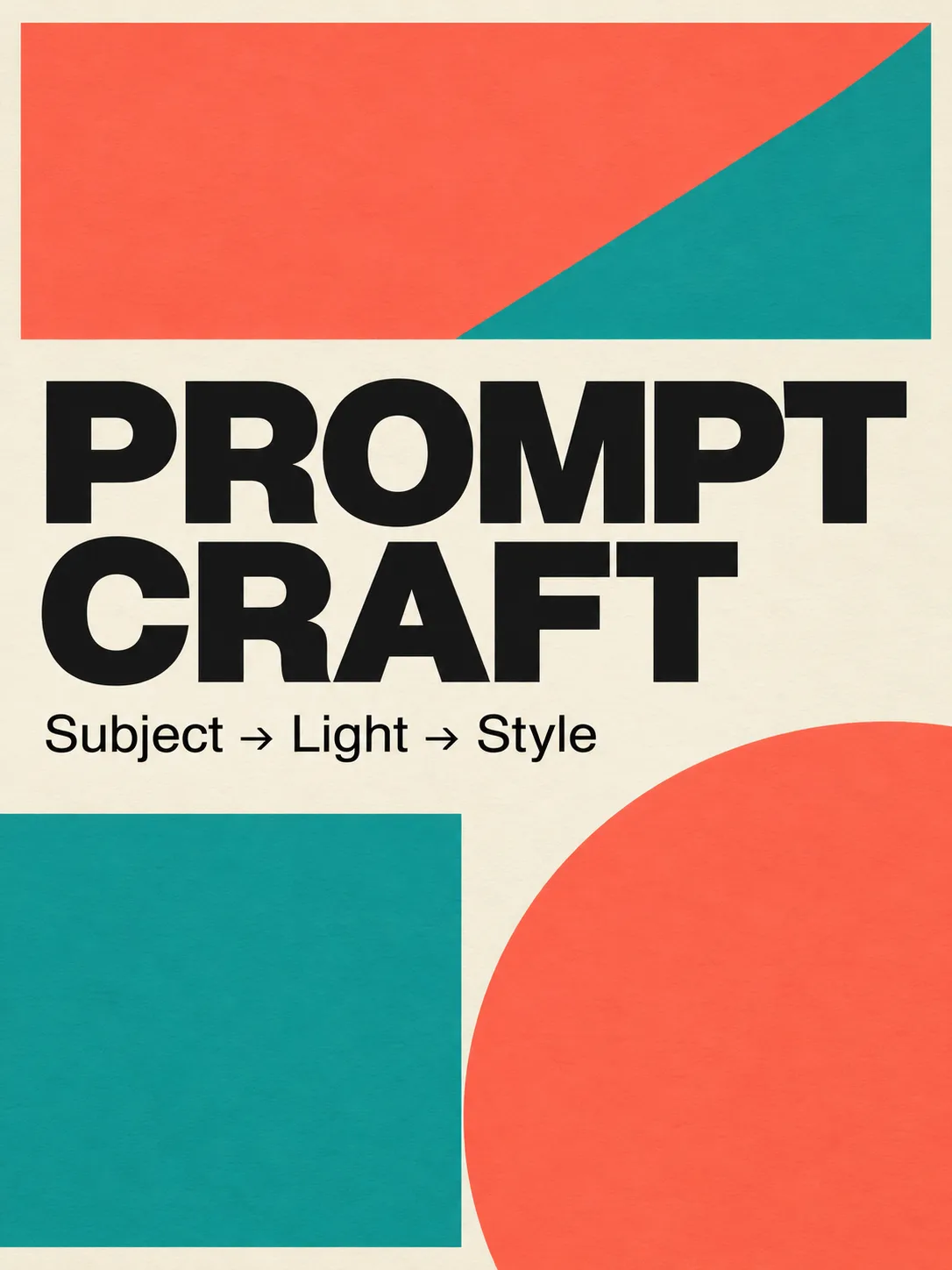
Test typo pour Image 2.0.
4 — Still cinématographique
Cinematic wide shot of a lone motorcycle rider on a desert highway at blue hour, neon motel signs far away, volumetric dust in headlights, anamorphic lens flares, teal and orange grade, film still look, highly detailed, no text, no watermarkEssayer sur notre site → Open generator
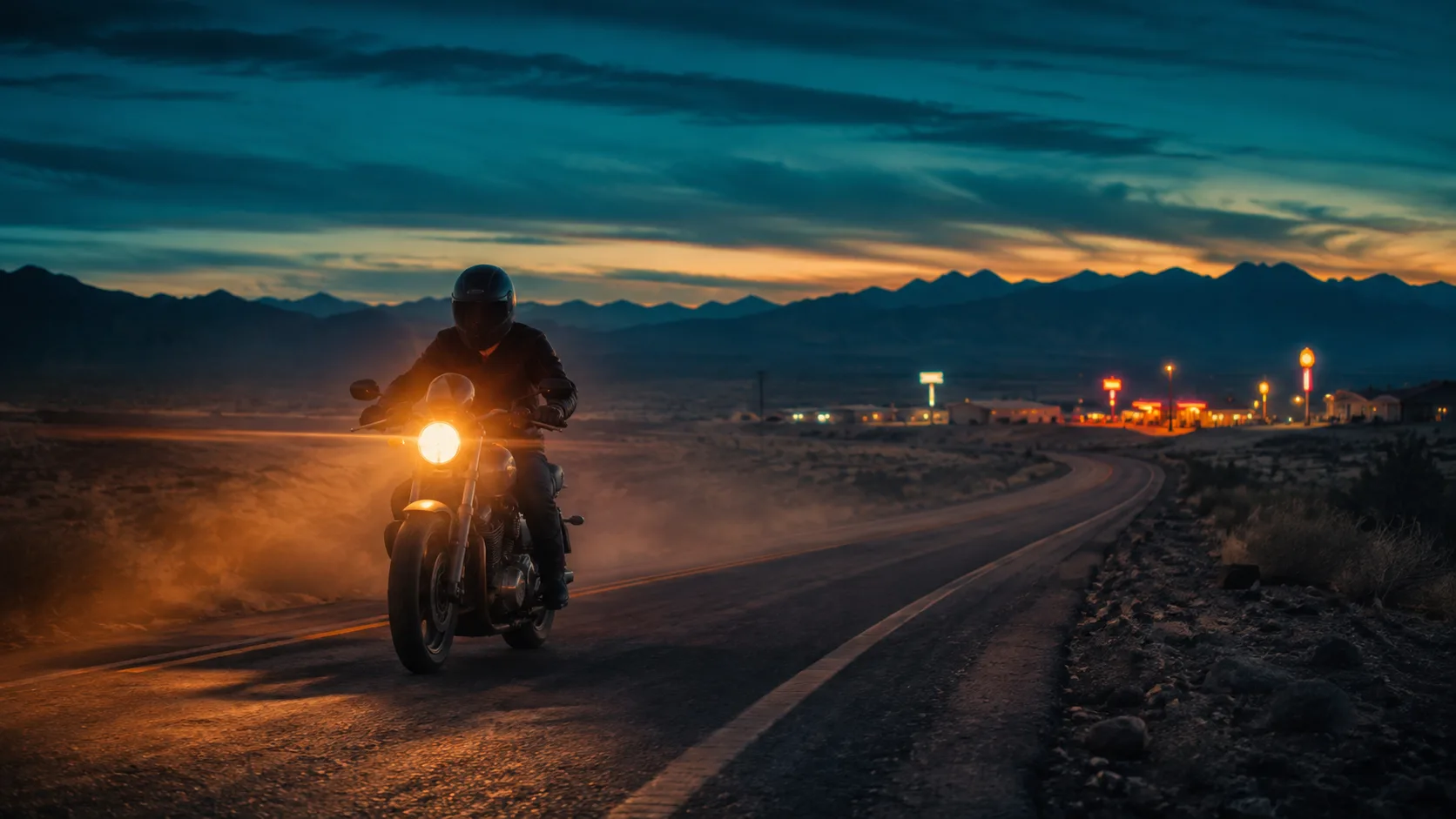
Direction still cinématographique.
5 — Food / lifestyle
Overhead flat-lay of a rustic sourdough loaf, olive oil bottle, and rosemary on warm marble, soft morning window light from the left, shallow depth of field, food magazine style, appetizing color, no text, no watermark6 — UI d’app en scène
Modern smartphone held in a hand over a wooden cafe table, screen shows a clean fitness app dashboard with charts, soft natural window light, lifestyle product photography, shallow depth of field, no brand logos, no watermark, sharp readable UI where possible7 — Prop de jeu
Isometric fantasy game prop: crystal-hilt dagger on seamless neutral background, clean game-art style, readable silhouette, limited four-color palette indigo teal gold ivory, soft rim light, asset-sheet ready, no text, no watermark8 — Extérieur architecture
Contemporary glass pavilion in a misty pine forest at dawn, long exposure soft fog, 24mm wide angle, architectural photography, cool blue hour palette, sharp glass reflections, no people, no text, no watermark9 — Édito mode
Full-body fashion editorial of a model in an oversized charcoal trench coat on a windy rooftop at dusk, city skyline bokeh, 50mm, dramatic side light, high-fashion magazine look, natural fabric motion, no logos, no watermark10 — Icône infographie
Single flat vector-style icon of a glowing lightbulb with a small leaf motif, centered on soft ivory background, thick clean outline, muted indigo and teal fills, app-icon ready, no text, no watermark11 — Illustration jeunesse
Soft children's book illustration of a small fox reading under a mushroom, warm watercolor texture, gentle pastel palette, cozy night atmosphere with fireflies, storybook composition, no scary elements, no text, no watermark12 — Base pour Precise Edit
Clean studio photo of a red ceramic mug on a white table, soft even light, centered, product-photo simplicity, sharp edges, empty background, no text, no watermark — leave room for later color or logo editsAvec une bonne base, préférez l’édition régionale—Precise Edit.
Boucle d’itération (10 min)
- Ouvrez le générateur d’images.
- Collez un des Prompts 1–4 sans le modifier ; générez une fois.
- Score : sujet ? lumière ? style ? texte ?
- Changez un seul slot.
- Si une région seule est fausse, planifiez Magic Wand / segment (guide Image 2.0).
- Sauvez les keepers ; ne stockez pas les quasi-doublons.
Erreurs de prompt fréquentes
| Erreur | Pourquoi ça échoue | Correctif | | --- | --- | --- | | Soupe d’adjectifs | Écrase sujet/lumière | Une ligne de style + caméra/lumière | | Pas de langage caméra | Cadre aléatoire | Objectif + angle + DOF | | Texte long dans l’image | Effondrement typo | 2–6 mots par couche | | Négatifs au milieu | Intention confuse | Terminer par no X, no Y | | Cinq variables d’un coup | Aucun apprentissage | Une variable par run | | Pas d’avoids | Filigrane / doigts en trop | no watermark… explicite |
Ce que nous savons vs ce que nous n’affirmons pas
Savoir (sourcé):
- Image 2.0 en Quality Mode le 7 août 2026 sur grok.com/imagine + apps Grok (xAI).
- Objectifs : instruction following, typo designer, préservation entre éditions (xAI).
- Stack d’édition : Magic Wand, segmentation, détourage, multi-ref (jusqu’à 5), smart resize (xAI).
Ne pas figer sans re-check:
- Limites free et flags app changent—vérifier l’UI.
- Classements Arena bougent (xAI).
FAQ
Comment écrire un bon prompt Grok Imagine ?
Cinq slots : sujet → environnement → caméra/lumière → style → qualité/avoids. Texte exact court si besoin. Collez un starter dans le générateur.
Meilleure structure pour Image 2.0 ?
Identité et action d’abord, lieu et lumière, style, contraintes. 2.0 est fait pour le détail (xAI).
Pourquoi « a woman in a park » est mauvais ?
Trop de variables ouvertes. Réécrivez avec attributs + lumière + objectif + style.
Les prompts doivent-ils être en anglais ?
L’anglais est le plus stable aujourd’hui. UI/notes dans votre langue ; corps EN de préférence.
Combien de prompts tester ?
Une base forte + trois variantes contrôlées. 12 starters sur cette page.
Corriger seulement une partie ?
Oui—bonne composition → édition régionale. Precise Edit.
Où générer ?
Notre générateur gratuit. Surfaces officielles en référence (xAI) ; CTA principal = ce site.
Le 2.0 aide-t-il le texte dans l’image ?
xAI met en avant le small text et le layout (xAI). Gardez le copy court (Prompt 3).
À propos de Riley Chen
Riley Chen écrit les guides de workflows créatifs Grok Imagine Image 2.0 sur ce site—des features de lancement aux étapes navigateur le jour même.
Sources
- Imagine Image 2.0 — xAI news (Aug 7, 2026)
- Grok on the App Store (iOS)
- Grok on Google Play (Android)
- Cluster : guide Image 2.0 · Precise Edit
- Générateur sur le site: https://grokimagineimage2.com/fr/image