TLDR
- 形容詞の羅列より構造。 順:被写体 → 環境 → カメラ/光 → スタイル → 品質(+ 正確な文字 + 回避)。
- Image 2.0 は細部に従う。 実制作向け(xAI)。
- 曖昧 vs 具体が最大の失敗。 “a woman in a park” はポーズ・光・レンズを欠く。
- 1ランで変数は1つ。 構図を固定してから光や色を変える。
- まずはここ: 画像ジェネレーター が本ガイドの主 CTA。
要点
- プロンプトは撮影ブリーフとして書く。
- Quality Mode は使える静止画と編集向け(xAI)。
- 画面内テキストは短く引用符で(xAI)。
- 回避は末尾に。
- 局所修正は Precise Edit と Image 2.0 ガイド。
- 当サイト既定は Grok Imagine Image 2 → /image。
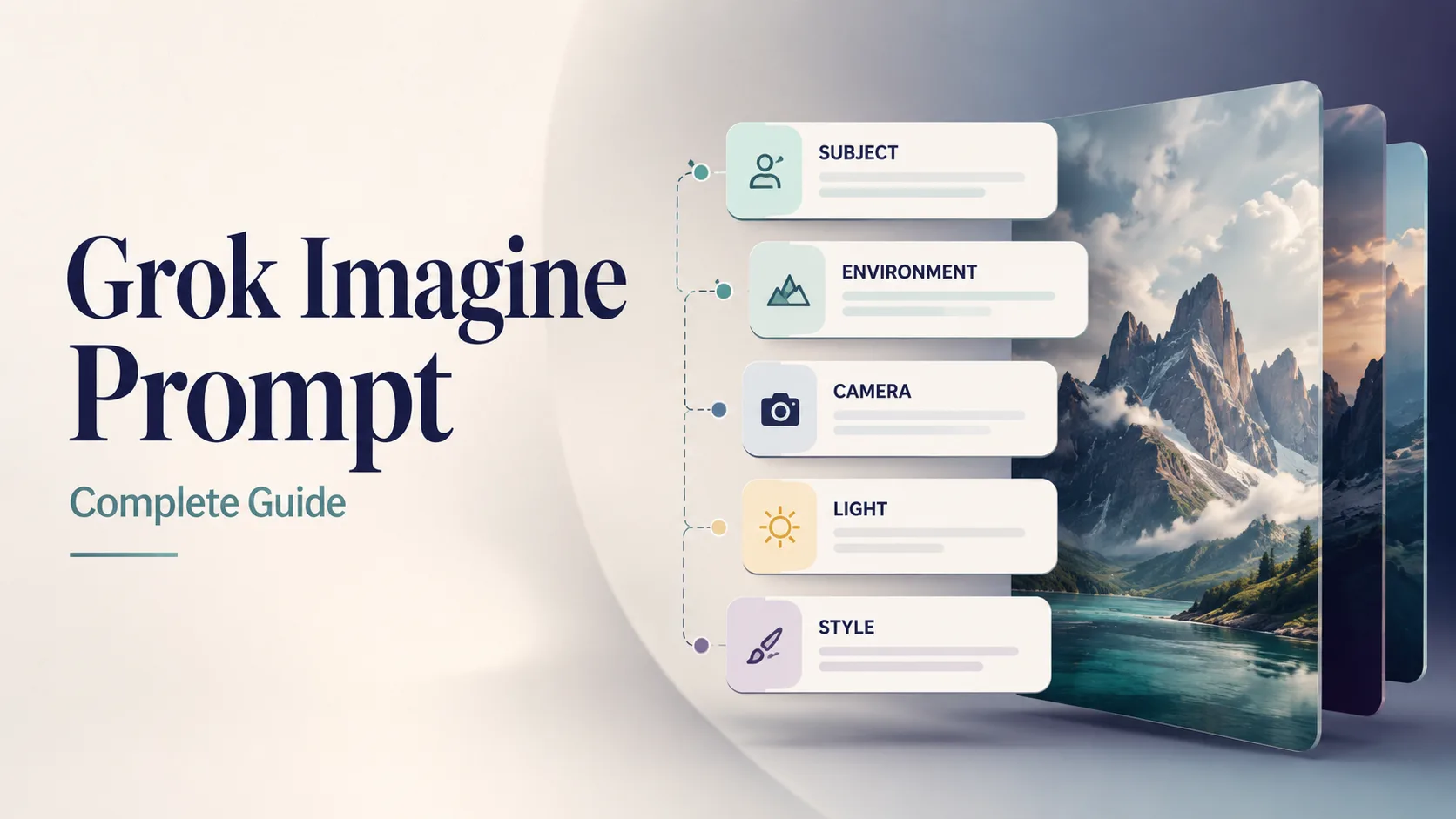
本ガイドのカバー。当サイト向けの作例。
5スロットのプロンプト構造
毎回この順。正体とシーンを前に、制約を後ろに。
| スロット | 指定すること | 弱い | 強い | | --- | --- | --- | --- | | 1. 被写体 | 誰/何 + 属性 + 動作 | “a car” | “matte black EV hatchback, three-quarter front view, doors closed” | | 2. 環境 | 場所・時間・天候・小物 | “outside” | “wet Tokyo alley at night, neon reflections on asphalt” | | 3. カメラ / 光 | レンズ・角度・照明 | “nice light” | “35mm, eye-level, soft side light + gentle rim” | | 4. スタイル | 媒体 / ジャンル / グレーディング | “cool style” | “cinematic still, teal-orange grade, film grain subtle” | | 5. 品質 + 回避 | シャープさ・文字・ネガティブ | “best quality” | “sharp focus, no watermark, no extra text, no fake logos” |
[Subject + attributes + action], [environment], [camera / lens / light], [style], [quality constraints], [exact text if any], [avoids]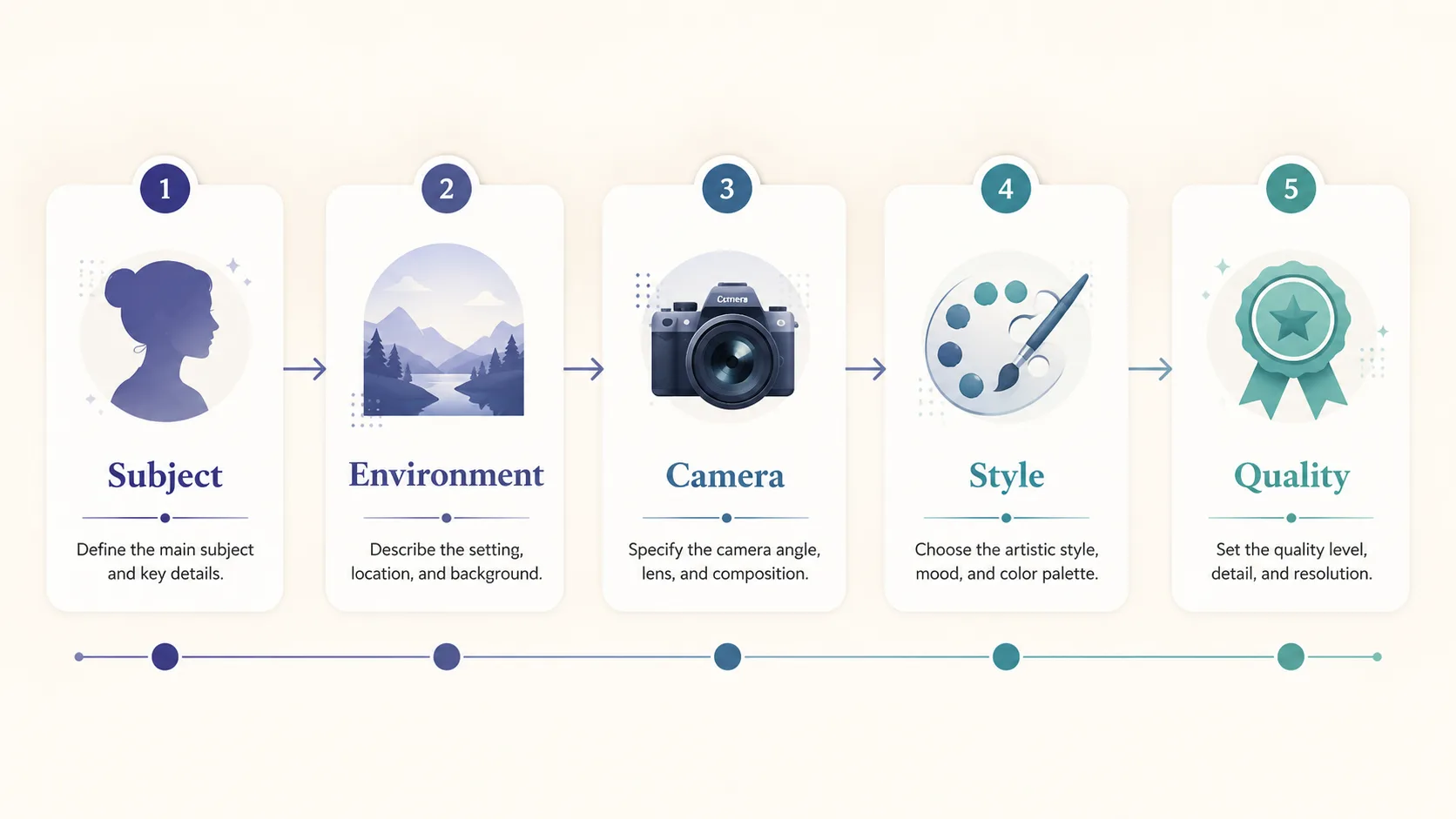
解剖図:被写体が先、品質/回避が後。
任意の第6スロット:正確な文字
画像内の読みやすい文字は短い引用文字列で:
… large exact text "SUMMER SALE", smaller exact text "Up to 40% Off", strong hierarchy, sharp small text …Image 2.0 はデザイナー級タイポを強調(xAI)。短いほど成功率↑。
曖昧 vs 具体(いちばん効く比較)
| | 曖昧 | 具体 |
| --- | --- | --- |
| Prompt | a woman in a park | 30-year-old East Asian woman in a camel wool coat walking through golden autumn maple trees on a Tokyo park path, warm late-afternoon side light, 85mm shallow depth of field, cinematic color grade, natural skin texture, elegant magazine photography, no watermark |
| モデルが埋める穴 | 年齢・服装・季節・レンズ・グレード | 重要点はほぼ決定済み |
| 典型結果 | 汎用ストック感 | 方向性のある keeper |
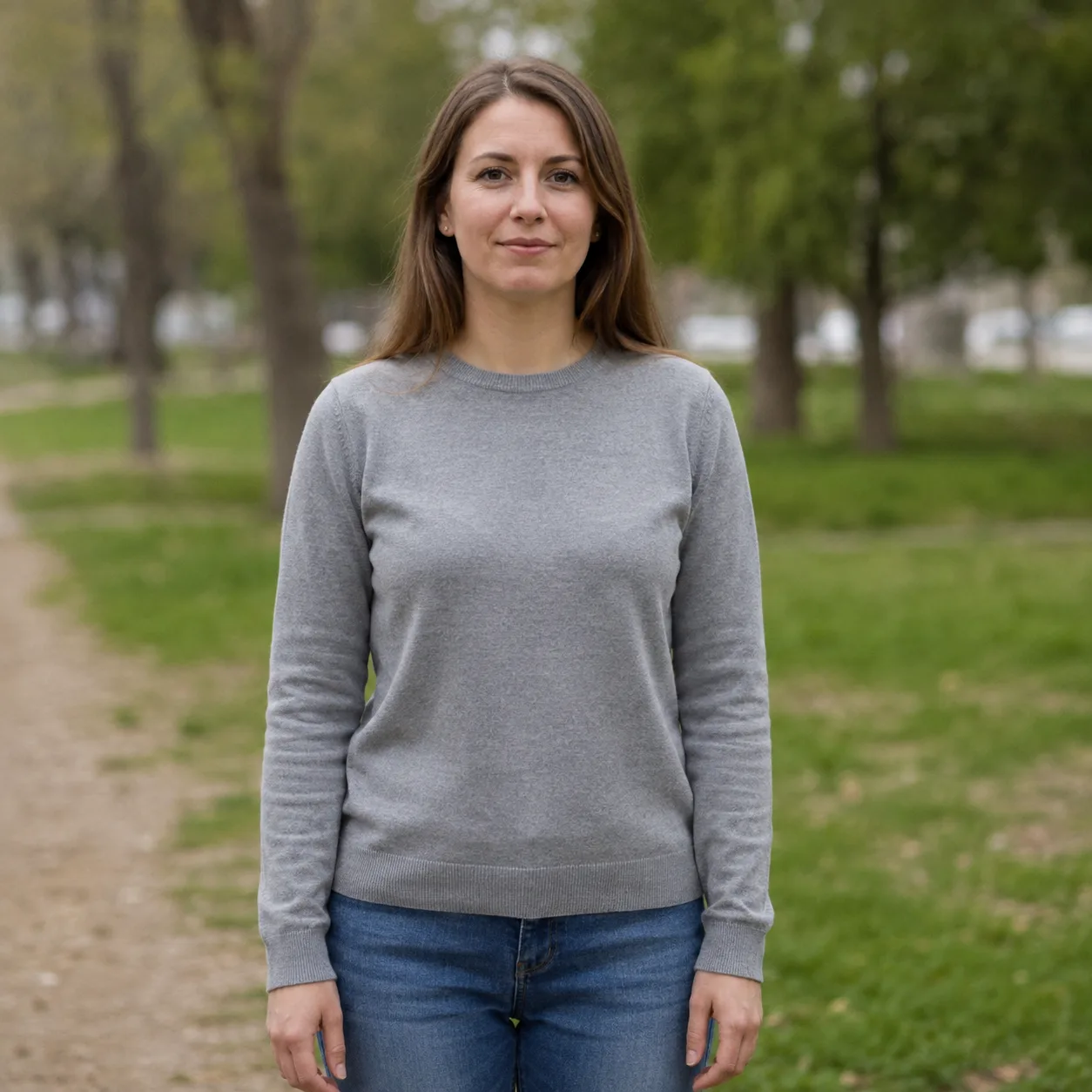
曖昧:“a woman in a park”。平坦な光。
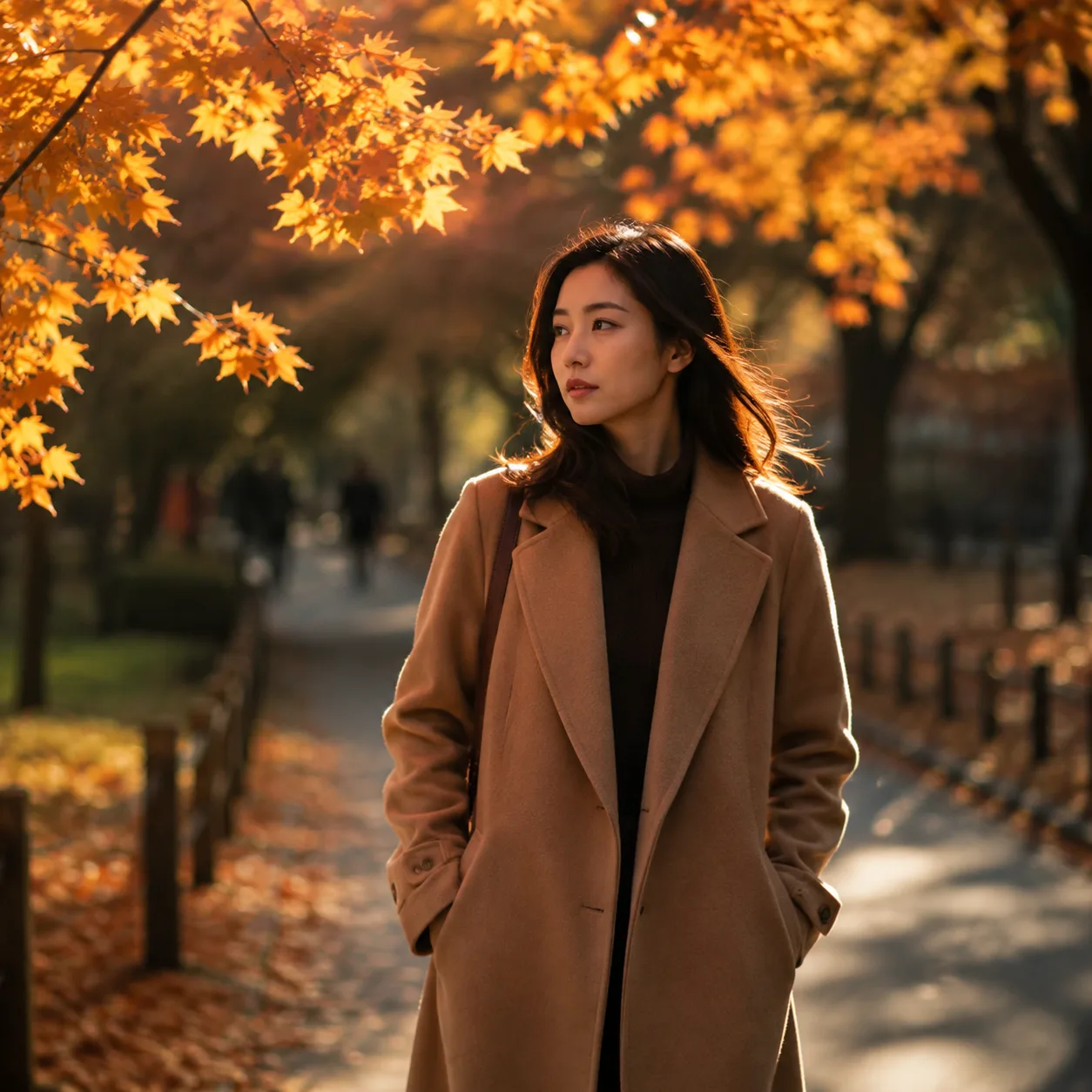
具体化:被写体 + 季節 + 85mm + grade。
ルール: 撮影前にカメラマンが聞くことはプロンプトに書く。
コピペ用 Grok Imagine プロンプト 12本
プロンプト本文は 英語のまま(モデルに有利)。ジェネレーター にそのまま貼る。
1 — 商品ヒーロー
Premium product photo of matte black wireless headphones on seamless soft gray backdrop, three-point studio light, crisp material detail, centered composition, commercial catalog style, sharp focus, no text, no watermark, no logos当サイトで試す → Open generator
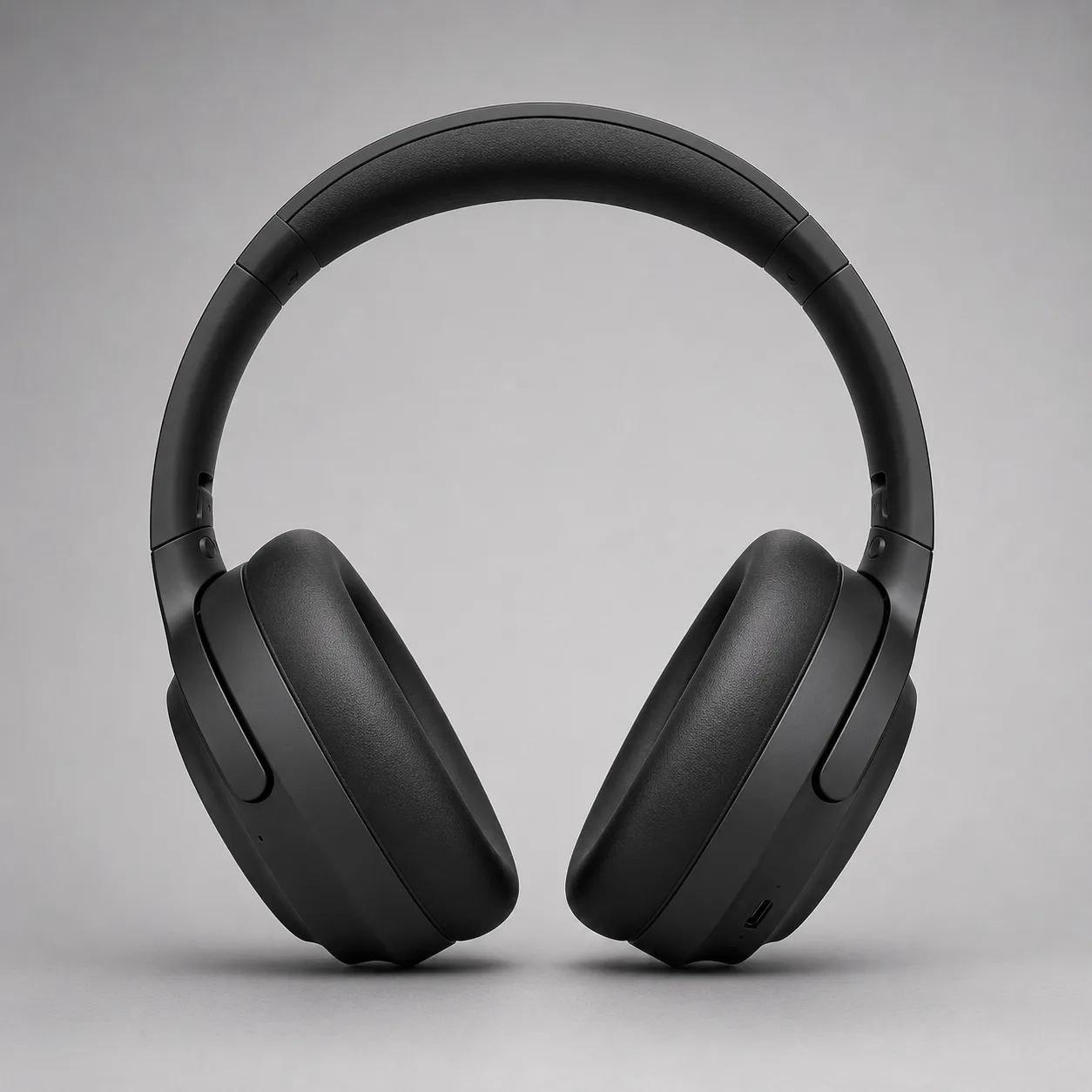
商品ヒーロー方向。本ガイド作例。
2 — プロ頭身ショット
Professional LinkedIn headshot of a confident mid-30s Black man in a navy blazer, soft gray studio background, Rembrandt lighting, 85mm portrait lens, sharp eyes, natural skin texture, corporate photography, no text, no watermark当サイトで試す → Open generator

ヘッドショット方向。本ガイド作例。
3 — 正確な文字入りポスター
Editorial poster, large exact text "PROMPT CRAFT", smaller exact text "Subject → Light → Style", modern Swiss graphic design, coral and teal geometric shapes on cream paper texture, strong hierarchy, sharp small text, clean margins, no fake logos, no watermark当サイトで試す → Open generator
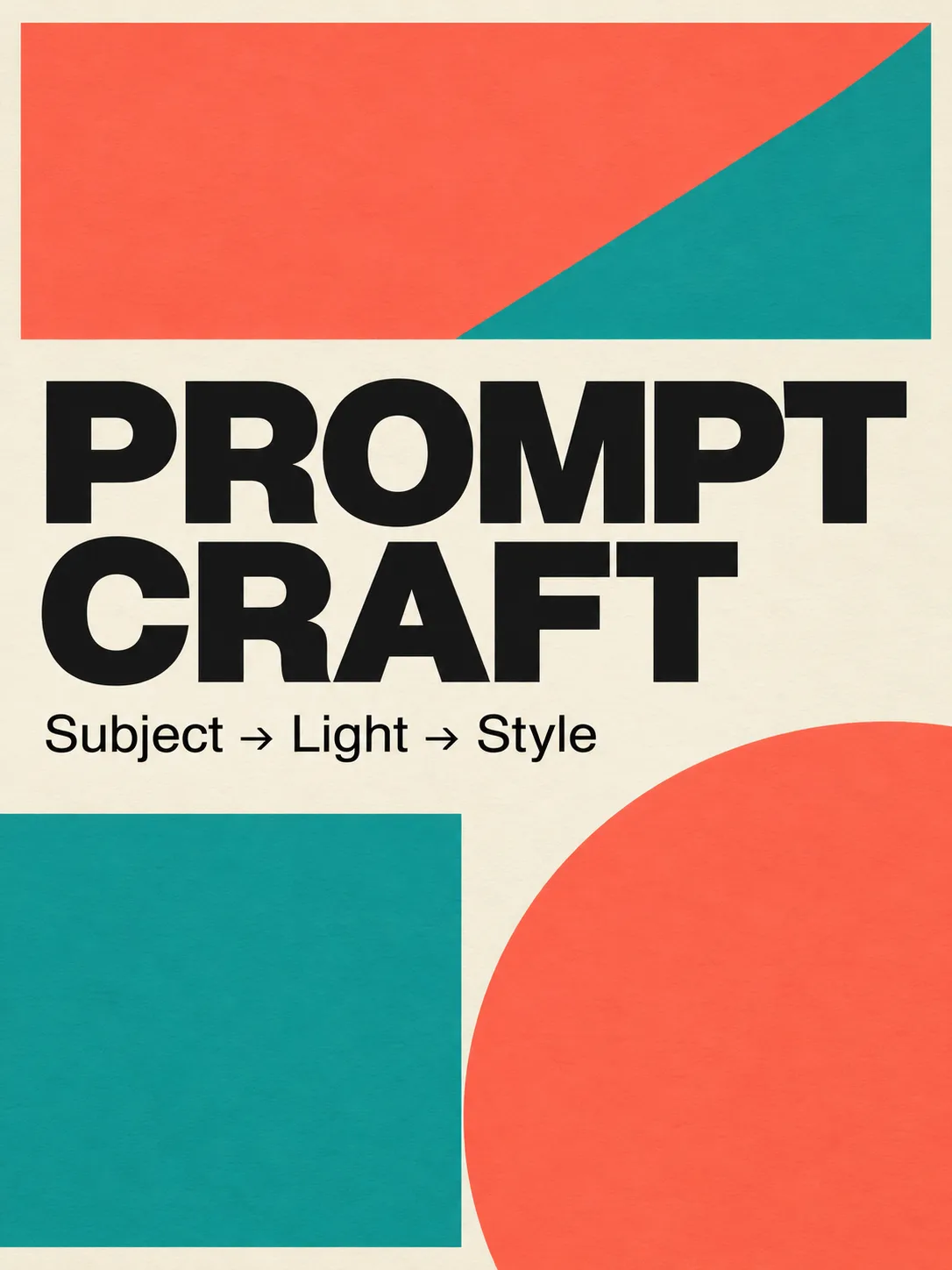
Image 2.0 の文字ストレステスト。
4 — シネマティック静画
Cinematic wide shot of a lone motorcycle rider on a desert highway at blue hour, neon motel signs far away, volumetric dust in headlights, anamorphic lens flares, teal and orange grade, film still look, highly detailed, no text, no watermark当サイトで試す → Open generator
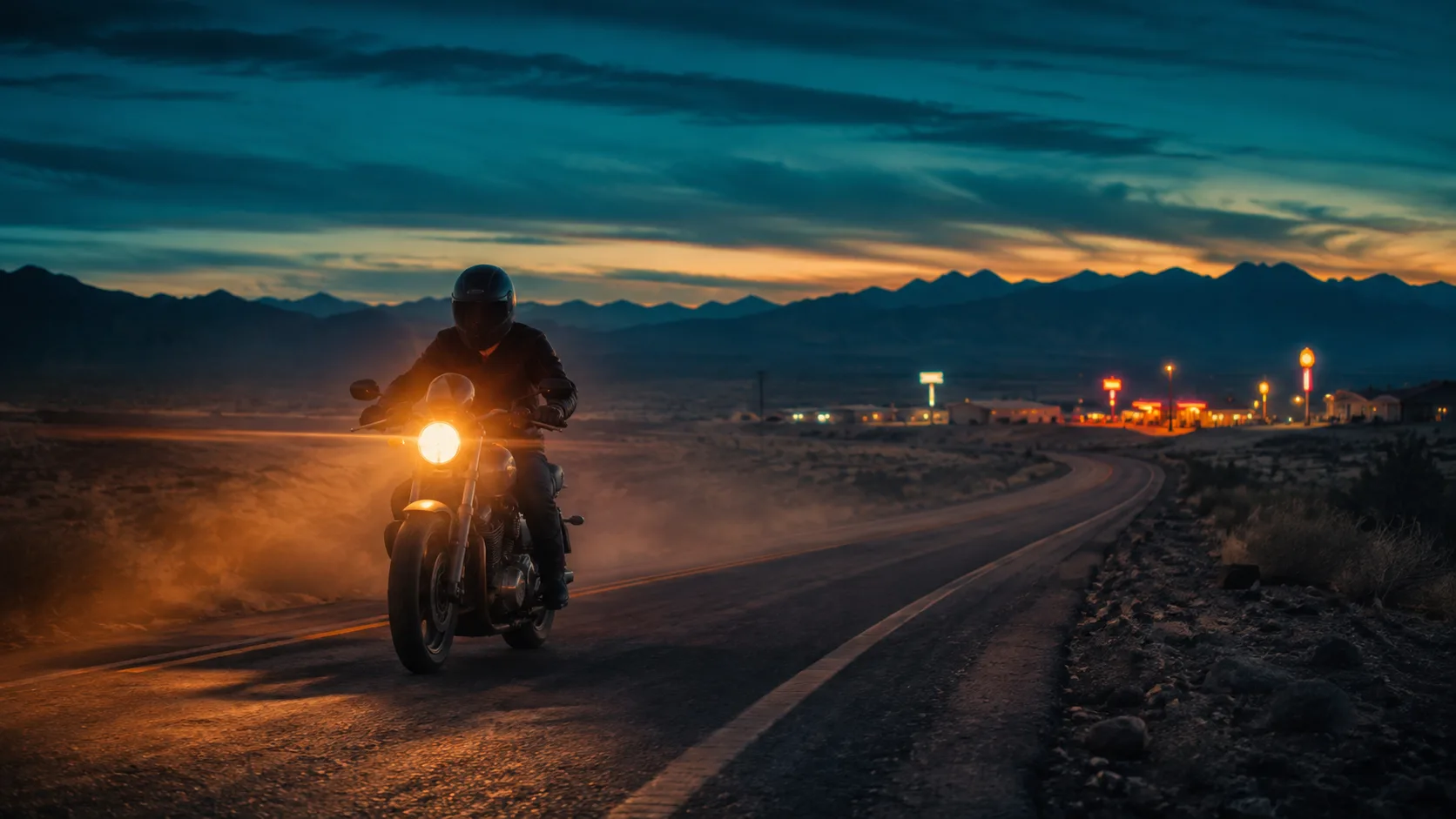
シネマティック静画の方向。
5 — フード / ライフスタイル
Overhead flat-lay of a rustic sourdough loaf, olive oil bottle, and rosemary on warm marble, soft morning window light from the left, shallow depth of field, food magazine style, appetizing color, no text, no watermark6 — シーン内アプリUI
Modern smartphone held in a hand over a wooden cafe table, screen shows a clean fitness app dashboard with charts, soft natural window light, lifestyle product photography, shallow depth of field, no brand logos, no watermark, sharp readable UI where possible7 — ゲーム小道具
Isometric fantasy game prop: crystal-hilt dagger on seamless neutral background, clean game-art style, readable silhouette, limited four-color palette indigo teal gold ivory, soft rim light, asset-sheet ready, no text, no watermark8 — 建築外観
Contemporary glass pavilion in a misty pine forest at dawn, long exposure soft fog, 24mm wide angle, architectural photography, cool blue hour palette, sharp glass reflections, no people, no text, no watermark9 — ファッションエディトリアル
Full-body fashion editorial of a model in an oversized charcoal trench coat on a windy rooftop at dusk, city skyline bokeh, 50mm, dramatic side light, high-fashion magazine look, natural fabric motion, no logos, no watermark10 — インフォ用アイコン
Single flat vector-style icon of a glowing lightbulb with a small leaf motif, centered on soft ivory background, thick clean outline, muted indigo and teal fills, app-icon ready, no text, no watermark11 — 児童向けイラスト
Soft children's book illustration of a small fox reading under a mushroom, warm watercolor texture, gentle pastel palette, cozy night atmosphere with fireflies, storybook composition, no scary elements, no text, no watermark12 — Precise Edit 用ベース
Clean studio photo of a red ceramic mug on a white table, soft even light, centered, product-photo simplicity, sharp edges, empty background, no text, no watermark — leave room for later color or logo edits良いベースができたら全面再生成より局所編集—Precise Edit。
反復ループ(10分)
- 画像ジェネレーター を開く。
- Prompt 1–4 のどれかを無修正で貼り、1回生成。
- 採点:被写体 / 光 / スタイル / 文字。
- スロットは1つだけ変える。
- 局所だけ悪いなら Magic Wand / セグメント(Image 2.0 ガイド)。
- keeper を保存。ほぼ同じものは捨てる。
よくあるプロンプト失敗
| 失敗 | 理由 | 修正 | | --- | --- | --- | | 形容詞スープ | 被写体/光が埋もれる | スタイル1行 + カメラ/光 | | カメラ語がない | 構図がランダム | レンズ + 角度 + DOF | | 画面内テキストが長い | タイポ崩壊 | 層あたり2–6語 | | 否定が文中 | 意図が混線 | 末尾に no X, no Y | | 変数を一度に5つ | 何が効いたか不明 | 1ラン1変数 | | 回避なし | 透かし / 余分な指 | no watermark… を明示 |
分かっていること / 断言しないこと
分かっている(出典あり):
- Image 2.0 は 2026-08-07 に Quality Mode として一般提供(xAI)。
- 公式目標:指示追従、デザイナー級タイポ、編集間の保持(xAI)。
- 編集:Magic Wand、セグメンテーション、背景除去、マルチ参照(最大 5)、スマートリサイズ(xAI)。
再確認なしでは書かない:
- 無料枠やアプリ機能は変わる—UIで確認。
- Arena 順位は変動(xAI)。
FAQ
良い Grok Imagine プロンプトの書き方は?
5スロット:被写体 → 環境 → カメラ/光 → スタイル → 品質/回避。必要なら短い正確な文字。ジェネレーター に貼る。
Image 2.0 の最適構造は?
正体と動作を先に。場所と光、スタイル、制約の順。細部追従向け(xAI)。
なぜ “a woman in a park” は弱い?
年齢・服装・季節・レンズが未指定。属性 + 光 + レンズ + スタイルで書き直す。
プロンプトは英語必須?
現状英語が最も安定。UI/注釈は母語可。本文は英語推奨。
何本試すべき?
強いベース1本 + 制御変体3本。本ページ12本で主要用途をカバー。
一部だけ直せる?
構図が良ければ局所編集優先。Precise Edit。
どこで生成する?
当サイトの無料 ジェネレーター。公式面は参考(xAI)。主 CTA は当サイト。
2.0 は文字に効く?
xAI は小文字のシャープさとレイアウトを強調(xAI)。短い階層的コピーを(Prompt 3)。
Riley Chen について
Riley Chen は当サイトで Grok Imagine Image 2.0 の実践ワークフローを書く—ローンチ機能をその日に回せるブラウザ手順に落とします。