TLDR
- 형용사 나열보다 구조. 순서: 주제 → 환경 → 카메라/빛 → 스타일 → 품질(+ 정확한 텍스트 + 회피).
- Image 2.0은 디테일을 따릅니다. 실무 창작용(xAI).
- 모호 vs 구체가 핵심 실패 모드. “a woman in a park”는 포즈·빛·렌즈가 비어 있음.
- 실행당 변수 하나. 구도를 고정한 뒤 빛/색을 바꿉니다.
- 여기서 먼저: 이미지 생성기가 본 가이드 메인 CTA.
핵심 요약
- 프롬프트를 촬영 브리프로 쓰세요.
- Quality Mode는 쓸 수 있는 스틸/편집 지향(xAI).
- 화면 텍스트는 짧게 따옴표로(xAI).
- 회피 항목은 문장 끝.
- 국소 수정: Precise Edit + Image 2.0 가이드.
- 본 사이트 기본: Grok Imagine Image 2 → /image.
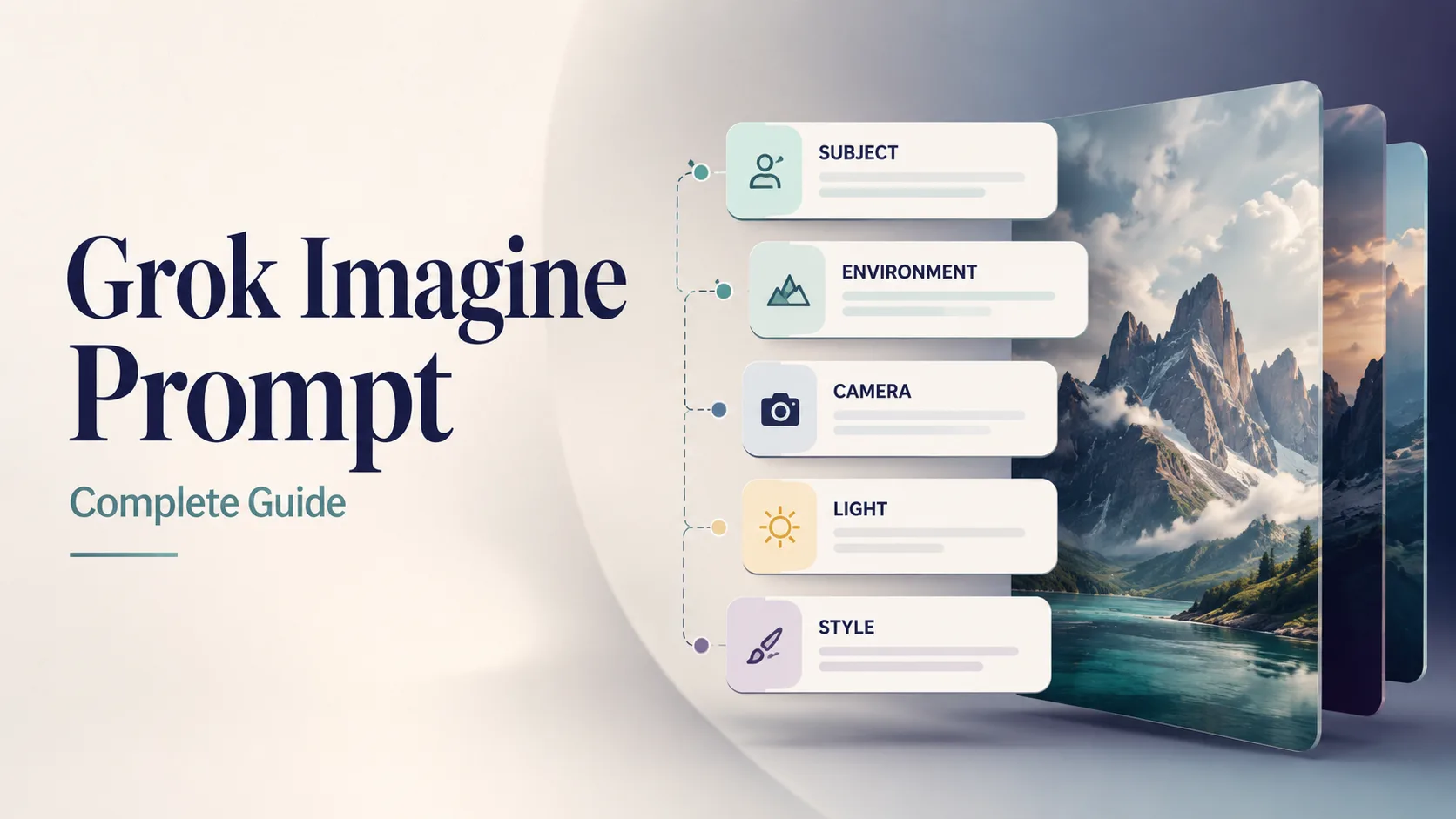
본 가이드 커버. 본 사이트 예시 비주얼.
5슬롯 프롬프트 구조
항상 이 순서. 정체성·장면 앞, 제약 뒤.
| 슬롯 | 무엇을 명시 | 약함 | 강함 | | --- | --- | --- | --- | | 1. 주제 | 누구/무엇 + 속성 + 동작 | “a car” | “matte black EV hatchback, three-quarter front view, doors closed” | | 2. 환경 | 장소, 시간, 날씨, 소품 | “outside” | “wet Tokyo alley at night, neon reflections on asphalt” | | 3. 카메라 / 빛 | 렌즈, 각도, 조명 | “nice light” | “35mm, eye-level, soft side light + gentle rim” | | 4. 스타일 | 매체 / 장르 / 그레이드 | “cool style” | “cinematic still, teal-orange grade, film grain subtle” | | 5. 품질 + 회피 | 선명도, 텍스트, 네거티브 | “best quality” | “sharp focus, no watermark, no extra text, no fake logos” |
[Subject + attributes + action], [environment], [camera / lens / light], [style], [quality constraints], [exact text if any], [avoids]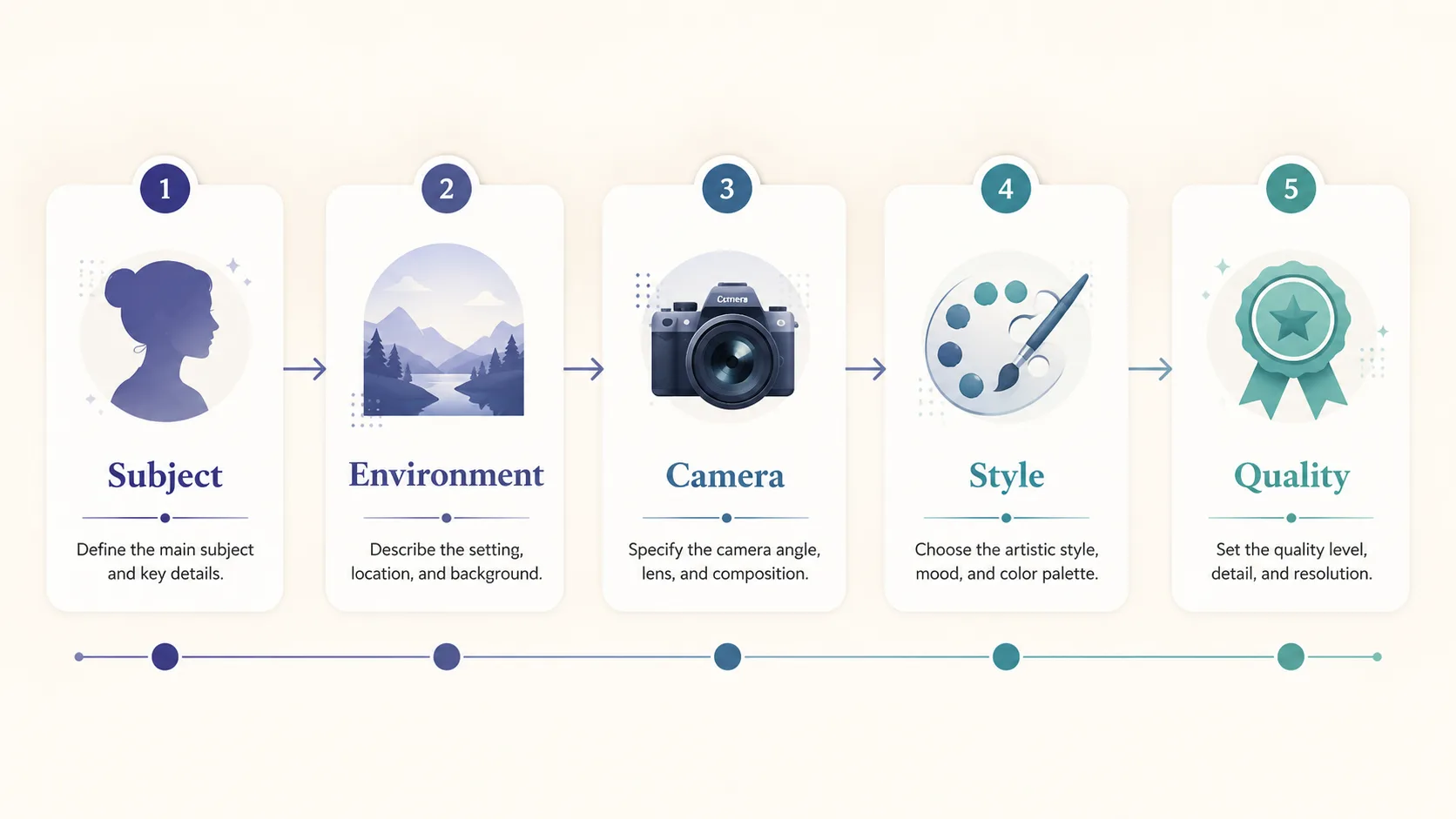
해부: 주제 먼저, 품질/회피 마지막.
선택 6번째 슬롯: 정확한 텍스트
이미지 안 읽히는 글자는 짧은 인용 문자열:
… large exact text "SUMMER SALE", smaller exact text "Up to 40% Off", strong hierarchy, sharp small text …Image 2.0은 디자이너급 타이포를 강조(xAI). 짧을수록 성공률↑.
모호 vs 구체 (가장 중요한 비교)
| | 모호 | 구체 |
| --- | --- | --- |
| Prompt | a woman in a park | 30-year-old East Asian woman in a camel wool coat walking through golden autumn maple trees on a Tokyo park path, warm late-afternoon side light, 85mm shallow depth of field, cinematic color grade, natural skin texture, elegant magazine photography, no watermark |
| 모델이 메우는 구멍 | 나이, 룩, 계절, 렌즈, 그레이드 | 핵심은 이미 결정됨 |
| 전형 결과 | 범용 스톡감 | 방향성 있는 keeper |
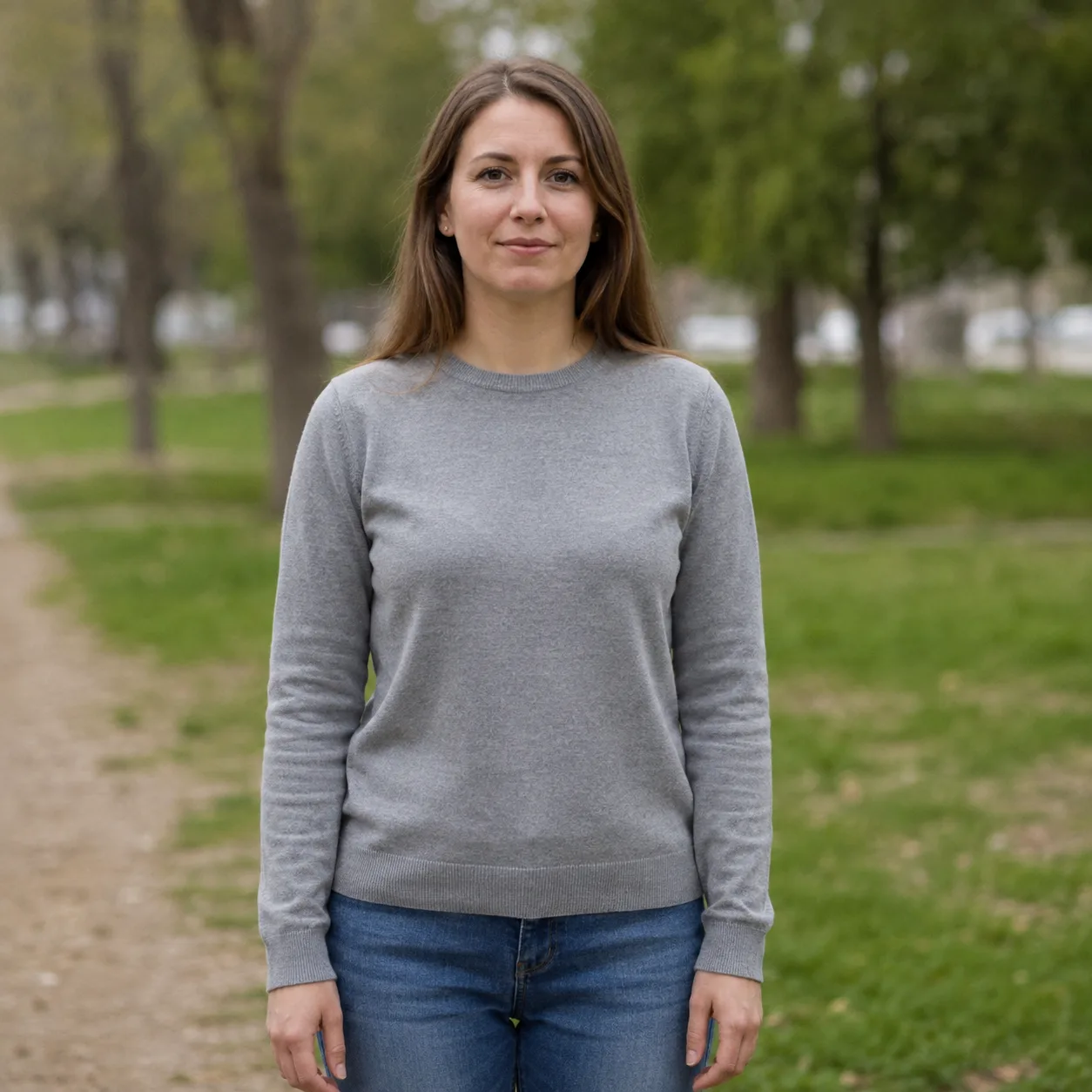
모호: “a woman in a park”. 평평한 빛.
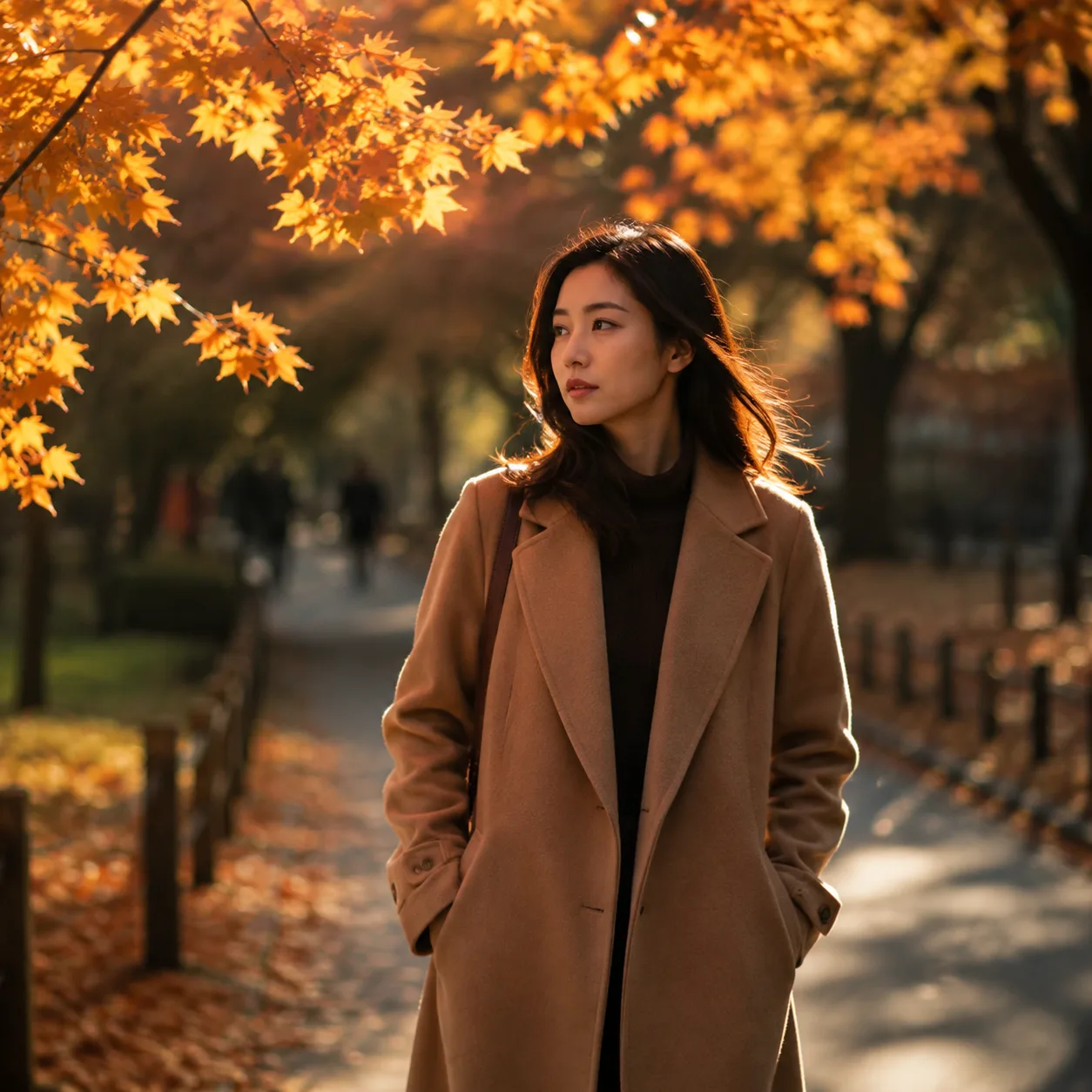
구체 재작성: 주제 + 계절 + 85mm + grade.
규칙: 촬영 전 사진작가가 물어볼 내용은 프롬프트에 넣으세요.
복사 가능한 Grok Imagine 프롬프트 12개
프롬프트 본문은 영어 유지(모델에 유리). 생성기에 그대로 붙여 넣기.
1 — 제품 히어로
Premium product photo of matte black wireless headphones on seamless soft gray backdrop, three-point studio light, crisp material detail, centered composition, commercial catalog style, sharp focus, no text, no watermark, no logos본 사이트에서 시험 → Open generator
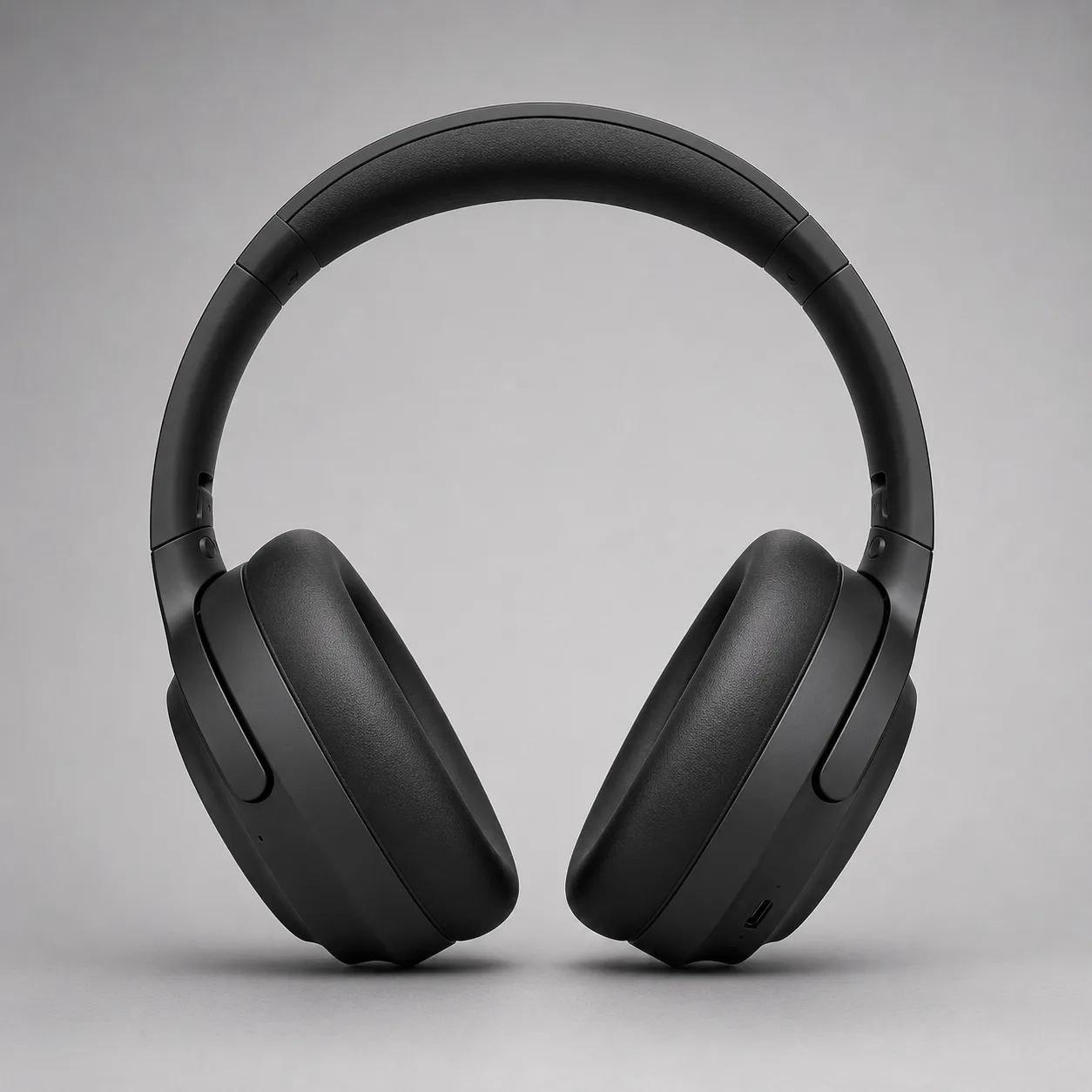
제품 히어로 방향. 본 가이드 예시.
2 — 프로 헤드샷
Professional LinkedIn headshot of a confident mid-30s Black man in a navy blazer, soft gray studio background, Rembrandt lighting, 85mm portrait lens, sharp eyes, natural skin texture, corporate photography, no text, no watermark본 사이트에서 시험 → Open generator

헤드샷 방향. 본 가이드 예시.
3 — 정확한 텍스트 포스터
Editorial poster, large exact text "PROMPT CRAFT", smaller exact text "Subject → Light → Style", modern Swiss graphic design, coral and teal geometric shapes on cream paper texture, strong hierarchy, sharp small text, clean margins, no fake logos, no watermark본 사이트에서 시험 → Open generator
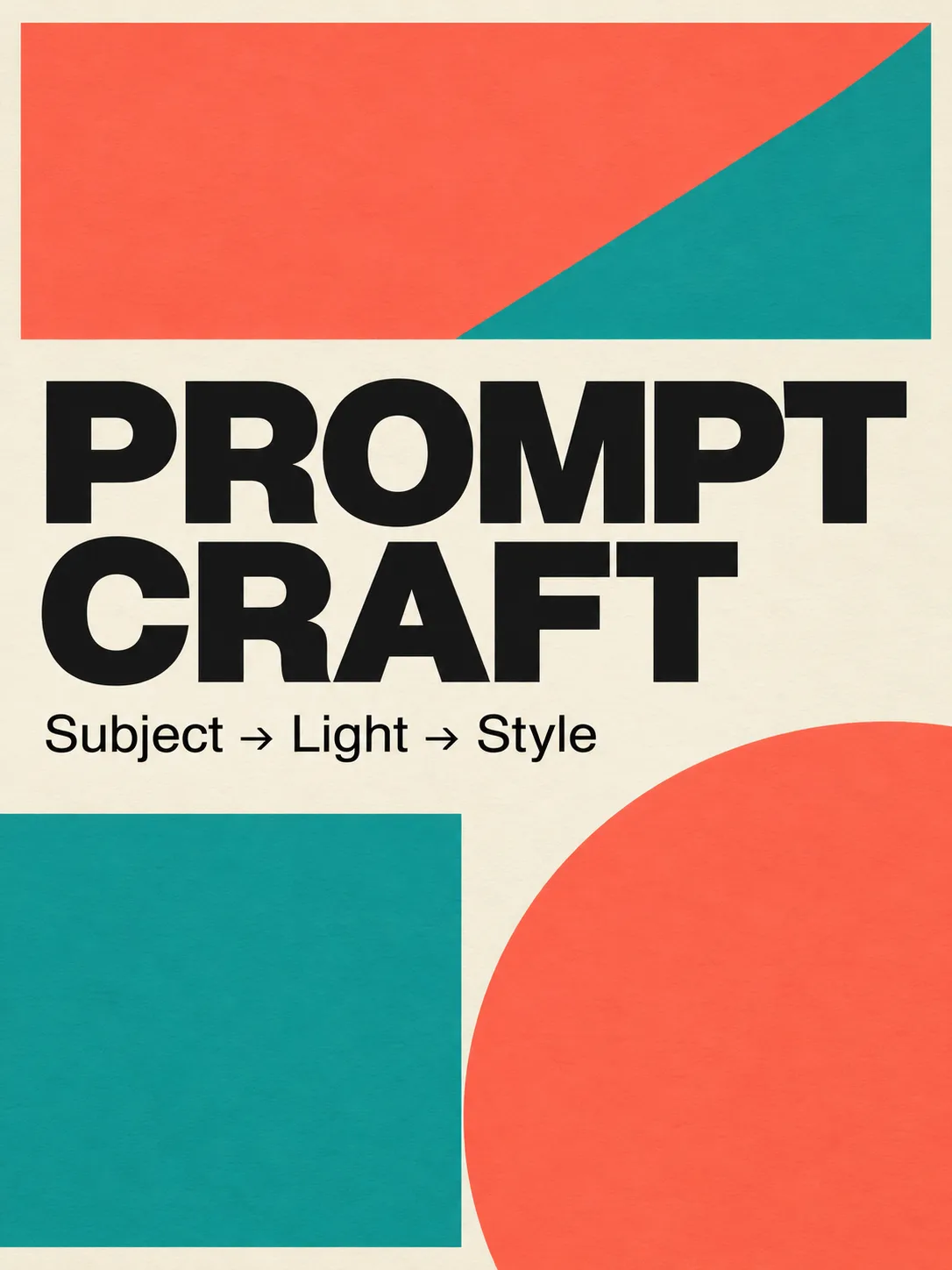
Image 2.0 타이포 스트레스 테스트.
4 — 시네마틱 스틸
Cinematic wide shot of a lone motorcycle rider on a desert highway at blue hour, neon motel signs far away, volumetric dust in headlights, anamorphic lens flares, teal and orange grade, film still look, highly detailed, no text, no watermark본 사이트에서 시험 → Open generator
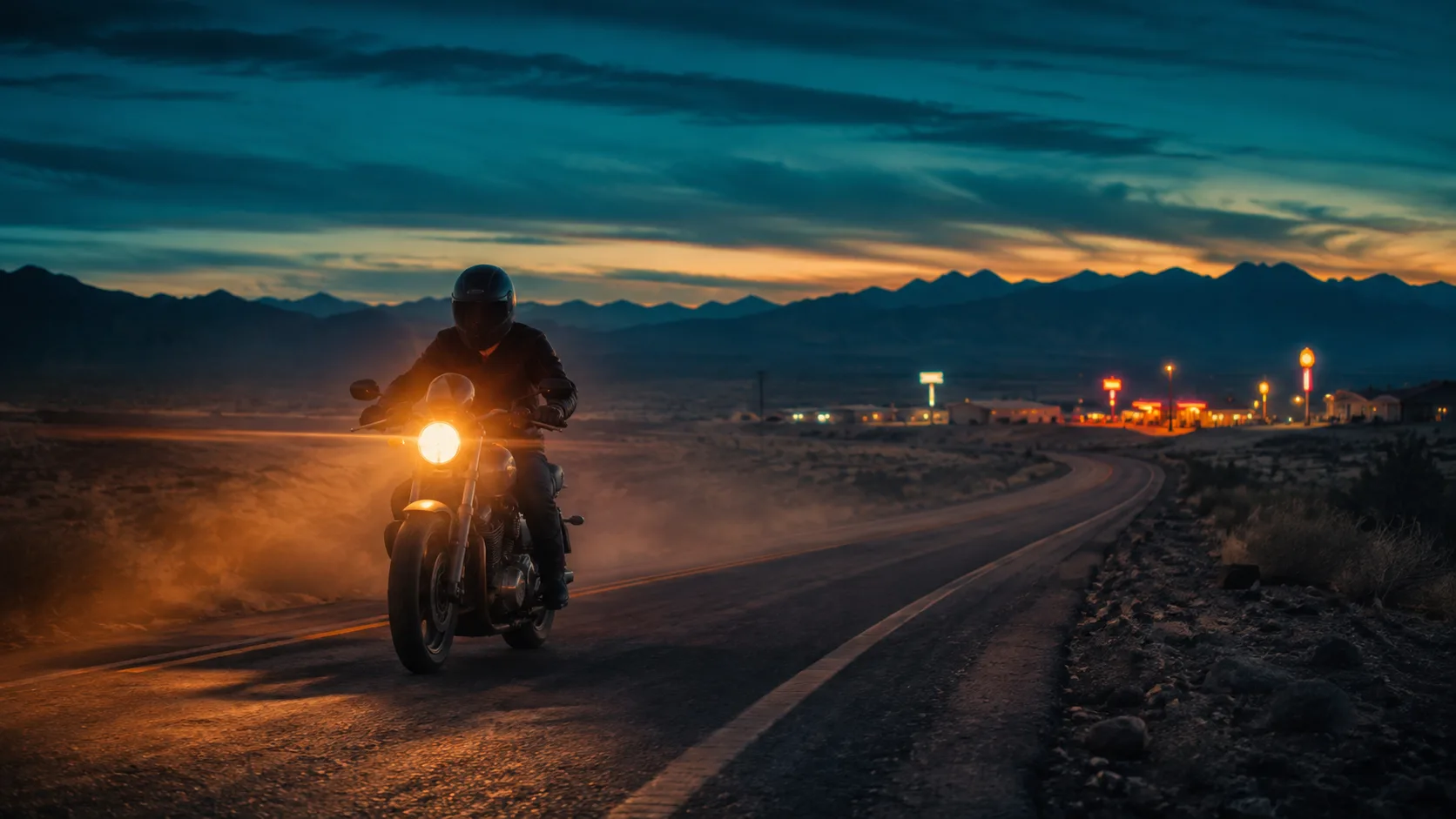
시네마틱 스틸 방향.
5 — 푸드 / 라이프스타일
Overhead flat-lay of a rustic sourdough loaf, olive oil bottle, and rosemary on warm marble, soft morning window light from the left, shallow depth of field, food magazine style, appetizing color, no text, no watermark6 — 장면 속 앱 UI
Modern smartphone held in a hand over a wooden cafe table, screen shows a clean fitness app dashboard with charts, soft natural window light, lifestyle product photography, shallow depth of field, no brand logos, no watermark, sharp readable UI where possible7 — 게임 소품
Isometric fantasy game prop: crystal-hilt dagger on seamless neutral background, clean game-art style, readable silhouette, limited four-color palette indigo teal gold ivory, soft rim light, asset-sheet ready, no text, no watermark8 — 건축 외관
Contemporary glass pavilion in a misty pine forest at dawn, long exposure soft fog, 24mm wide angle, architectural photography, cool blue hour palette, sharp glass reflections, no people, no text, no watermark9 — 패션 에디토리얼
Full-body fashion editorial of a model in an oversized charcoal trench coat on a windy rooftop at dusk, city skyline bokeh, 50mm, dramatic side light, high-fashion magazine look, natural fabric motion, no logos, no watermark10 — 인포 아이콘
Single flat vector-style icon of a glowing lightbulb with a small leaf motif, centered on soft ivory background, thick clean outline, muted indigo and teal fills, app-icon ready, no text, no watermark11 — 아동 일러스트
Soft children's book illustration of a small fox reading under a mushroom, warm watercolor texture, gentle pastel palette, cozy night atmosphere with fireflies, storybook composition, no scary elements, no text, no watermark12 — Precise Edit용 베이스
Clean studio photo of a red ceramic mug on a white table, soft even light, centered, product-photo simplicity, sharp edges, empty background, no text, no watermark — leave room for later color or logo edits좋은 베이스 이후에는 전체 재생성보다 국소 편집—Precise Edit.
반복 루프 (10분)
- 이미지 생성기 열기.
- Prompt 1–4 중 하나를 수정 없이 붙여 넣고 1회 생성.
- 점수: 주제 / 빛 / 스타일 / 텍스트.
- 슬롯 하나만 변경.
- 국소만 틀리면 Magic Wand / 세그먼트(Image 2.0 가이드).
- keeper 저장. 거의 같은 건 버리기.
흔한 프롬프트 실수
| 실수 | 실패 이유 | 고치는 법 | | --- | --- | --- | | 형용사 수프 | 주제/빛이 밀림 | 스타일 한 줄 + 카메라/빛 | | 카메라 언어 부재 | 랜덤 구도 | 렌즈 + 각도 + DOF | | 화면 텍스트가 김 | 타이포 붕괴 | 레이어당 2–6단어 | | 부정어 문장 중간 | 의도 혼선 | 끝에 no X, no Y | | 변수 5개 동시 변경 | 학습 불가 | 런당 1변수 | | 회피 없음 | 워터마크 / 여분 손가락 | no watermark… 명시 |
아는 것 vs 단언하지 않는 것
아는 것 (출처):
- Image 2.0은 2026-08-07 Quality Mode로 일반 제공(xAI).
- 공식 목표: 지시 추종, 디자이너급 타이포, 편집 간 보존(xAI).
- 편집 스택: Magic Wand, 세그먼트, 배경 제거, 멀티 참조(최대 5), 스마트 리사이즈(xAI).
재확인 없이 쓰지 말 것:
- 무료 한도·앱 플래그는 변함—UI 확인.
- Arena 순위는 변동(xAI).
FAQ
좋은 Grok Imagine 프롬프트 쓰는 법?
5슬롯: 주제 → 환경 → 카메라/빛 → 스타일 → 품질/회피. 필요 시 짧은 정확한 텍스트. 생성기에 붙여 넣기.
Image 2.0 최적 구조?
정체성·동작 먼저, 장소·빛, 스타일, 제약. 디테일 추종용(xAI).
왜 “a woman in a park”가 약할까?
나이·옷·계절·렌즈 미지정. 속성+빛+렌즈+스타일로 재작성.
영어 필수?
현재 영어가 가장 안정. UI/주석은 모국어, 본문은 EN 권장.
몇 개 시험?
강한 베이스 1 + 통제 변형 3. 본 페이지 12개가 주요 용도 커버.
일부만 고칠 수 있나?
구도가 좋으면 국소 편집 우선. Precise Edit.
어디서 생성?
본 사이트 무료 생성기. 공식 면은 참고(xAI). 메인 CTA=본 사이트.
2.0이 글자에 도움?
xAI는 작은 글자 선명도·레이아웃 강조(xAI). 짧은 계층 카피(Prompt 3).
Riley Chen 소개
Riley Chen은 본 사이트에서 Grok Imagine Image 2.0 실무 워크플로를 씁니다—출시 기능을 당일 실행 가능한 브라우저 단계로 바꿉니다.