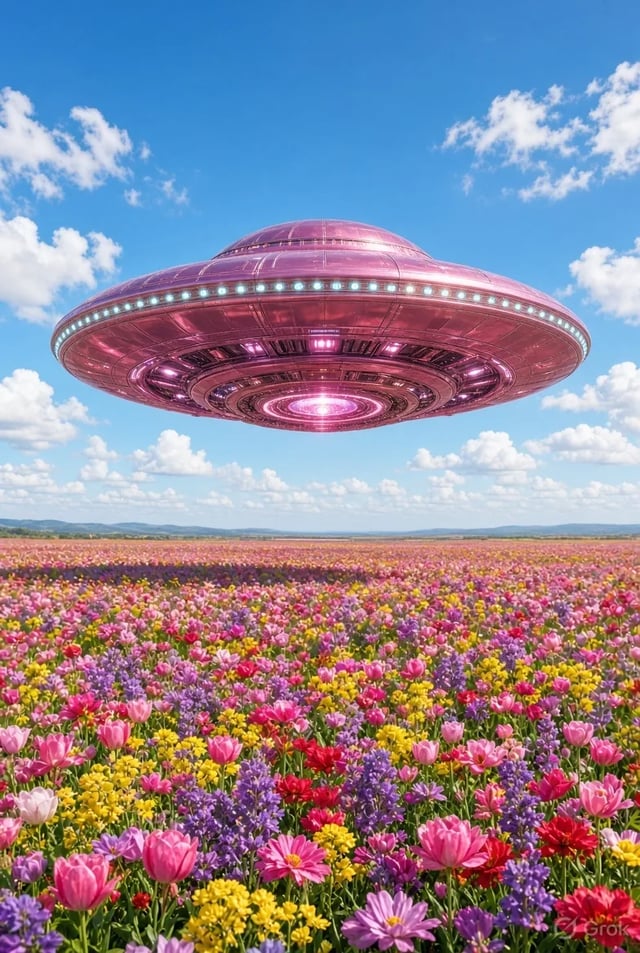
Monteurs short-form
Coupez des accroches et transitions de 3–8 secondes sans journée de tournage. Grok Imagine Video sert le clip dont vous avez besoin ce soir, pas le rendu d'un épisode entier.
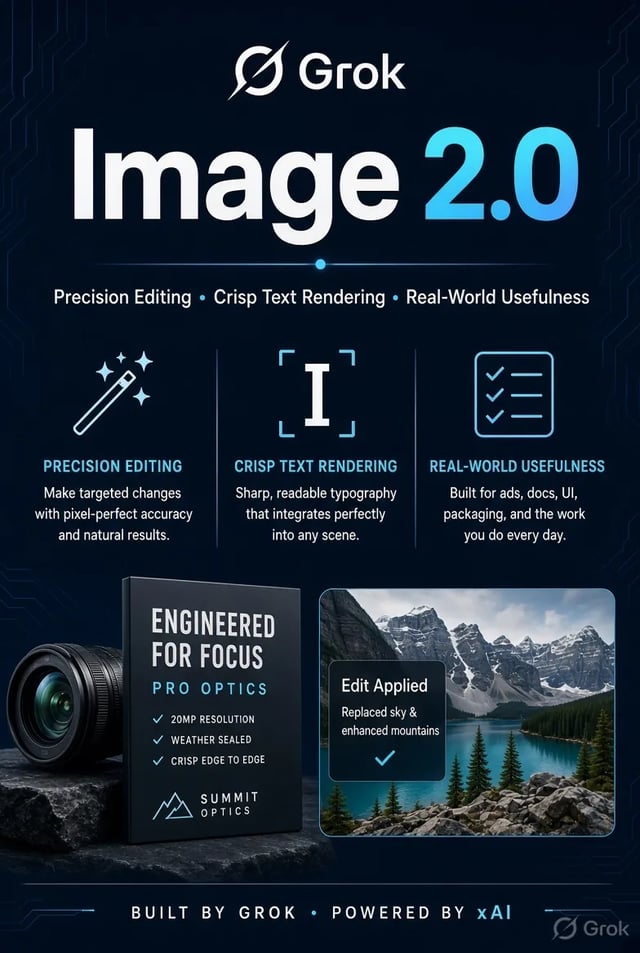
 Grok Imagine Image 2.0
Texte vers vidéo et image vers vidéo avec Video 1.5 présélectionné — brouillons 480p, finition 720p, longueurs adaptées au social.
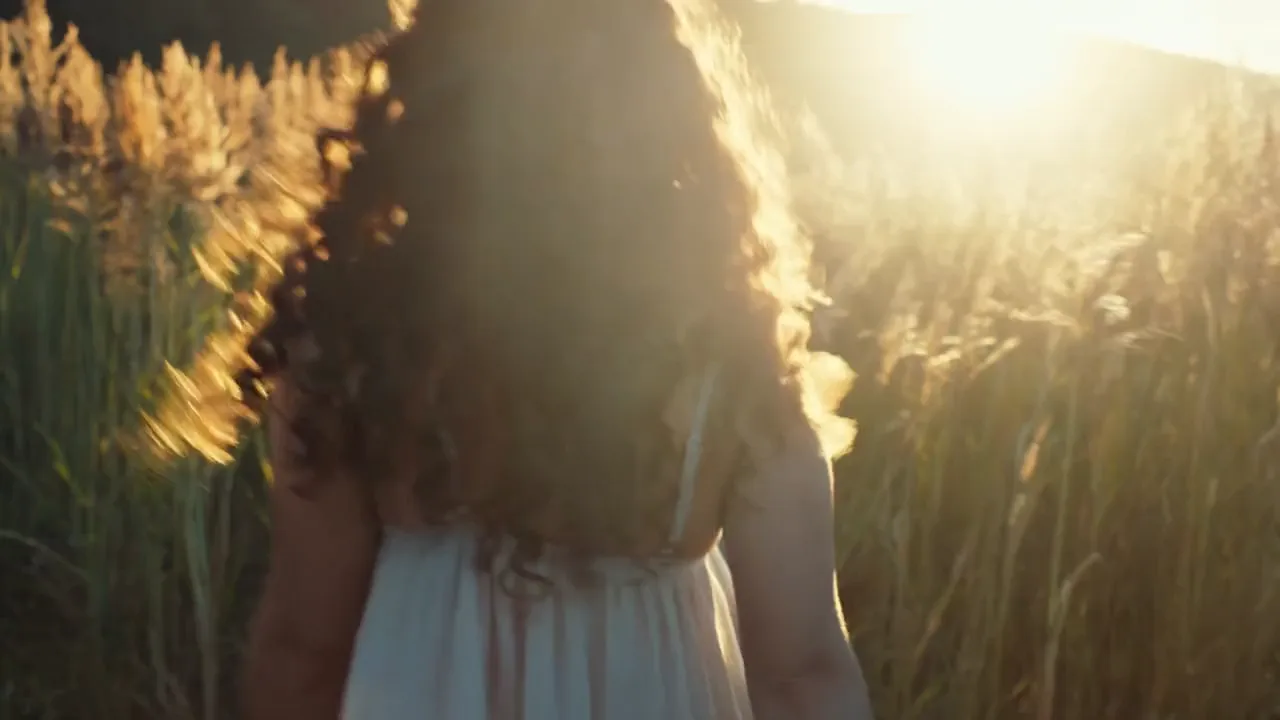
Golden hour shot. A young woman with curly hair walking in a field of tall grass turns back to look at the camera and smiles genuinely. The low sun is behind her, creating a beautiful rim light (backlight) on her hair. Dust motes dancing in the light. Handheld camera feel, warm and nostalgic.
 Exemple officiel
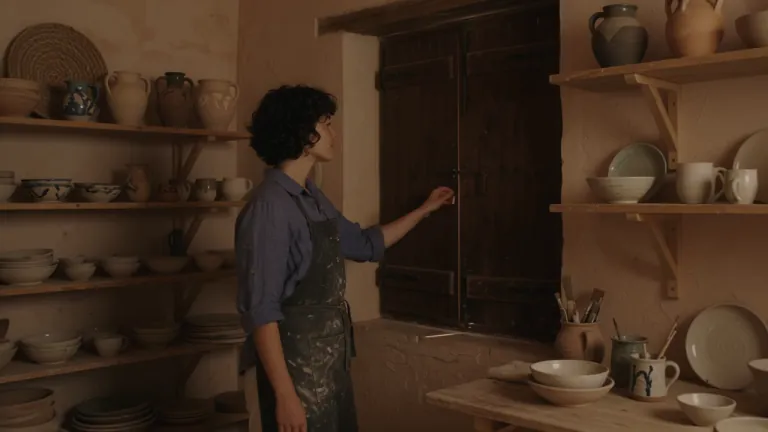
Cinematic travel editorial film following a young ceramic artist opening her seaside workshop at sunrise. She has short curly dark hair, freckles and a relaxed, thoughtful expression. She wears a faded indigo linen shirt with rolled sleeves, cream trousers and a clay-stained canvas apron. The workshop sits inside a weathered Mediterranean building: pale peach plaster walls, arched windows, wooden shelves filled with handmade bowls, a pottery wheel and a small courtyard overlooking the sea. Morning sunlight streams through the windows, catching suspended dust and illuminating the translucent edges of unfinished porcelain. A restrained palette of terracotta, indigo, warm ivory and sea green. Tactile details: wet clay, woven linen, chipped paint and rippling water. Camera movement is quiet and deliberate, alternating intimate 85mm close-ups with wider 35mm environmental compositions. Shallow depth of field for hands and objects, deeper focus when revealing the workshop. Warm natural highlights, soft blue shadows, subtle film grain and gentle highlight bloom. Movements feel observed rather than performed. Maintain the same artist, wardrobe, pottery and workshop throughout. No dialogue, text or logos. An independent craft magazine brought to life. Shot-by-shot beat sheet — five sequential beats, compressed to fit the selected clip duration: 1. OPENING THE WORKSHOP From inside the dim workshop, the camera slowly pushes toward a closed wooden shutter. The artist opens it, letting golden sunlight sweep across the room. She pauses with one hand on the frame, looking toward the sea. Medium-wide composition, soft backlight outlining her curls. 2. PREPARING THE CLAY Close-up of her hands pressing a lump of wet clay onto the pottery wheel. Her fingers leave distinct impressions before smoothing the surface. A slow lateral camera slide reveals a shallow bowl of cloudy water and a folded linen cloth beside the wheel. 3. SHAPING THE VESSEL Three-quarter view as she leans forward and draws the spinning clay into a small rounded vessel. The camera makes a gentle partial orbit, keeping her hands and the vessel in focus. The shape changes gradually and continuously under her fingertips. 4. INSPECTING THE FINISH She lifts a finished sea-green ceramic cup toward the window and slowly turns it, examining its uneven handmade rim. Tight close-up: sunlight travels across the glaze, revealing tiny variations in color. Her softly blurred face remains behind the cup. 5. THE FIRST QUIET MOMENT In the courtyard, she sets the cup on a worn stone table and sits beside it. A breeze moves her shirt sleeve and the leaves of a nearby olive tree. The camera slowly pulls back through the doorway, framing her against the morning sea. Hold the final composition for a quiet beat.
 Exemple officiel
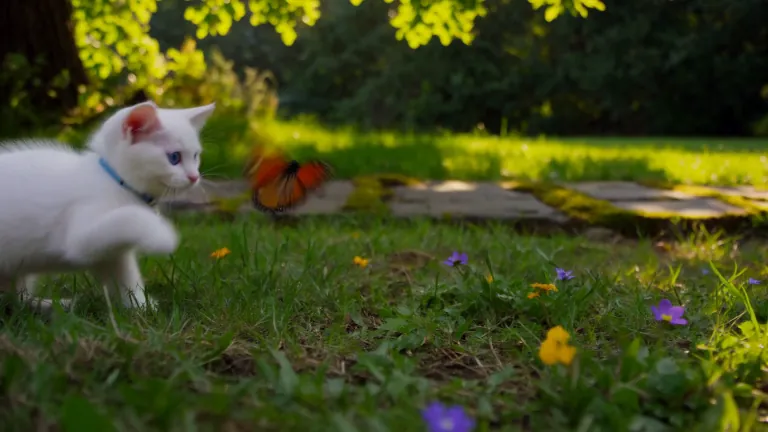
A white kitten chases a butterfly across a sunlit garden. Gentle camera tracking, natural movement, soft afternoon light filtering through the leaves.
 Exemple officiel
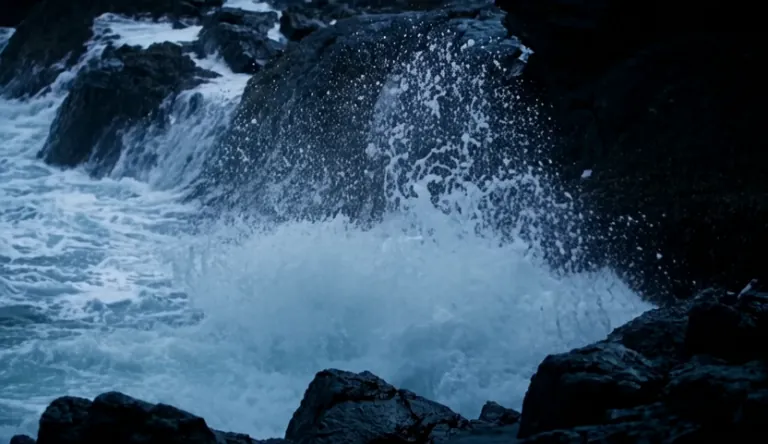
A lighthouse beam sweeps through heavy rain over black rocks at night, waves detonating against the cliff.
 Exemple officiel
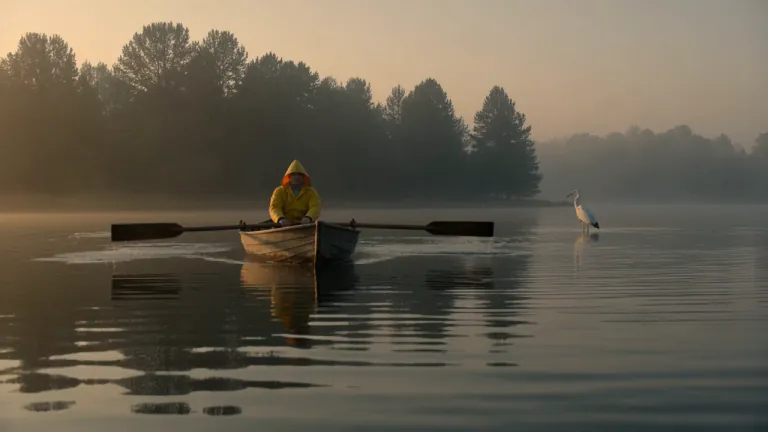
A fisherman in a yellow raincoat rows a small wooden boat across a calm misty lake at dawn, soft golden light breaking through the fog, gentle ripples, a heron lifts off in the background, slow cinematic dolly-in, natural ambient sound of water and distant birds
 Exemple officiel
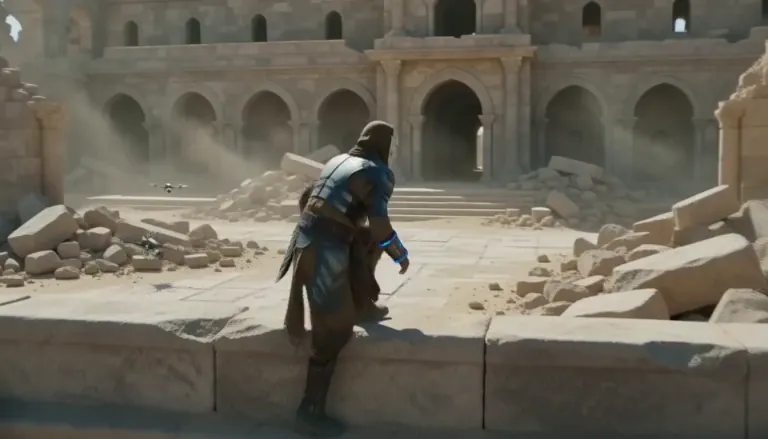
An aging warrior-monk in scorched ceremonial armor, a split ceramic mask and a humming prayer-band on his forearm + 0–4s: climbs silently along a cliffside terrace as insect-like surveyor drones comb the sun-bleached ruins, standing alone under as the camera rises over the ruined monastery. Sun-blasted post-apocalyptic sci-fi action, dust, heat haze, practical debris, sweeping crane tracking, silence broken only by wind.
 Exemple officiel
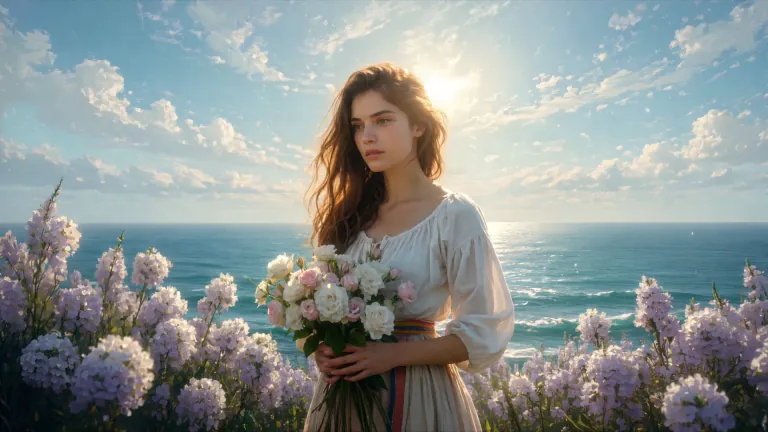
ENVIRONMENT: open coastal air — pale blue and violet sky with dry scumbled clouds, a thin band of teal sea at the lower edge, warm cream haze along the horizon. Backlight from behind the flower mass makes the petals glow near-white while her face and arms fall into warm shadow. STYLE: 24fps, gentle handheld drift, no camera shake spikes. Slow continuous push-in of about 8%, drifting a few degrees to the right so her face rotates marginally into the light. Shallow parallax between three planes: foreground drifting petals, mid-plane figure and bouquet, background sky and sea. Color tone: cool blue-lilac against cream-gold and umber. No morphing, no smoothing, no plastic skin, no added detail beyond the painting's own resolution.
 Exemple officiel
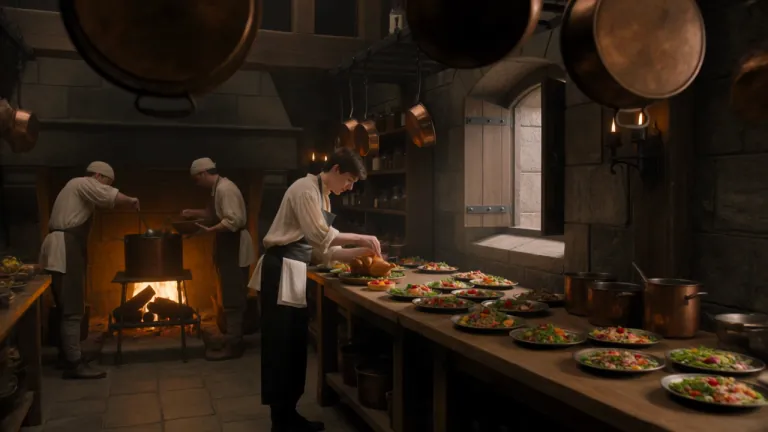
A young royal chef stands inside a huge medieval castle kitchen, wearing a cream tunic and dark leather apron while dozens of elaborate dishes cover a long wooden table. A small dragon suddenly pushes its head through an open stone window. Everyone in the kitchen freezes. The chef cautiously offers it a roasted chicken. The dragon ignores it completely. He nervously raises a tiny fruit tart instead. The dragon’s eyes immediately brighten and it gently reaches toward the dessert. The camera begins behind hanging copper pans, tracks toward the chef, then pushes past him toward the dragon outside the window. Playful Western fantasy, detailed medieval kitchen, expressive creature behavior, cinematic comedy, realistic food and firelight.
 Exemple officiel
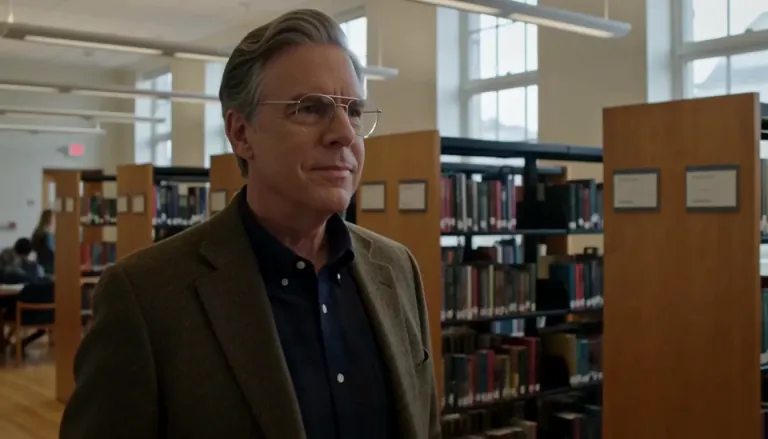
Create a 5-second live-action Hollywood film shot in a bright university library. A thoughtful professor stands in a medium shot, turns slightly toward an unseen student, and calmly says, “What is the real?” Natural daylight, professional cinema camera, realistic performance, subtle camera drift, no close-up, no dark lighting, perfect lip sync.
 Exemple officiel
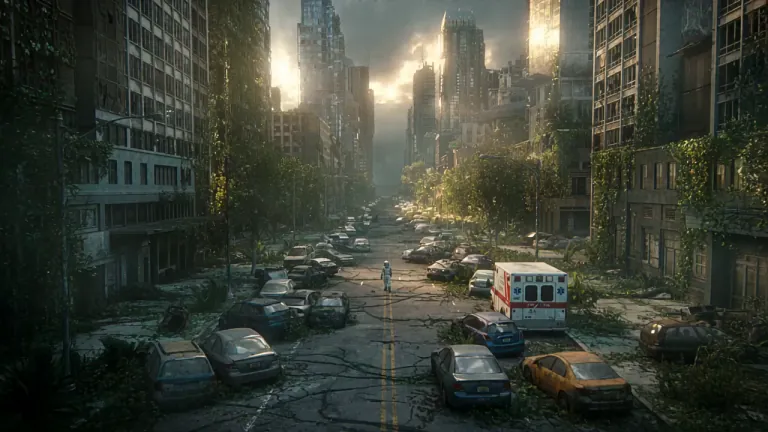
A lone astronaut walks through the ruins of a once-busy city, surrounded by abandoned cars, overgrown skyscrapers, and trees growing through cracked streets. She discovers a small child standing inside an old convenience store, holding a glowing flower. The astronaut slowly removes her helmet as birds suddenly rise into the sky and sunlight breaks through the clouds. Emotional science-fiction film, grand post-apocalyptic environment, slow cinematic camera movement, wide establishing shots, intimate facial close-ups, realistic dust particles, warm sunlight contrasting with cold ruins, epic yet hopeful atmosphere.
 Exemple officiel
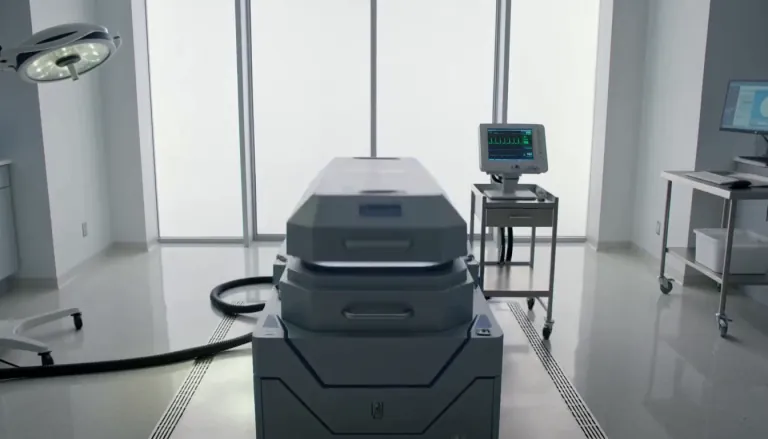
Exactly 5 seconds. Inside a bright sterile laboratory, a cryogenic chamber opens and cold vapor spills across the floor. A confused man slowly sits up. A scientist steps forward and says, “Welcome back.” The man asks, “What year is it?” The scientist hesitates as the camera gently pulls backward. Photorealistic Hollywood science-fiction drama, soft white daylight, realistic vapor, restrained acting, accurate lip sync, no extreme close-up.
 Exemple officiel
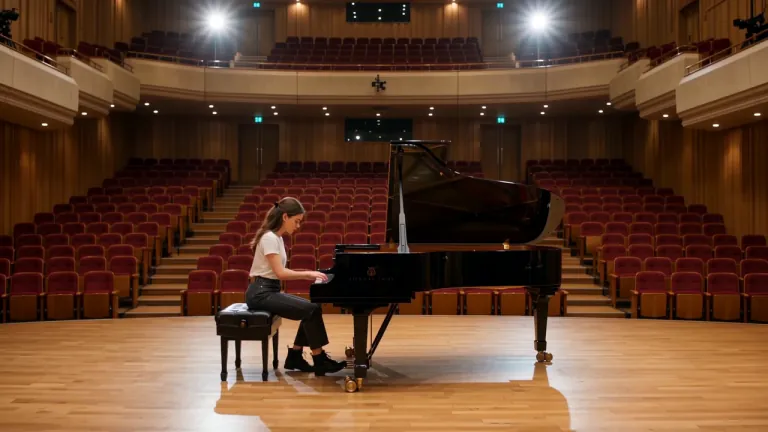
A young female piano tuner works alone inside an empty concert rehearsal hall, carefully adjusting the strings of a grand piano. A handsome young man enters from the opposite side carrying another tuning kit. They both stop when they realize they have been hired for the same piano. Without speaking, they sit on opposite sides and each plays a single note. She adjusts one string. He answers with another note. Their awkward disagreement slowly turns into an improvised musical conversation. The camera begins with a wide composition across the empty hall, glides toward the piano, then moves between their hands and subtle expressions. Romantic musical comedy, natural chemistry, elegant concert-hall acoustics, cinematic warm light.
On arrive ici pour de la vidéo courte en ligne : révélation produit, accroche social, ou beat de storyboard qui doit bouger. Grok Imagine Video 1.5 est le défaut parce qu'il est fait pour des clips depuis un texte ou une image de départ en 480p / 720p dans le navigateur. S'il vous faut encore une image héros au texte lisible, faites-la d'abord sur /image — puis revenez ici pour l'animer.
Trois gestes sur /video — les images fixes restent sur /image.
Le sélecteur s'ouvre sur Grok Imagine Video 1.5 pour de courts passages texte vers vidéo et image vers vidéo. Passez à Veo ou Seedance quand vous avez besoin d'un autre rendu ou d'une autre enveloppe de durée.
Pour le texte vers vidéo, nommez l'action et la caméra. Pour l'image vers vidéo, importez une image fixe (souvent depuis /image) et décrivez seulement ce qui doit bouger pour que l'image d'ouverture reste familière.
Utilisez le 480p pendant que vous explorez le timing. Passez en 720p quand le montage est prêt pour la relecture. Les échecs remboursent les crédits automatiquement.
Scénarios motion uniquement — d'autres personnes et tâches que le hub images fixes.
Coupez des accroches et transitions de 3–8 secondes sans journée de tournage. Grok Imagine Video sert le clip dont vous avez besoin ce soir, pas le rendu d'un épisode entier.
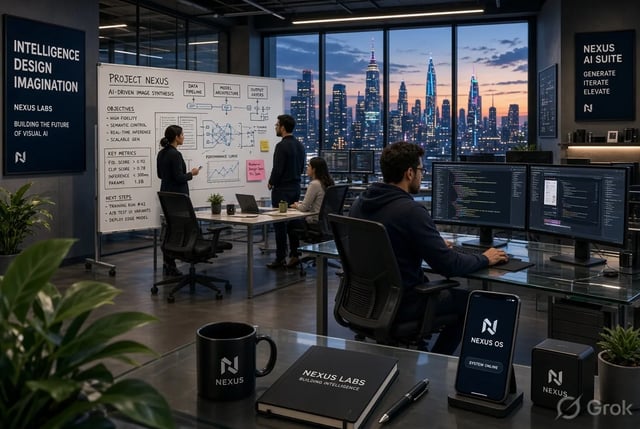
Transformez une image packaging en courte révélation : panoramique, pulse de lumière ou légère rotation produit. L'image vers vidéo garde l'image de départ fidèle à la marque.
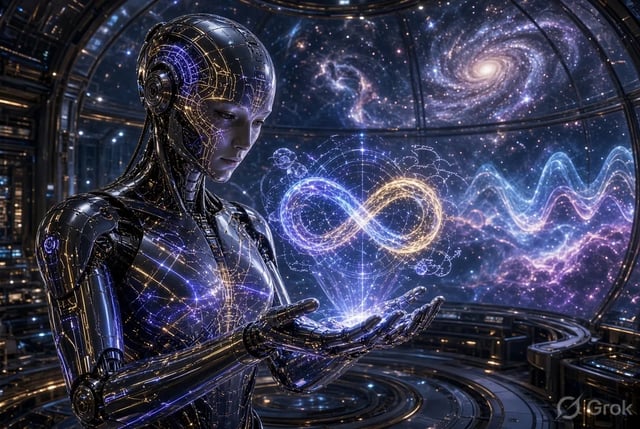
Testez des variantes motion de la même offre. Brouillonnez pas cher en 480p, puis figez un montage 720p pour le compte pub.
Animez un still de storyboard pour que la réalisation commente le rythme avant un vrai passage CG. Gardez les beats courts et intentionnels.
Animez un diagramme en court beat d'explainer. L'image vers vidéo garde le cadre pédagogique familier pendant que le mouvement porte l'attention.
Montrez à un client comment un plan clé pourrait bouger sans réserver une production complète. Téléchargez le clip le jour même et itérez d'après le feedback.
Grok Imagine Video 1.5 cible la vidéo en ligne à l'échelle des secondes (environ 1–15 secondes selon les réglages). Enchaînez des clips pour une séquence plus longue — ici ce n'est pas une suite hors ligne de plusieurs minutes.
Importez une image fixe et décrivez le mouvement. L'image d'ouverture reste proche de votre photo pendant que le reste du clip s'anime — idéal après avoir peaufiné une image sur /image.
Le 480p est le chemin d'exploration bon marché. Le 720p coûte plus par seconde quand le montage a besoin de détail pour relecture client ou social. Les crédits d'inscription couvrent un court démarrage au palier par défaut.
Nommez le sujet, l'action et la caméra. Pas besoin de compte xAI séparé ni d'install desktop — la génération tourne dans l'espace navigateur.
Quand un plan demande un autre modèle maison, changez sans coller le prompt sur un autre site. Grok Imagine Video reste le défaut pour les premiers montages rapides.
Délais dépassés, erreurs serveur ou filtres remboursent les crédits. Vous ne dépensez que pour les clips reçus.
Grok Imagine Video 1.5 est conçu pour de courts clips en ligne — environ 1–15 secondes selon les réglages du passage. Pour des histoires plus longues, générez plusieurs clips et montez-les ensemble.
Oui. Exportez ou rouvrez l'image, ouvrez /video, importez-la comme image de départ et décrivez le mouvement. Ce chemin image vers vidéo est le passage prévu depuis l'atelier d'images fixes.
Commencez en 480p pendant que vous explorez le timing et les mouvements de caméra. Passez en 720p quand le montage est prêt pour le social ou une relecture client. Une résolution plus haute consomme plus de crédits par seconde.
Les nouveaux comptes reçoivent des crédits d'inscription qui peuvent couvrir un court passage au palier par défaut. Aucune carte bancaire n'est requise pour commencer. Achetez plus de crédits ou abonnez-vous pour le volume et la licence commerciale.
Restez sur Grok Imagine Video 1.5 pour les premiers montages rapides et l'animation depuis une image de départ. Changez quand la consigne demande le rendu ou l'enveloppe de durée d'un autre modèle — le sélecteur garde votre prompt et votre référence chargés.
Non. L'outil génère de courts clips à télécharger et finir dans votre monteur. Pensez accroches, révélations et beats de previs — pas d'étalonnage couleur, d'audio multi-pistes ni de montage long format.
Les offres payantes incluent une licence commerciale pour pubs et travail client. Les clips du palier gratuit servent aux tests personnels sauf indication contraire de votre offre. Voir les pages légales pour les conditions exactes.
Les crédits sont remboursés automatiquement en cas d'erreurs serveur, de délais dépassés ou de filtres de contenu. Raccourcissez le clip, simplifiez le mouvement, ou essayez le 480p avant un passage 720p plus long.
La typo lisible vit sur /image — ici c'est le mouvement seulement.
Prompt ou image de départ · explorer en 480p · peaufiner en 720p — commencez gratuitement avec les crédits d'inscription.