TLDR
- Struktur schlägt Adjektive. Reihenfolge: Motiv → Umgebung → Kamera/Licht → Stil → Qualität (+ Exact Text + Avoids).
- Image 2.0 folgt Details. xAI baute 2.0 für echte Creative Work: Instruction Fidelity, designer-like Typografie, Erhalt über Edits (xAI).
- Vage vs. konkret ist der Hauptfehler. „A woman in a park“ spezifiziert Pose, Licht, Linse und Stil nicht.
- Eine Variable pro Lauf. Komposition fixieren, dann Licht oder Farbe tauschen.
- Hier testen: Prompt in unseren Image Generator — Main CTA.
Key Takeaways
- Behandle den Prompt wie ein Shot-Brief, nicht wie eine Adjektiv-Wunschliste.
- Quality Mode zielt auf nutzbare Stills und Edits (xAI).
- Exact on-image text in Anführungszeichen, kurz halten (xAI).
- Avoids ans Ende (Watermarks, extra limbs, fake logos).
- Region-Fixes: Precise Edit + Image 2.0 Guide.
- Default auf dieser Site: Grok Imagine Image 2 auf /image.
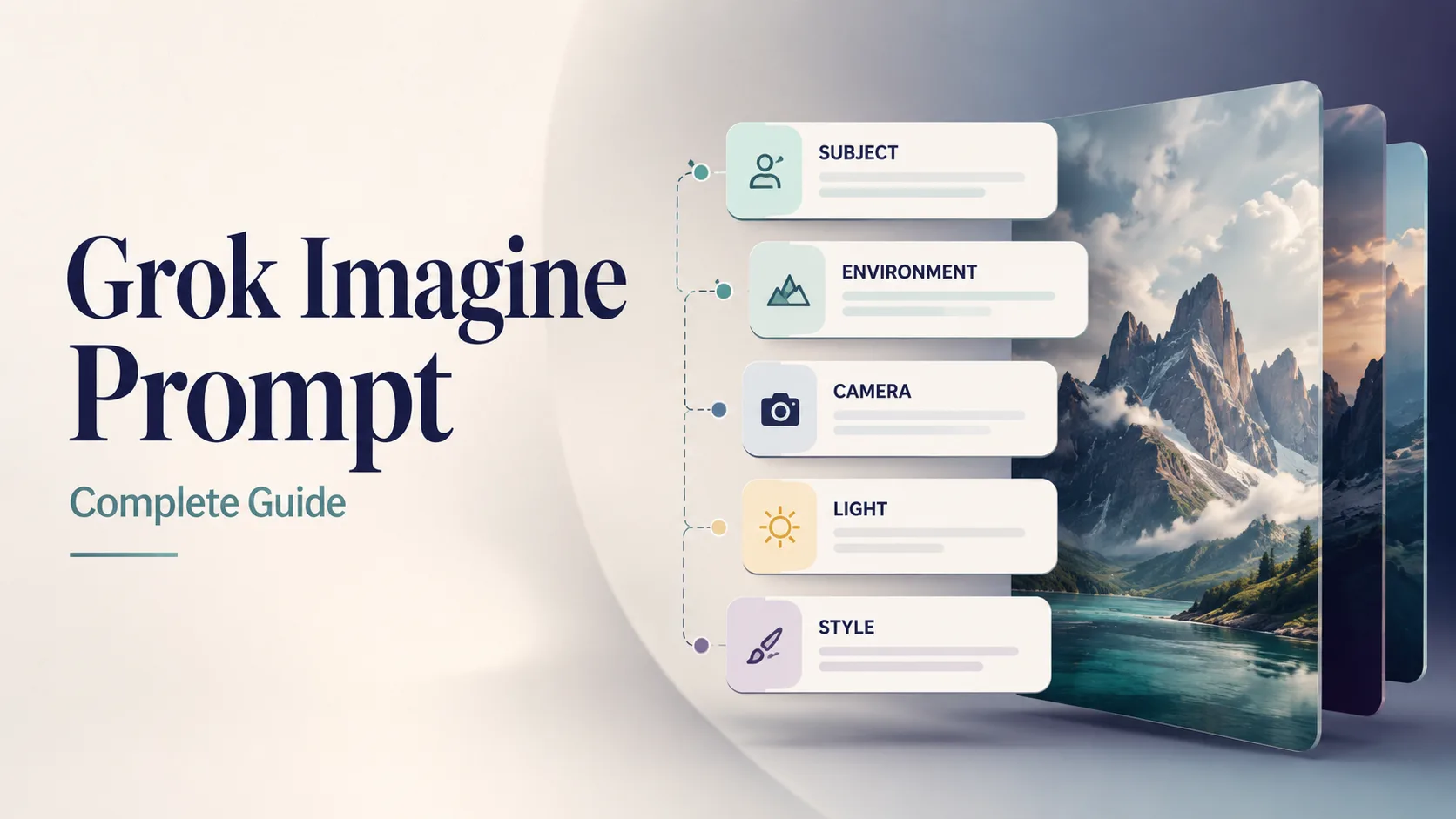
Cover für diesen Prompt-Guide. Beispielvisual für Image 2.0 auf unserer Site.
Die Fünf-Slot-Prompt-Struktur
Immer diese Reihenfolge. Identität und Szene vorne, Constraints hinten.
| Slot | Was spezifizieren | Schwach | Stark | | --- | --- | --- | --- | | 1. Motiv | Wer/was + Attribute + Aktion | “a car” | “matte black EV hatchback, three-quarter front view, doors closed” | | 2. Umgebung | Ort, Zeit, Wetter, Props | “outside” | “wet Tokyo alley at night, neon reflections on asphalt” | | 3. Kamera / Licht | Linse, Winkel, Lichtsetup | “nice light” | “35mm, eye-level, soft side light + gentle rim” | | 4. Stil | Medium / Genre / Grade | “cool style” | “cinematic still, teal-orange grade, film grain subtle” | | 5. Qualität + Avoids | Schärfe, Text, Negatives | “best quality” | “sharp focus, no watermark, no extra text, no fake logos” |
[Subject + attributes + action], [environment], [camera / lens / light], [style], [quality constraints], [exact text if any], [avoids]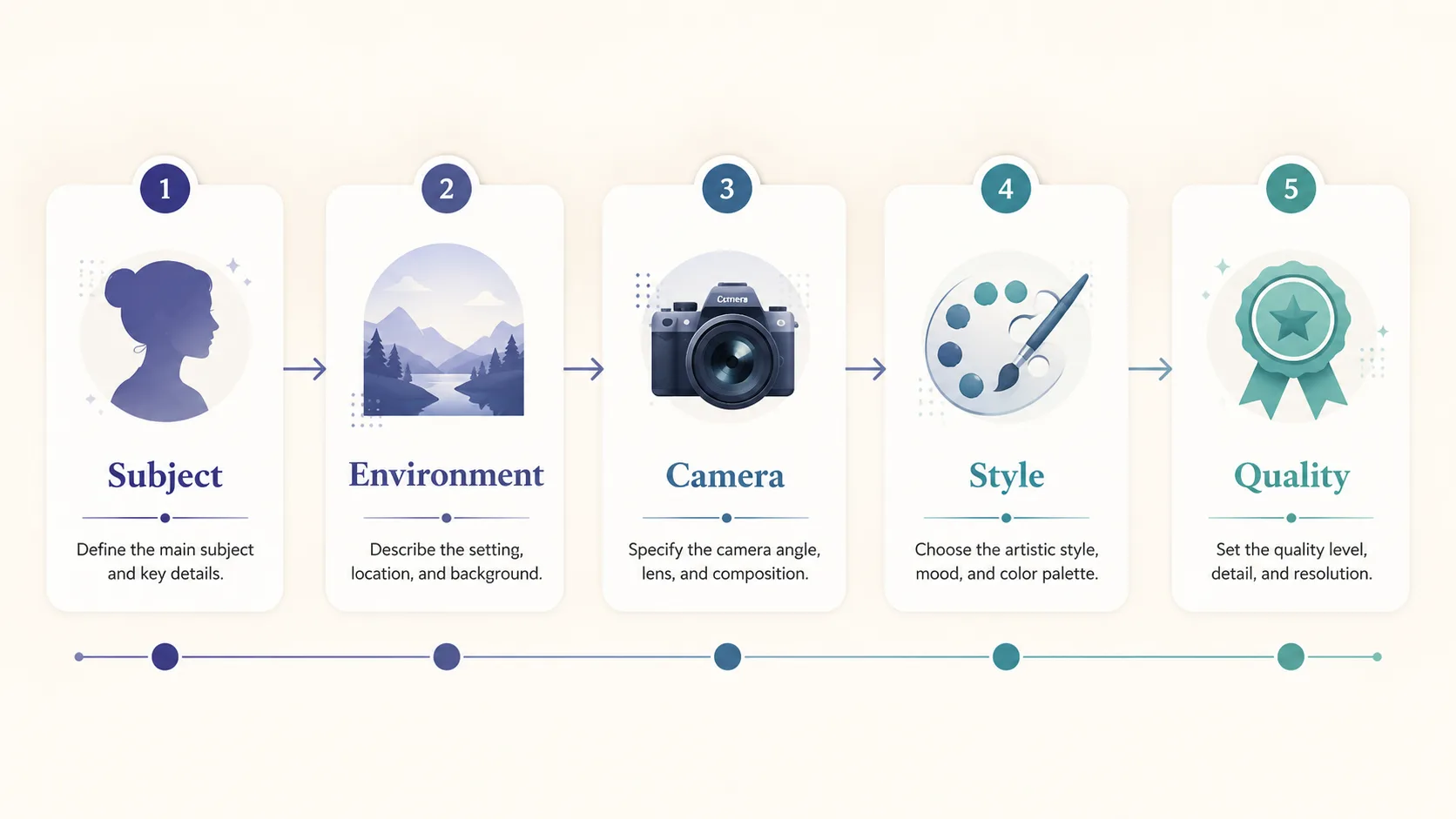
Prompt-Anatomie: Motiv zuerst, Quality/Avoids zuletzt.
Optionaler sechster Slot: Exact Text
Für lesbaren Text im Bild kurze quoted Strings:
… large exact text "SUMMER SALE", smaller exact text "Up to 40% Off", strong hierarchy, sharp small text …Image 2.0 ist für designer-like Typography positioniert (xAI)—kürzerer Copy = höhere Trefferquote.
Vage vs. konkret (der Geld-Vergleich)
| | Vage | Konkret |
| --- | --- | --- |
| Prompt | a woman in a park | 30-year-old East Asian woman in a camel wool coat walking through golden autumn maple trees on a Tokyo park path, warm late-afternoon side light, 85mm shallow depth of field, cinematic color grade, natural skin texture, elegant magazine photography, no watermark |
| Was das Modell erfindet | Alter, Look, Saison, Linse, Grade | Kaum Offenes—du hast entschieden |
| Typisches Resultat | Generic Stock | Gerichteter, editierbarer Keeper |
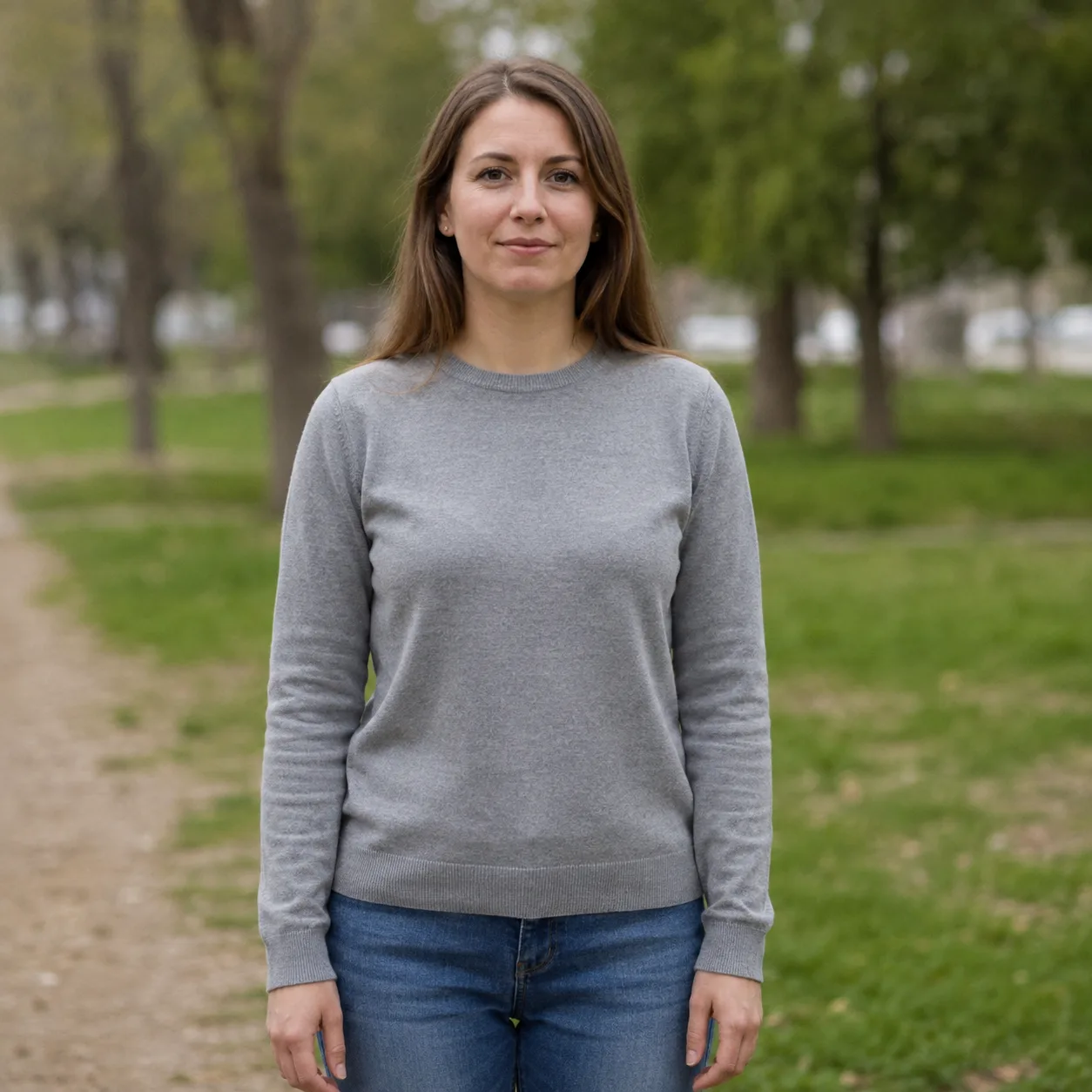
Vage: „a woman in a park“. Flaches Licht, schwache Story.
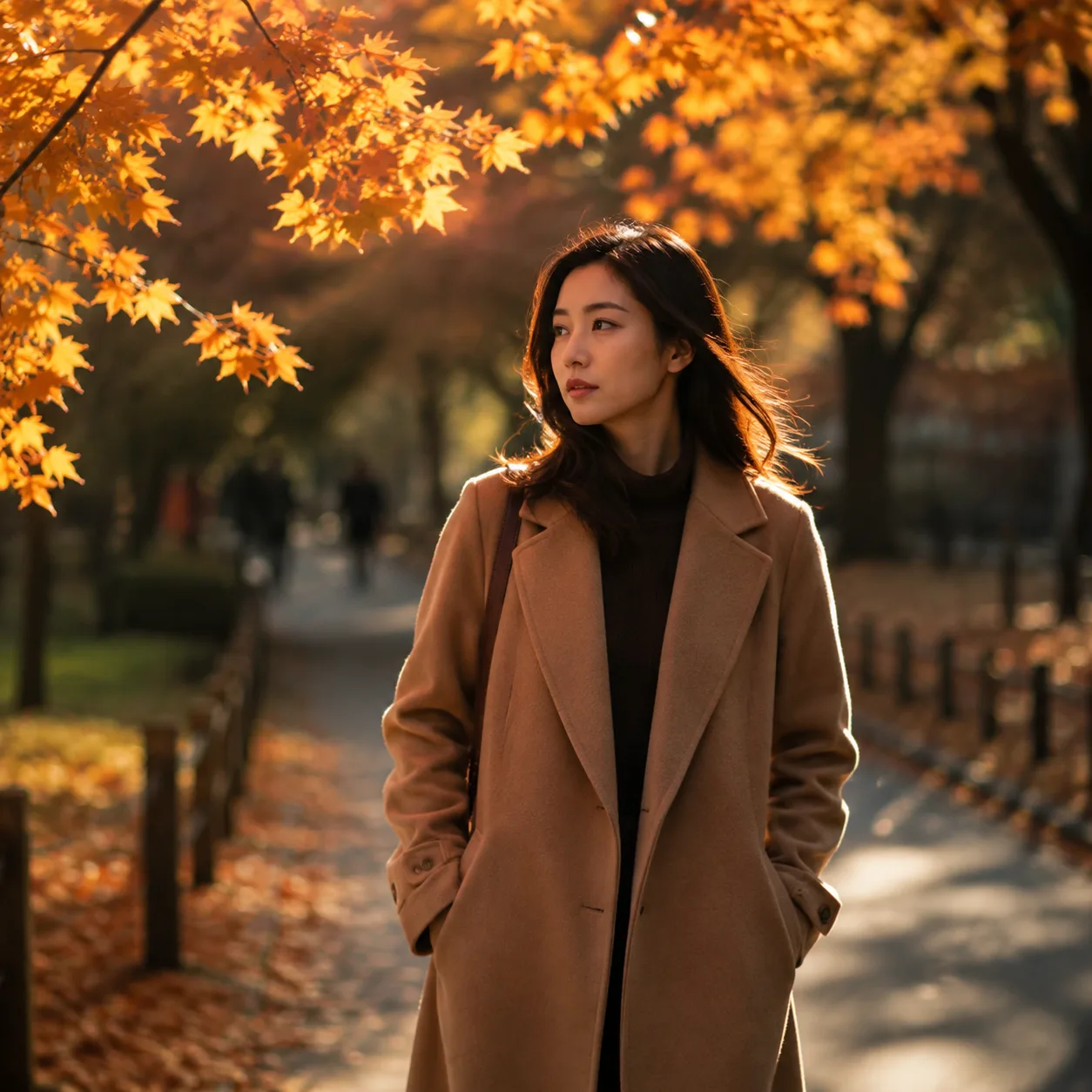
Konkrete Rewrite: Subject + Season + 85mm + Grade.
Regel: Würde ein Fotograf vor dem Shoot nachfragen, gehört die Antwort in den Prompt.
12 kopierbare Grok Imagine Prompts
Prompt-Bodies bleiben Englisch (modellfreundlich). 1:1 in unseren Generator pasten.
1 — Product Hero (Katalog)
Premium product photo of matte black wireless headphones on seamless soft gray backdrop, three-point studio light, crisp material detail, centered composition, commercial catalog style, sharp focus, no text, no watermark, no logosAuf unserer Site testen → Open generator
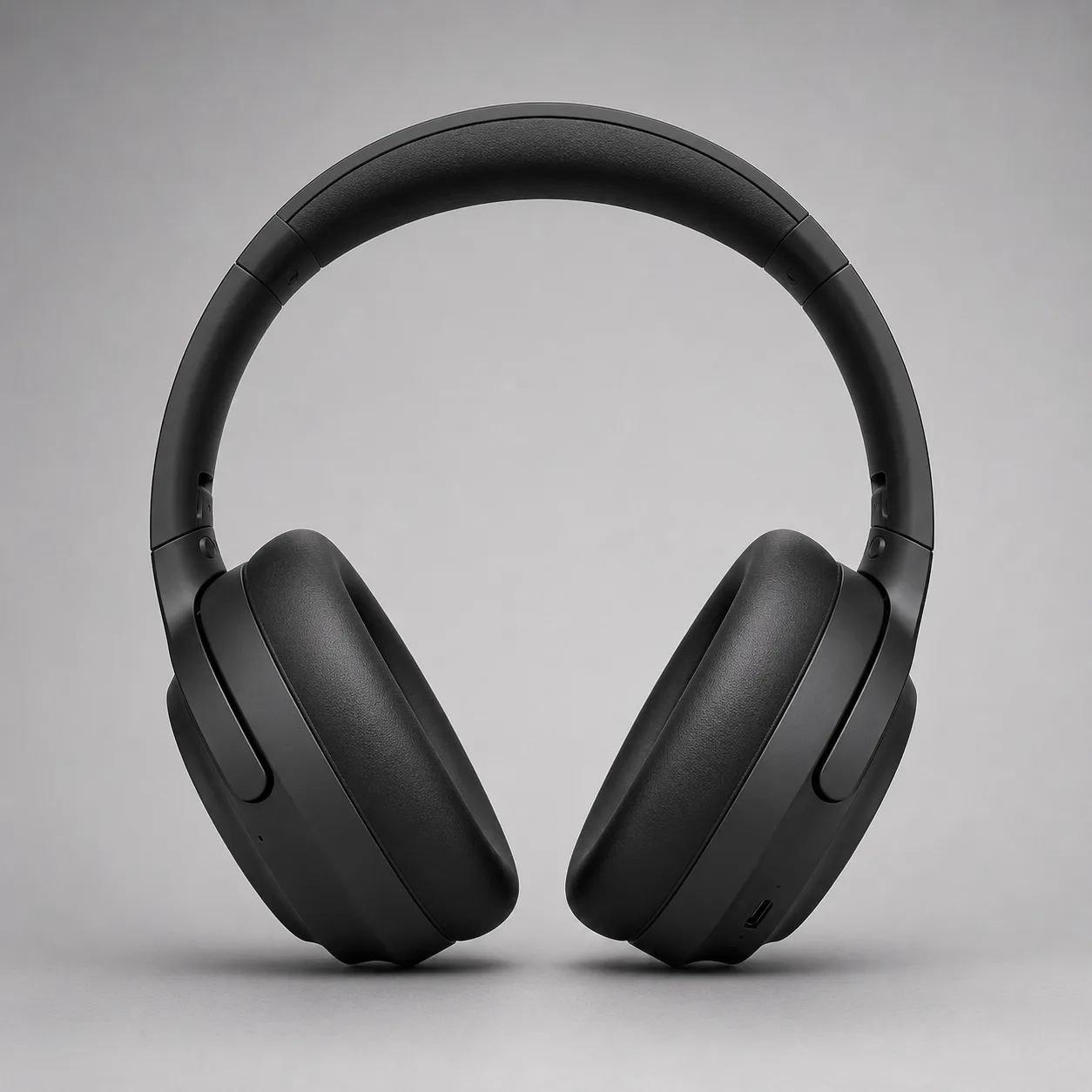
Product-Hero-Richtung. Beispiel für diesen Guide.
2 — Professional Headshot
Professional LinkedIn headshot of a confident mid-30s Black man in a navy blazer, soft gray studio background, Rembrandt lighting, 85mm portrait lens, sharp eyes, natural skin texture, corporate photography, no text, no watermarkAuf unserer Site testen → Open generator

Headshot-Richtung. Beispiel für diesen Guide.
3 — Lesbares Poster mit Exact Text
Editorial poster, large exact text "PROMPT CRAFT", smaller exact text "Subject → Light → Style", modern Swiss graphic design, coral and teal geometric shapes on cream paper texture, strong hierarchy, sharp small text, clean margins, no fake logos, no watermarkAuf unserer Site testen → Open generator
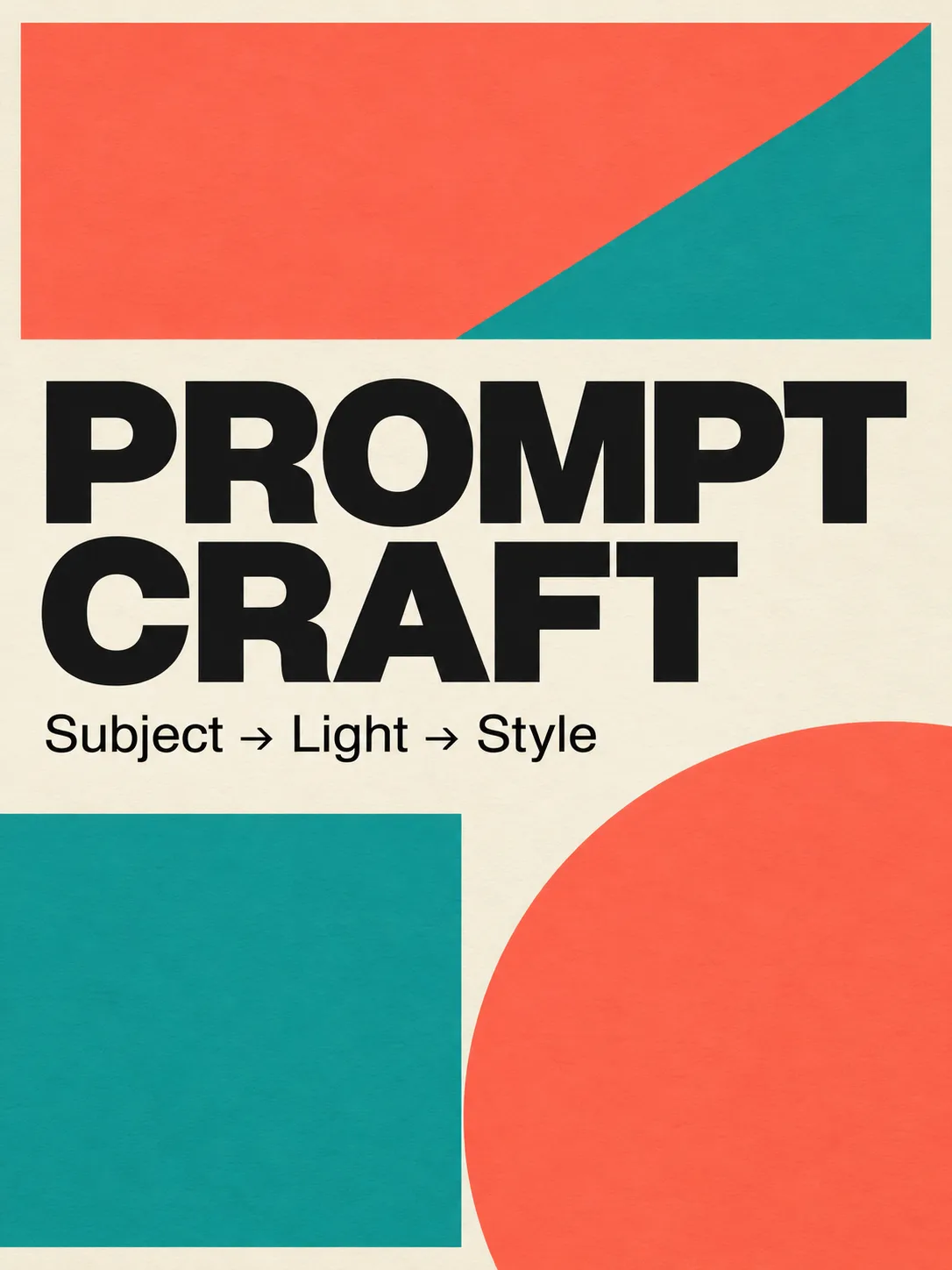
Typography Stress-Test für Image 2.0.
4 — Cinematic Still
Cinematic wide shot of a lone motorcycle rider on a desert highway at blue hour, neon motel signs far away, volumetric dust in headlights, anamorphic lens flares, teal and orange grade, film still look, highly detailed, no text, no watermarkAuf unserer Site testen → Open generator
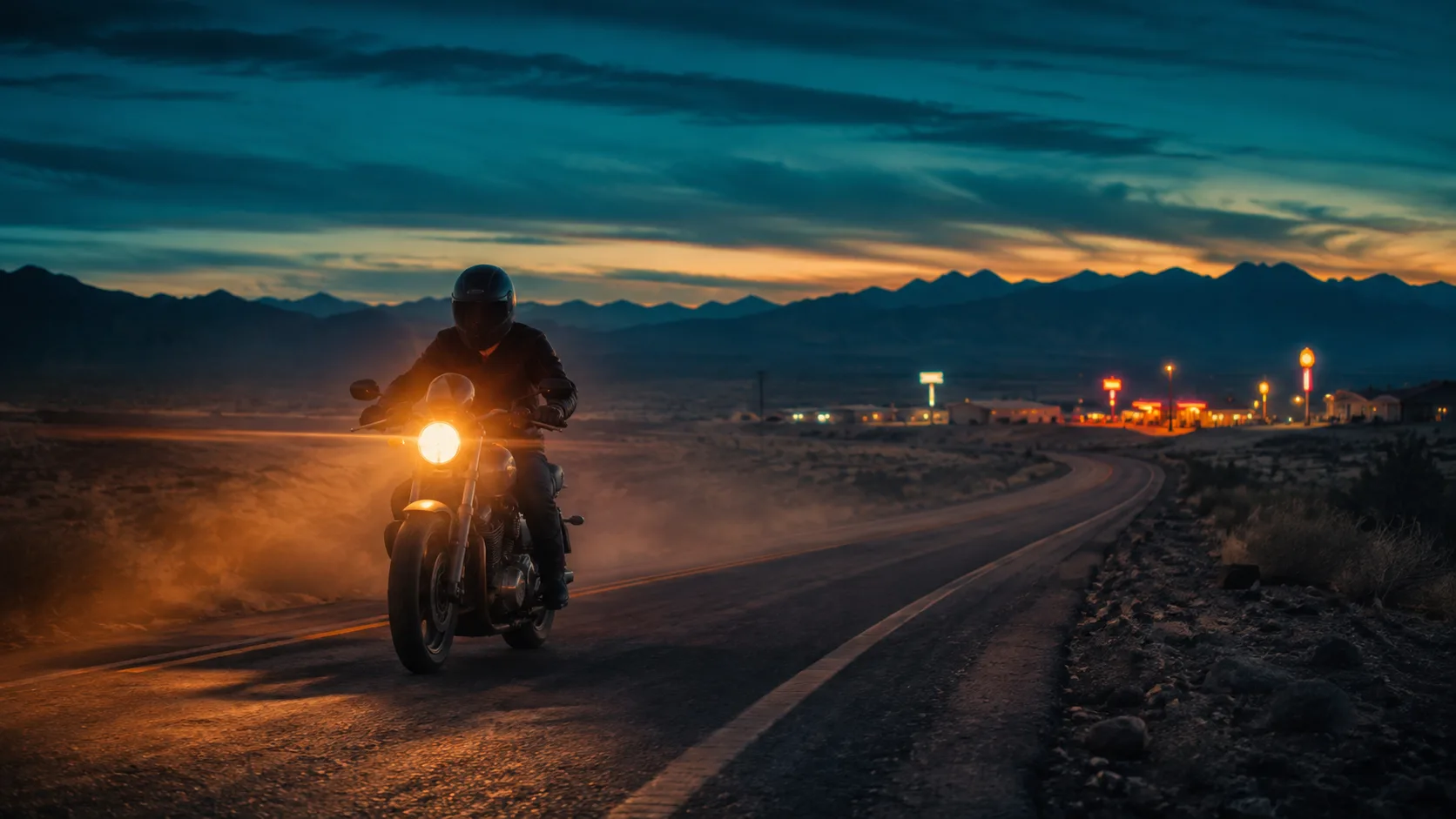
Cinematic Still-Richtung.
5 — Food / Lifestyle
Overhead flat-lay of a rustic sourdough loaf, olive oil bottle, and rosemary on warm marble, soft morning window light from the left, shallow depth of field, food magazine style, appetizing color, no text, no watermark6 — App-UI in Szene
Modern smartphone held in a hand over a wooden cafe table, screen shows a clean fitness app dashboard with charts, soft natural window light, lifestyle product photography, shallow depth of field, no brand logos, no watermark, sharp readable UI where possible7 — Game Prop Asset
Isometric fantasy game prop: crystal-hilt dagger on seamless neutral background, clean game-art style, readable silhouette, limited four-color palette indigo teal gold ivory, soft rim light, asset-sheet ready, no text, no watermark8 — Architektur Exterior
Contemporary glass pavilion in a misty pine forest at dawn, long exposure soft fog, 24mm wide angle, architectural photography, cool blue hour palette, sharp glass reflections, no people, no text, no watermark9 — Fashion Editorial
Full-body fashion editorial of a model in an oversized charcoal trench coat on a windy rooftop at dusk, city skyline bokeh, 50mm, dramatic side light, high-fashion magazine look, natural fabric motion, no logos, no watermark10 — Icon (Infografik)
Single flat vector-style icon of a glowing lightbulb with a small leaf motif, centered on soft ivory background, thick clean outline, muted indigo and teal fills, app-icon ready, no text, no watermark11 — Kinderbuch-Illustration
Soft children's book illustration of a small fox reading under a mushroom, warm watercolor texture, gentle pastel palette, cozy night atmosphere with fireflies, storybook composition, no scary elements, no text, no watermark12 — Base für Precise Edit
Clean studio photo of a red ceramic mug on a white table, soft even light, centered, product-photo simplicity, sharp edges, empty background, no text, no watermark — leave room for later color or logo editsNach gutem Base eher Region-Edit als Full Regen—siehe Precise Edit.
Iterationsschleife (10 Minuten)
- Image Generator öffnen.
- Einen von Prompt 1–4 unverändert pasten; einmal generieren.
- Score: Subject? Light? Style? Text?
- Nur einen Slot ändern.
- Bei Region-Fehlern Magic Wand / Segment planen (Image 2.0 Guide).
- Keepers speichern; keine Near-Duplicates horten.
Häufige Prompt-Fehler
| Fehler | Warum es scheitert | Fix | | --- | --- | --- | | Adjektiv-Suppe | Verdrängt Subject/Light | Eine Style-Zeile + konkretes Camera/Light | | Keine Camera Language | Random Framing | Lens + Angle + DOF | | Zu langer On-Image Text | Typography Collapse | 2–6 Wörter pro Layer | | Negatives mitten im Satz | Intent verwirrt | Am Ende: no X, no Y | | Fünf Variablen auf einmal | Kein Lernen | Eine Variable pro Lauf | | Keine Avoids | Watermarks / extra fingers | Explicit no watermark… |
What We Know vs What We Don’t
Know (sourced):
- Image 2.0 als Quality Mode ab 7. Aug 2026 auf grok.com/imagine + Grok iOS/Android (xAI).
- Ziele: Instruction Following, designer-like Typography, Preservation across edits (xAI).
- Edit-Stack: Magic Wand, Segmentation, BG Removal, Multi-Ref (bis 5), Smart Resize (xAI).
Nicht ohne Re-Check behaupten:
- Free-Tier Limits und App-Flags ändern sich—UI prüfen.
- Arena Rankings wechseln; xAI-Claim vom 7. Aug ist zeitgestempelt (xAI).
FAQ
Wie schreibe ich einen guten Grok Imagine Prompt?
Fünf Slots: Subject → Environment → Camera/Light → Style → Quality/Avoids. Kurzen Exact Text nur bei Bedarf. Starter in den Generator pasten.
Beste Prompt-Struktur für Image 2.0?
Identität und Action vorne, Ort und Licht danach, dann Style, dann Constraints. 2.0 ist für Detail-Following gebaut (xAI).
Warum ist „a woman in a park“ schlecht?
Zu viele offene Variablen. Mit Attributes + Light + Lens + Style umschreiben.
Müssen Prompts auf Englisch sein?
Englisch ist heute am konsistentesten. UI/Notes in deiner Sprache; Prompt-Body bevorzugt EN.
Wie viele Prompts testen?
Eine starke Base, dann drei kontrollierte Varianten. 12 Starter auf dieser Seite decken die Kern-Use-Cases.
Nur einen Bildteil fixen?
Ja—bei guter Komposition Region-Edit vor Full Regen. Precise Edit.
Wo generieren?
Unser free Image Generator. Offizielle Surfaces als Referenz (xAI); Main CTA = diese Site.
Hilft 2.0 bei Text im Bild?
xAI betont schärferen Small Text und Layout (xAI). Copy kurz und hierarchisch halten (Prompt 3).
About Riley Chen
Riley Chen schreibt Creative-Workflow-Anleitungen zu Grok Imagine Image 2.0—Launch-Features als Browser-Schritte, die Creators am selben Tag fahren können.