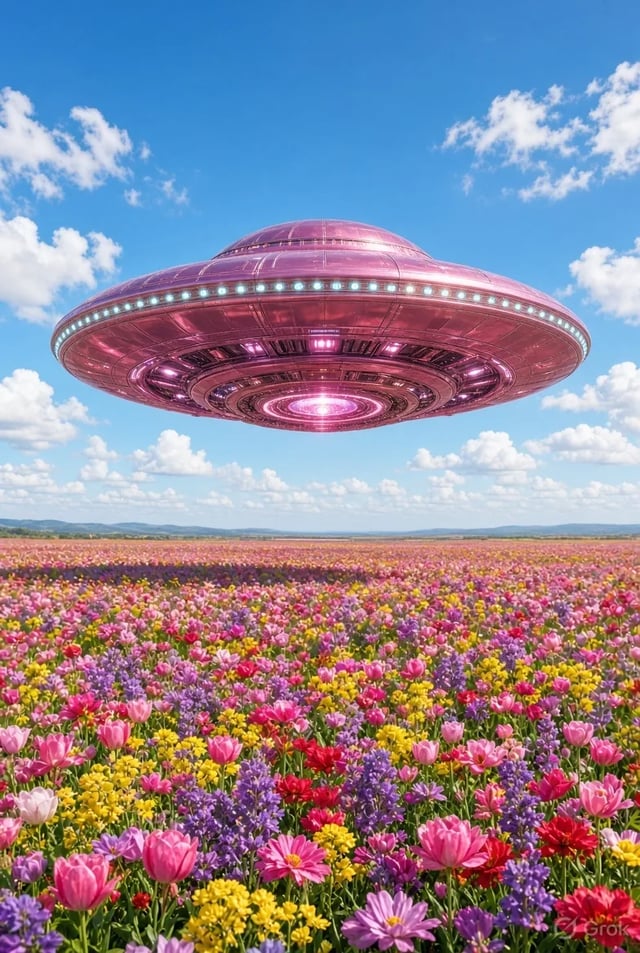
Short-Form-Editoren
Schneide 3–8-Sekunden-Hooks und Übergänge ohne Drehtag. Grok Imagine Video ist für den Clip, den du heute Abend brauchst — nicht für den Render einer ganzen Episode.
 Grok Imagine Image 2.0
Text-zu-Video und Bild-zu-Video mit vorausgewähltem Video 1.5 — 480p-Entwürfe, 720p-Politur, Längen für Social.
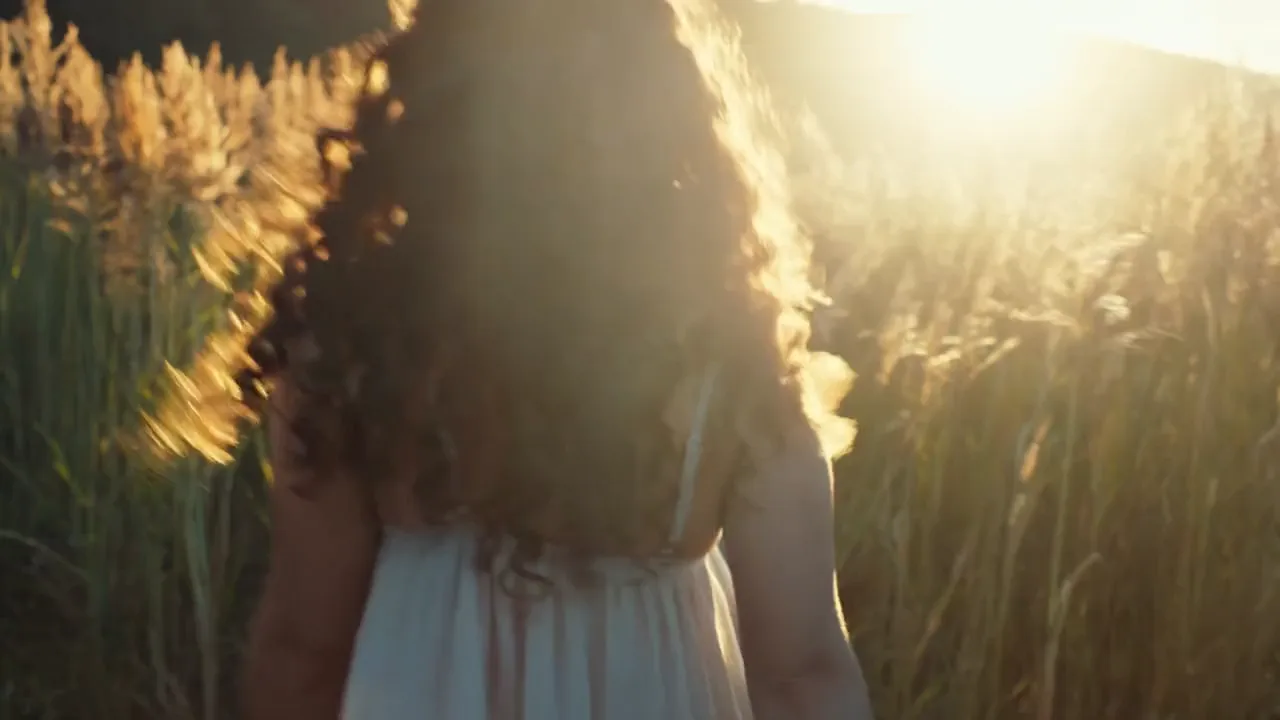
Golden hour shot. A young woman with curly hair walking in a field of tall grass turns back to look at the camera and smiles genuinely. The low sun is behind her, creating a beautiful rim light (backlight) on her hair. Dust motes dancing in the light. Handheld camera feel, warm and nostalgic.
 Offizielles Beispiel
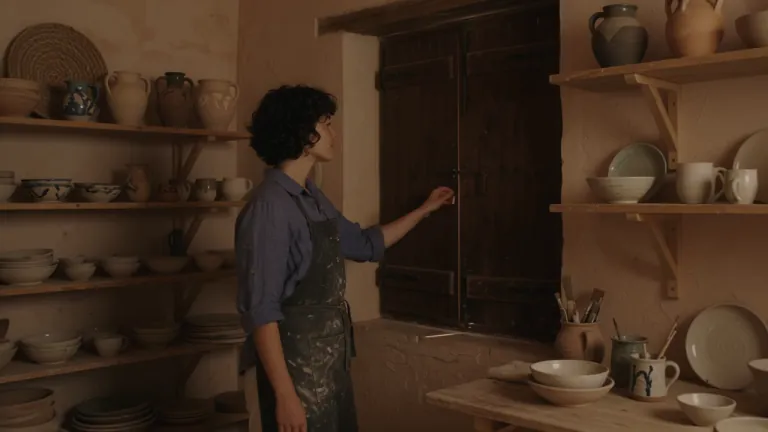
Cinematic travel editorial film following a young ceramic artist opening her seaside workshop at sunrise. She has short curly dark hair, freckles and a relaxed, thoughtful expression. She wears a faded indigo linen shirt with rolled sleeves, cream trousers and a clay-stained canvas apron. The workshop sits inside a weathered Mediterranean building: pale peach plaster walls, arched windows, wooden shelves filled with handmade bowls, a pottery wheel and a small courtyard overlooking the sea. Morning sunlight streams through the windows, catching suspended dust and illuminating the translucent edges of unfinished porcelain. A restrained palette of terracotta, indigo, warm ivory and sea green. Tactile details: wet clay, woven linen, chipped paint and rippling water. Camera movement is quiet and deliberate, alternating intimate 85mm close-ups with wider 35mm environmental compositions. Shallow depth of field for hands and objects, deeper focus when revealing the workshop. Warm natural highlights, soft blue shadows, subtle film grain and gentle highlight bloom. Movements feel observed rather than performed. Maintain the same artist, wardrobe, pottery and workshop throughout. No dialogue, text or logos. An independent craft magazine brought to life. Shot-by-shot beat sheet — five sequential beats, compressed to fit the selected clip duration: 1. OPENING THE WORKSHOP From inside the dim workshop, the camera slowly pushes toward a closed wooden shutter. The artist opens it, letting golden sunlight sweep across the room. She pauses with one hand on the frame, looking toward the sea. Medium-wide composition, soft backlight outlining her curls. 2. PREPARING THE CLAY Close-up of her hands pressing a lump of wet clay onto the pottery wheel. Her fingers leave distinct impressions before smoothing the surface. A slow lateral camera slide reveals a shallow bowl of cloudy water and a folded linen cloth beside the wheel. 3. SHAPING THE VESSEL Three-quarter view as she leans forward and draws the spinning clay into a small rounded vessel. The camera makes a gentle partial orbit, keeping her hands and the vessel in focus. The shape changes gradually and continuously under her fingertips. 4. INSPECTING THE FINISH She lifts a finished sea-green ceramic cup toward the window and slowly turns it, examining its uneven handmade rim. Tight close-up: sunlight travels across the glaze, revealing tiny variations in color. Her softly blurred face remains behind the cup. 5. THE FIRST QUIET MOMENT In the courtyard, she sets the cup on a worn stone table and sits beside it. A breeze moves her shirt sleeve and the leaves of a nearby olive tree. The camera slowly pulls back through the doorway, framing her against the morning sea. Hold the final composition for a quiet beat.
 Offizielles Beispiel
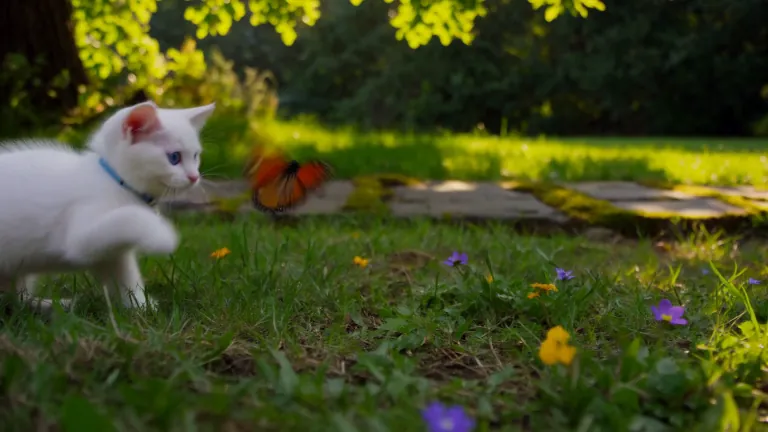
A white kitten chases a butterfly across a sunlit garden. Gentle camera tracking, natural movement, soft afternoon light filtering through the leaves.
 Offizielles Beispiel
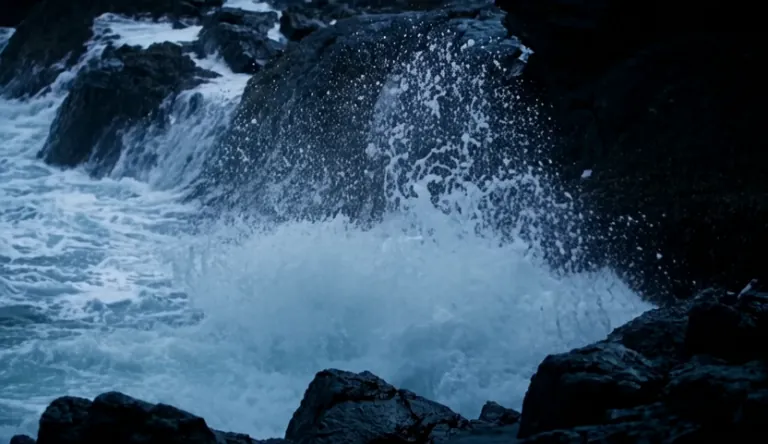
A lighthouse beam sweeps through heavy rain over black rocks at night, waves detonating against the cliff.
 Offizielles Beispiel
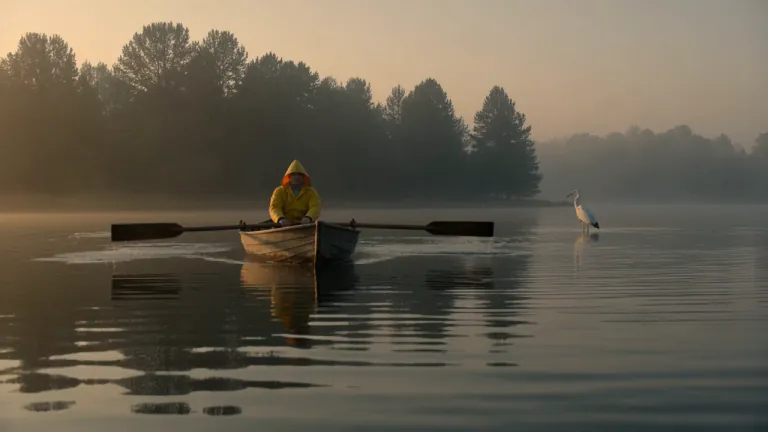
A fisherman in a yellow raincoat rows a small wooden boat across a calm misty lake at dawn, soft golden light breaking through the fog, gentle ripples, a heron lifts off in the background, slow cinematic dolly-in, natural ambient sound of water and distant birds
 Offizielles Beispiel
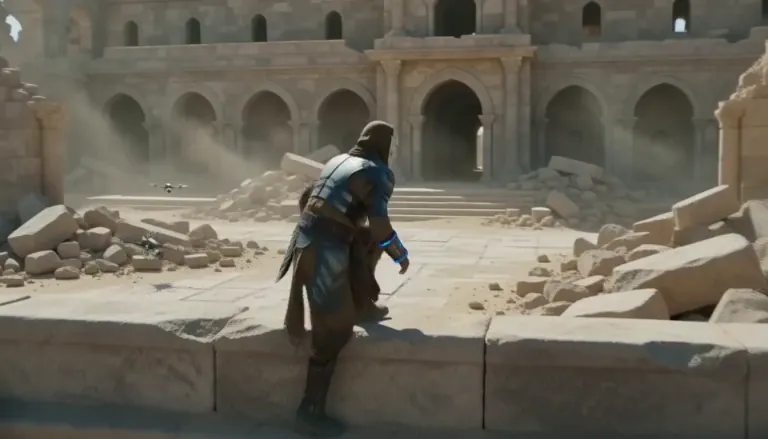
An aging warrior-monk in scorched ceremonial armor, a split ceramic mask and a humming prayer-band on his forearm + 0–4s: climbs silently along a cliffside terrace as insect-like surveyor drones comb the sun-bleached ruins, standing alone under as the camera rises over the ruined monastery. Sun-blasted post-apocalyptic sci-fi action, dust, heat haze, practical debris, sweeping crane tracking, silence broken only by wind.
 Offizielles Beispiel
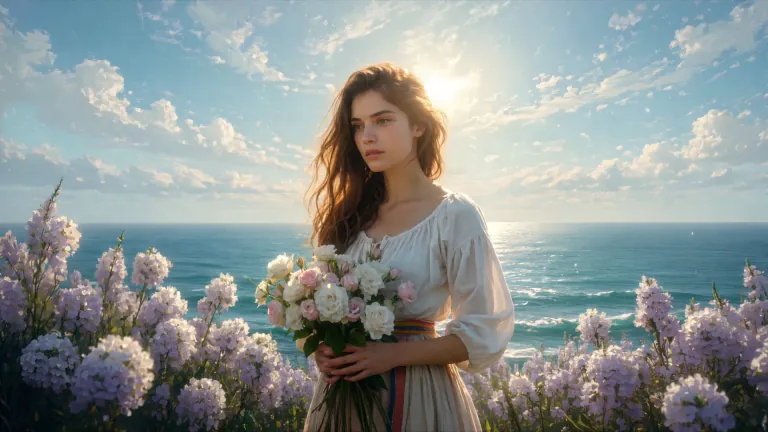
ENVIRONMENT: open coastal air — pale blue and violet sky with dry scumbled clouds, a thin band of teal sea at the lower edge, warm cream haze along the horizon. Backlight from behind the flower mass makes the petals glow near-white while her face and arms fall into warm shadow. STYLE: 24fps, gentle handheld drift, no camera shake spikes. Slow continuous push-in of about 8%, drifting a few degrees to the right so her face rotates marginally into the light. Shallow parallax between three planes: foreground drifting petals, mid-plane figure and bouquet, background sky and sea. Color tone: cool blue-lilac against cream-gold and umber. No morphing, no smoothing, no plastic skin, no added detail beyond the painting's own resolution.
 Offizielles Beispiel
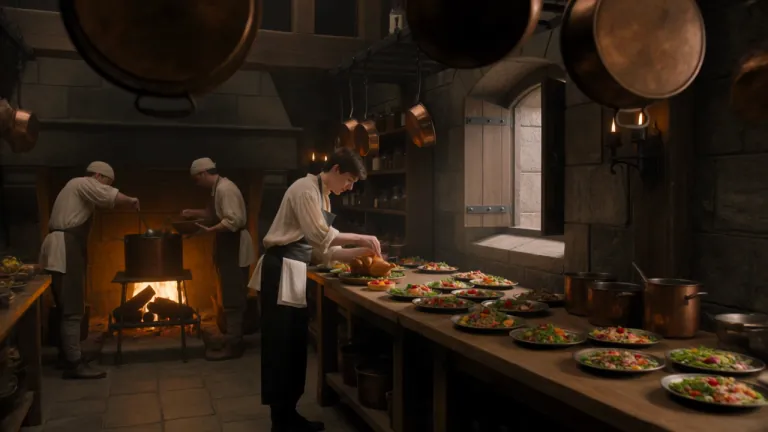
A young royal chef stands inside a huge medieval castle kitchen, wearing a cream tunic and dark leather apron while dozens of elaborate dishes cover a long wooden table. A small dragon suddenly pushes its head through an open stone window. Everyone in the kitchen freezes. The chef cautiously offers it a roasted chicken. The dragon ignores it completely. He nervously raises a tiny fruit tart instead. The dragon’s eyes immediately brighten and it gently reaches toward the dessert. The camera begins behind hanging copper pans, tracks toward the chef, then pushes past him toward the dragon outside the window. Playful Western fantasy, detailed medieval kitchen, expressive creature behavior, cinematic comedy, realistic food and firelight.
 Offizielles Beispiel
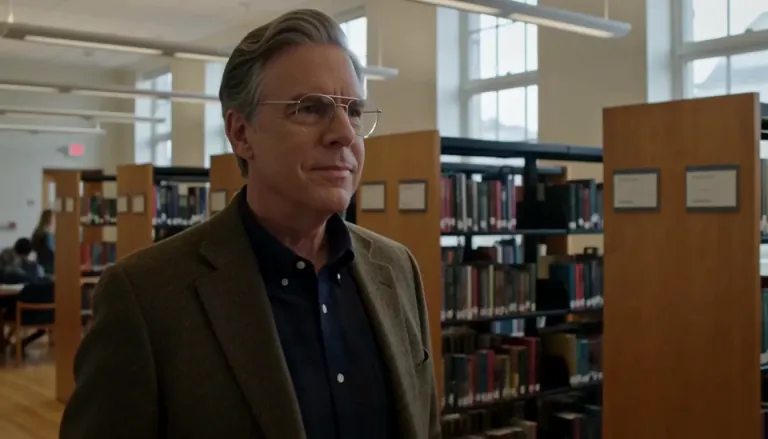
Create a 5-second live-action Hollywood film shot in a bright university library. A thoughtful professor stands in a medium shot, turns slightly toward an unseen student, and calmly says, “What is the real?” Natural daylight, professional cinema camera, realistic performance, subtle camera drift, no close-up, no dark lighting, perfect lip sync.
 Offizielles Beispiel
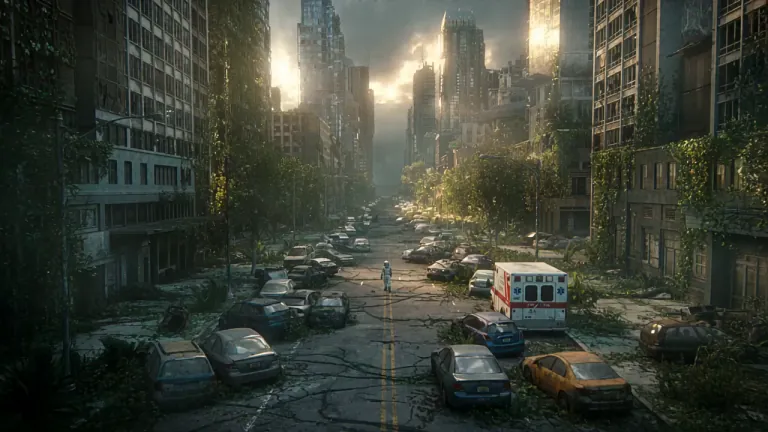
A lone astronaut walks through the ruins of a once-busy city, surrounded by abandoned cars, overgrown skyscrapers, and trees growing through cracked streets. She discovers a small child standing inside an old convenience store, holding a glowing flower. The astronaut slowly removes her helmet as birds suddenly rise into the sky and sunlight breaks through the clouds. Emotional science-fiction film, grand post-apocalyptic environment, slow cinematic camera movement, wide establishing shots, intimate facial close-ups, realistic dust particles, warm sunlight contrasting with cold ruins, epic yet hopeful atmosphere.
 Offizielles Beispiel
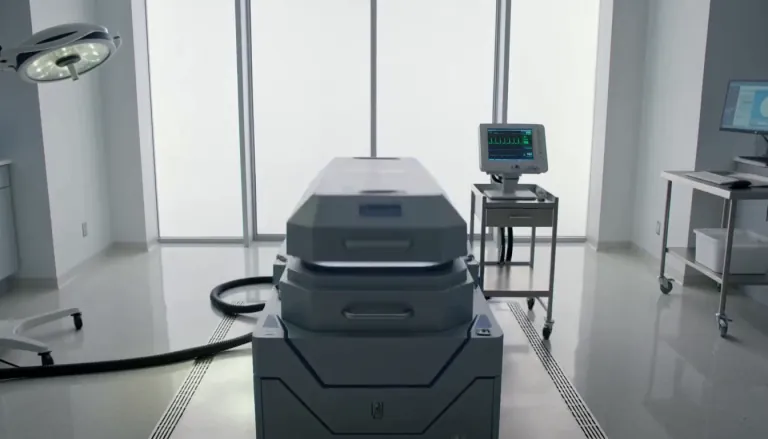
Exactly 5 seconds. Inside a bright sterile laboratory, a cryogenic chamber opens and cold vapor spills across the floor. A confused man slowly sits up. A scientist steps forward and says, “Welcome back.” The man asks, “What year is it?” The scientist hesitates as the camera gently pulls backward. Photorealistic Hollywood science-fiction drama, soft white daylight, realistic vapor, restrained acting, accurate lip sync, no extreme close-up.
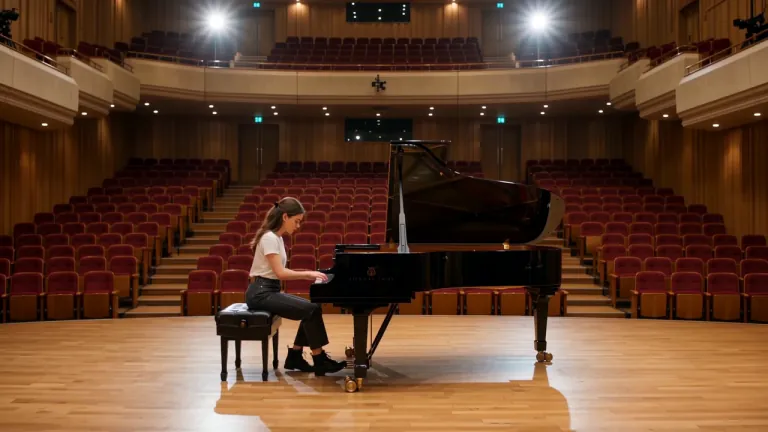 Offizielles Beispiel
A young female piano tuner works alone inside an empty concert rehearsal hall, carefully adjusting the strings of a grand piano. A handsome young man enters from the opposite side carrying another tuning kit. They both stop when they realize they have been hired for the same piano. Without speaking, they sit on opposite sides and each plays a single note. She adjusts one string. He answers with another note. Their awkward disagreement slowly turns into an improvised musical conversation. The camera begins with a wide composition across the empty hall, glides toward the piano, then moves between their hands and subtle expressions. Romantic musical comedy, natural chemistry, elegant concert-hall acoustics, cinematic warm light.
Hier landest du für kurzes Online-Video: Product Reveal, Social-Hook oder Storyboard-Beat, der sich bewegen muss. Grok Imagine Video 1.5 ist der Standard, weil es für Text- oder Startbild-Clips in 480p / 720p im Browser gebaut ist. Brauchst du noch ein Hero-Bild mit lesbarer Schrift, mach das Still zuerst auf /image — und komm dann hierher zum Animieren.
Drei Schritte auf /video — Stills bleiben auf /image.
Der Picker öffnet auf Grok Imagine Video 1.5 für kurze Text-zu-Video- und Bild-zu-Video-Läufe. Wechsle zu Veo oder Seedance, wenn du einen anderen Look oder einen anderen Längenrahmen brauchst.
Beim Text-zu-Video nenne Aktion und Kamera. Beim Bild-zu-Video lade ein Still hoch (oft von /image) und beschreibe nur, was sich bewegen soll, damit das Startbild vertraut bleibt.
Nutze 480p, während du Timing erkundest. Steige auf 720p, wenn der Schnitt reviewbereit ist. Fehlgeschlagene Läufe erstatten Credits automatisch.
Nur Motion-Szenarien — andere Personen und Aufgaben als im Still-Hub.
Schneide 3–8-Sekunden-Hooks und Übergänge ohne Drehtag. Grok Imagine Video ist für den Clip, den du heute Abend brauchst — nicht für den Render einer ganzen Episode.
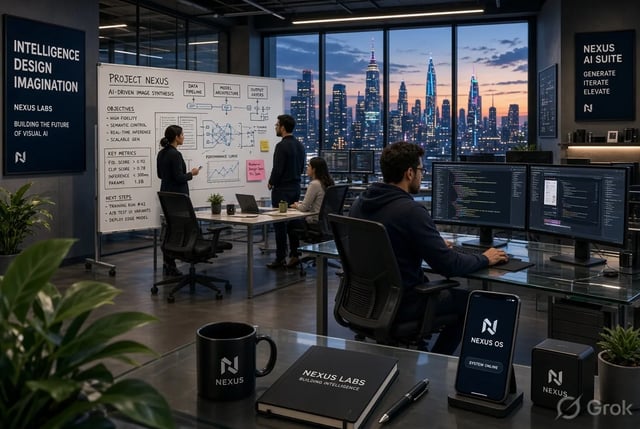
Mach aus einem Packaging-Still einen kurzen Reveal: Schwenk, Lichtimpuls oder sanfte Produktdrehung. Bild-zu-Video hält das Startbild markenkonform.
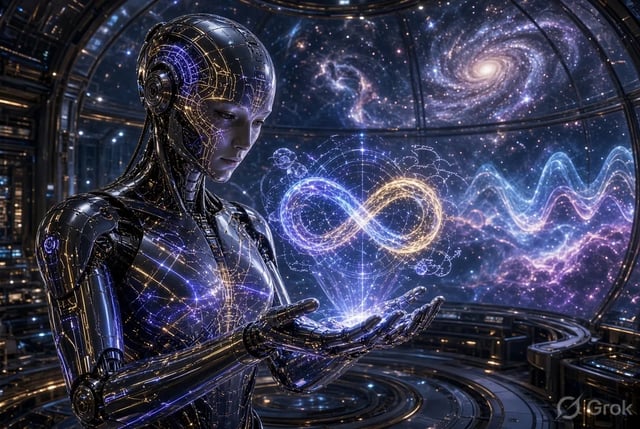
Teste Motion-Varianten desselben Angebots. Entwirf günstig bei 480p und fixiere danach einen 720p-Schnitt fürs Anzeigenkonto.
Bewege ein Storyboard-Still, damit Regie vor dem vollen CG-Pass über Pace kommentieren kann. Beats kurz und bewusst halten.
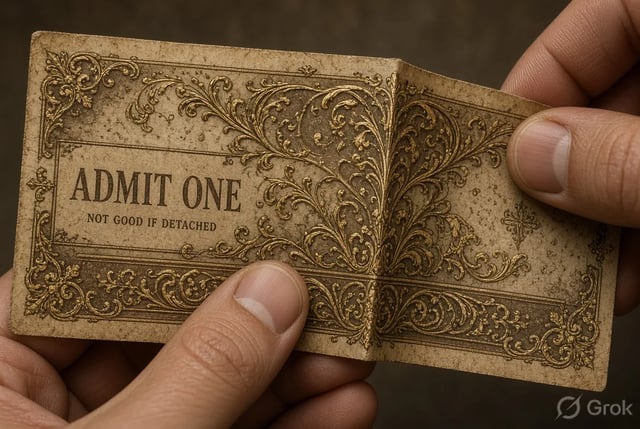
Animiere ein Diagramm-Still zu einem kurzen Erklär-Beat. Bild-zu-Video hält das Lehrbild vertraut, während Bewegung die Aufmerksamkeit trägt.
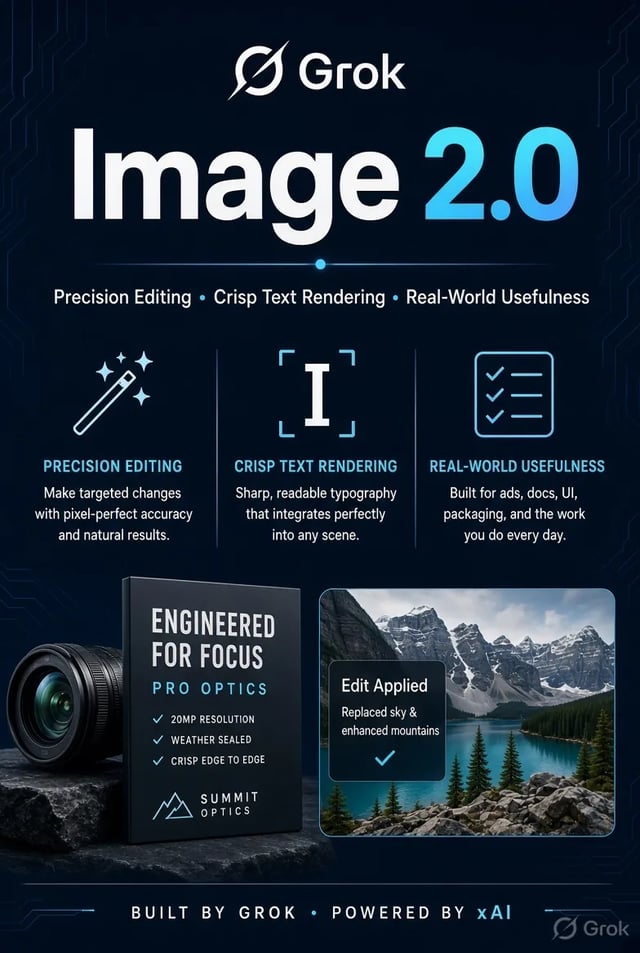
Zeig einem Kunden, wie sich ein Keyframe bewegen könnte — ohne volle Production zu buchen. Lade den Clip am selben Tag herunter und iteriere nach Feedback.
Grok Imagine Video 1.5 zielt auf Online-Video im Sekundenbereich (etwa 1–15 Sekunden je nach Einstellungen). Reih Clips aneinander, wenn du eine längere Sequenz brauchst — hier läuft keine mehrminütige Offline-Suite.
Lade ein Still hoch und beschreibe die Bewegung. Das Startbild bleibt nah an deinem Foto, während der Rest des Clips animiert — ideal, nachdem du ein Still auf /image poliert hast.
480p ist der günstige Erkundungspfad. 720p kostet mehr pro Sekunde, wenn der Schnitt Detail für Kunden- oder Social-Review braucht. Anmelde-Credits decken einen kurzen Standard-Start ab.
Nenne Motiv, Aktion und Kamera. Du brauchst kein separates xAI-Konto und keine Desktop-Installation — die Generierung läuft im Browser-Workspace.
Wenn ein Shot ein anderes Hausmodell braucht, wechsle, ohne den Prompt auf eine andere Site zu kopieren. Grok Imagine Video bleibt der Standard für schnelle erste Schnitte.
Timeouts, Serverfehler oder Filter erstatten Credits. Du gibst nur Credits für Clips aus, die du erhältst.
Grok Imagine Video 1.5 ist für kurze Online-Clips gebaut — grob 1–15 Sekunden je nach Lauf-Einstellungen. Für längere Stories generiere mehrere Clips und schneide sie zusammen.
Ja. Exportiere oder öffne das Still erneut, geh zu /video, lade es als Startbild hoch und beschreibe die Bewegung. Dieser Bild-zu-Video-Weg ist die vorgesehene Übergabe vom Still-Arbeitsplatz.
Starte bei 480p, während du Timing und Kamerabewegungen erkundest. Wechsle auf 720p, wenn der Schnitt für Social oder Kundenreview bereit ist. Höhere Auflösung verbraucht mehr Credits pro Sekunde.
Neue Konten erhalten Anmelde-Credits, die einen kurzen Standard-Lauf abdecken können. Zum Start ist keine Kreditkarte nötig. Mehr Credits kaufen oder abonnieren für Volumen und kommerzielle Lizenzierung.
Bleib bei Grok Imagine Video 1.5 für schnelle erste Schnitte und Startbild-Animation. Wechsle, wenn die Vorgabe den Look oder Längenrahmen eines anderen Modells braucht — der Picker behält Prompt und Referenz geladen.
Nein. Es erzeugt kurze Clips zum Herunterladen und Fertigstellen in deinem Editor. Denk an Hooks, Reveals und Previs-Beats — nicht Farbkorrektur, Multi-Track-Audio oder Long-Form-Schnitt.
Bezahlpläne enthalten kommerzielle Lizenzierung für Anzeigen und Kundenarbeit. Clips der kostenlosen Stufe sind zum privaten Testen, sofern dein Plan nichts anderes sagt. Genaue Bedingungen stehen auf den Legal-Seiten.
Credits werden bei Serverfehlern, Timeouts oder Inhaltsfiltern automatisch erstattet. Kürze den Clip, vereinfache die Bewegung oder teste 480p vor einem längeren 720p-Lauf.
Lesbare Schrift liegt auf /image — hier geht es nur um Motion.
Prompt oder Startbild · 480p erkunden · 720p polieren — kostenlos mit Anmelde-Credits starten.