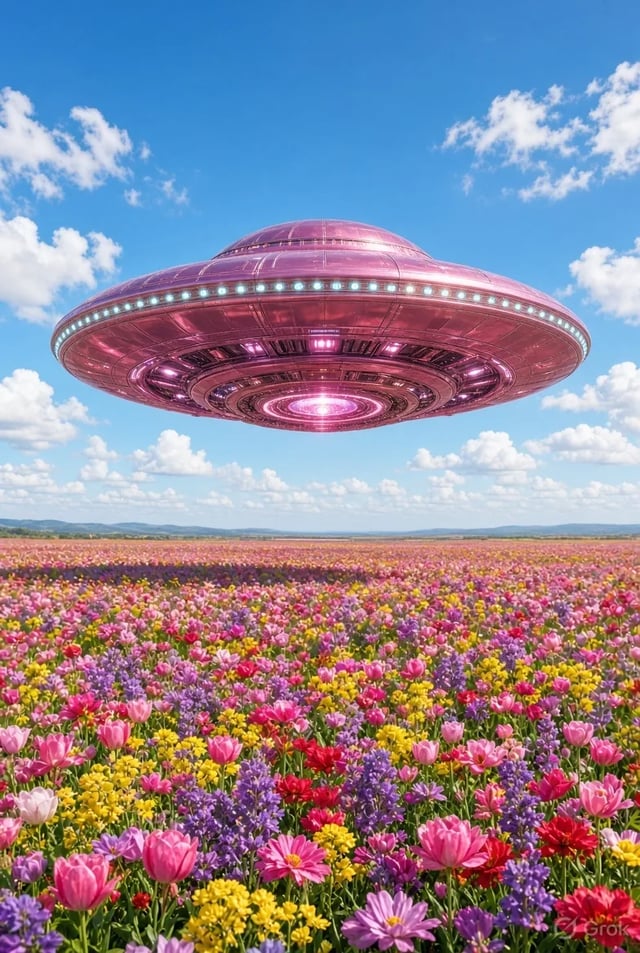
Editores de formato corto
Corta ganchos y transiciones de 3–8 segundos sin día de rodaje. Grok Imagine Video es para el clip que necesitas esta noche, no el render de un episodio entero.
 Grok Imagine Image 2.0
Texto a vídeo e imagen a vídeo con Video 1.5 preseleccionado: borradores en 480p, pulido en 720p, duraciones pensadas para redes.
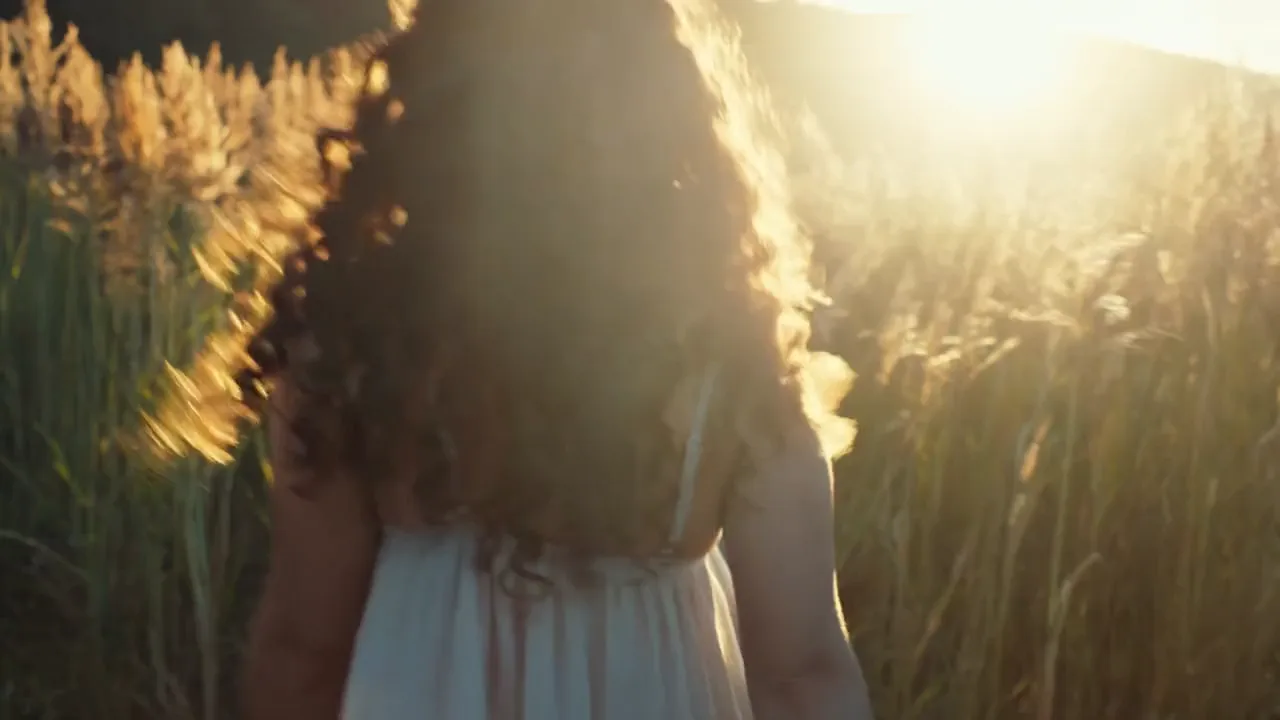
Golden hour shot. A young woman with curly hair walking in a field of tall grass turns back to look at the camera and smiles genuinely. The low sun is behind her, creating a beautiful rim light (backlight) on her hair. Dust motes dancing in the light. Handheld camera feel, warm and nostalgic.
 Muestra oficial
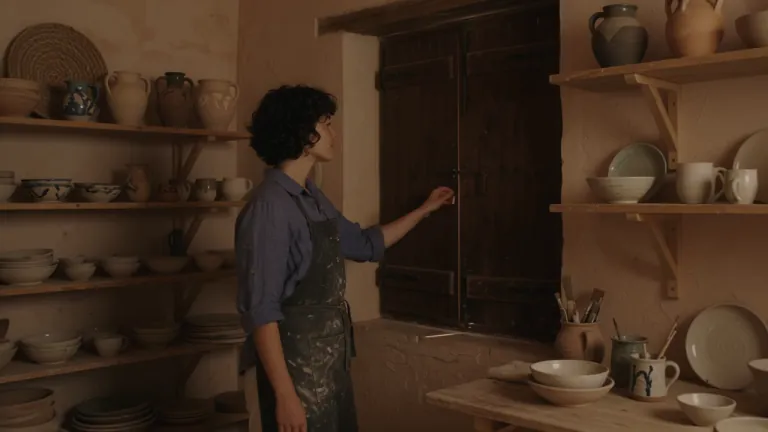
Cinematic travel editorial film following a young ceramic artist opening her seaside workshop at sunrise. She has short curly dark hair, freckles and a relaxed, thoughtful expression. She wears a faded indigo linen shirt with rolled sleeves, cream trousers and a clay-stained canvas apron. The workshop sits inside a weathered Mediterranean building: pale peach plaster walls, arched windows, wooden shelves filled with handmade bowls, a pottery wheel and a small courtyard overlooking the sea. Morning sunlight streams through the windows, catching suspended dust and illuminating the translucent edges of unfinished porcelain. A restrained palette of terracotta, indigo, warm ivory and sea green. Tactile details: wet clay, woven linen, chipped paint and rippling water. Camera movement is quiet and deliberate, alternating intimate 85mm close-ups with wider 35mm environmental compositions. Shallow depth of field for hands and objects, deeper focus when revealing the workshop. Warm natural highlights, soft blue shadows, subtle film grain and gentle highlight bloom. Movements feel observed rather than performed. Maintain the same artist, wardrobe, pottery and workshop throughout. No dialogue, text or logos. An independent craft magazine brought to life. Shot-by-shot beat sheet — five sequential beats, compressed to fit the selected clip duration: 1. OPENING THE WORKSHOP From inside the dim workshop, the camera slowly pushes toward a closed wooden shutter. The artist opens it, letting golden sunlight sweep across the room. She pauses with one hand on the frame, looking toward the sea. Medium-wide composition, soft backlight outlining her curls. 2. PREPARING THE CLAY Close-up of her hands pressing a lump of wet clay onto the pottery wheel. Her fingers leave distinct impressions before smoothing the surface. A slow lateral camera slide reveals a shallow bowl of cloudy water and a folded linen cloth beside the wheel. 3. SHAPING THE VESSEL Three-quarter view as she leans forward and draws the spinning clay into a small rounded vessel. The camera makes a gentle partial orbit, keeping her hands and the vessel in focus. The shape changes gradually and continuously under her fingertips. 4. INSPECTING THE FINISH She lifts a finished sea-green ceramic cup toward the window and slowly turns it, examining its uneven handmade rim. Tight close-up: sunlight travels across the glaze, revealing tiny variations in color. Her softly blurred face remains behind the cup. 5. THE FIRST QUIET MOMENT In the courtyard, she sets the cup on a worn stone table and sits beside it. A breeze moves her shirt sleeve and the leaves of a nearby olive tree. The camera slowly pulls back through the doorway, framing her against the morning sea. Hold the final composition for a quiet beat.
 Muestra oficial
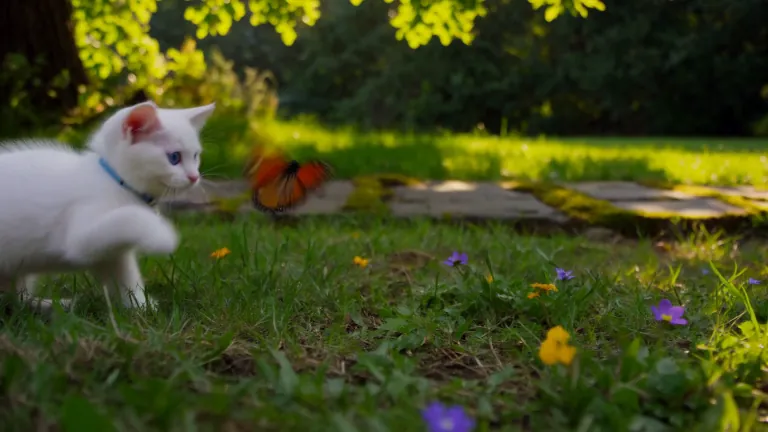
A white kitten chases a butterfly across a sunlit garden. Gentle camera tracking, natural movement, soft afternoon light filtering through the leaves.
 Muestra oficial
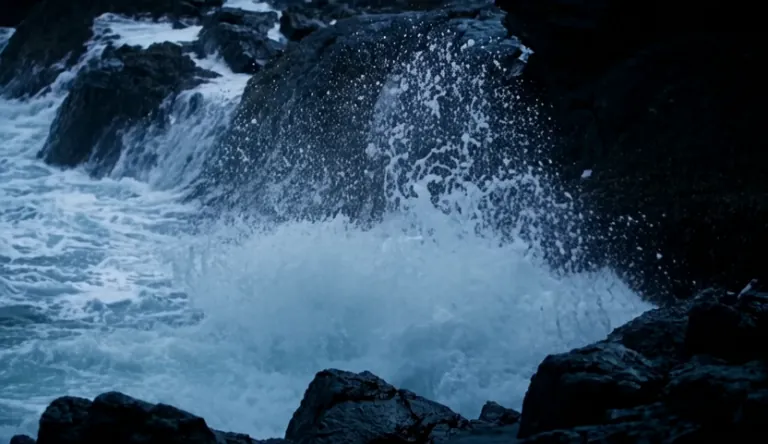
A lighthouse beam sweeps through heavy rain over black rocks at night, waves detonating against the cliff.
 Muestra oficial
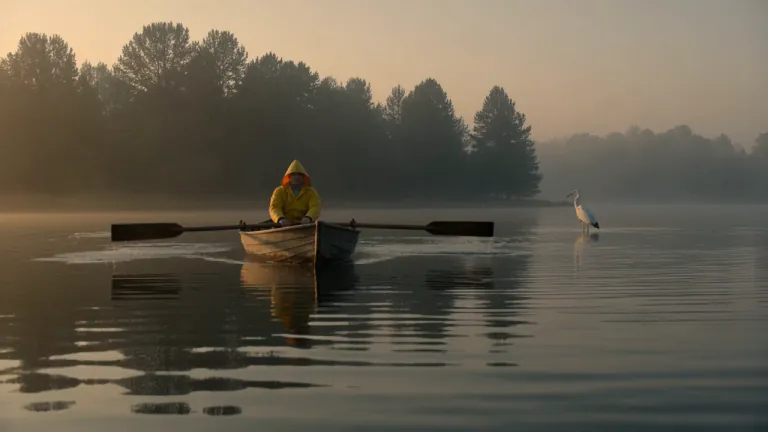
A fisherman in a yellow raincoat rows a small wooden boat across a calm misty lake at dawn, soft golden light breaking through the fog, gentle ripples, a heron lifts off in the background, slow cinematic dolly-in, natural ambient sound of water and distant birds
 Muestra oficial
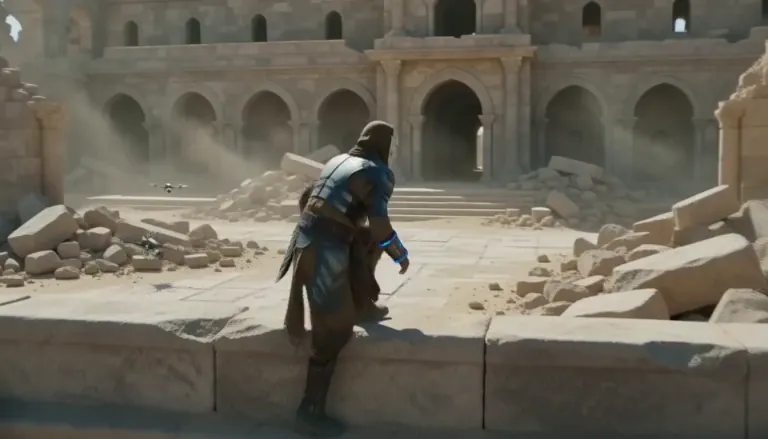
An aging warrior-monk in scorched ceremonial armor, a split ceramic mask and a humming prayer-band on his forearm + 0–4s: climbs silently along a cliffside terrace as insect-like surveyor drones comb the sun-bleached ruins, standing alone under as the camera rises over the ruined monastery. Sun-blasted post-apocalyptic sci-fi action, dust, heat haze, practical debris, sweeping crane tracking, silence broken only by wind.
 Muestra oficial
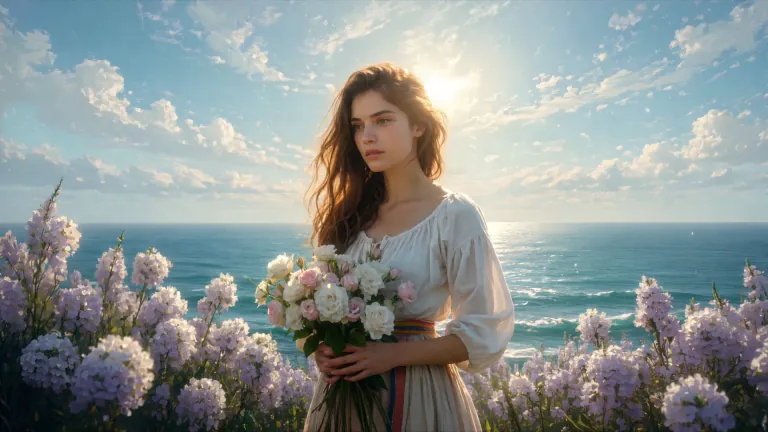
ENVIRONMENT: open coastal air — pale blue and violet sky with dry scumbled clouds, a thin band of teal sea at the lower edge, warm cream haze along the horizon. Backlight from behind the flower mass makes the petals glow near-white while her face and arms fall into warm shadow. STYLE: 24fps, gentle handheld drift, no camera shake spikes. Slow continuous push-in of about 8%, drifting a few degrees to the right so her face rotates marginally into the light. Shallow parallax between three planes: foreground drifting petals, mid-plane figure and bouquet, background sky and sea. Color tone: cool blue-lilac against cream-gold and umber. No morphing, no smoothing, no plastic skin, no added detail beyond the painting's own resolution.
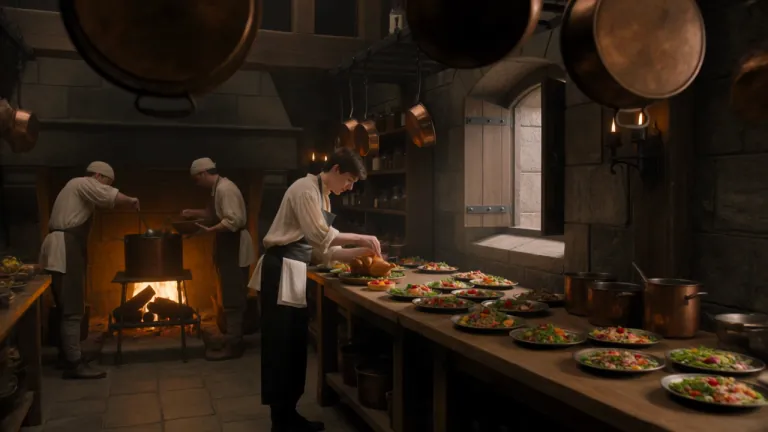 Muestra oficial
A young royal chef stands inside a huge medieval castle kitchen, wearing a cream tunic and dark leather apron while dozens of elaborate dishes cover a long wooden table. A small dragon suddenly pushes its head through an open stone window. Everyone in the kitchen freezes. The chef cautiously offers it a roasted chicken. The dragon ignores it completely. He nervously raises a tiny fruit tart instead. The dragon’s eyes immediately brighten and it gently reaches toward the dessert. The camera begins behind hanging copper pans, tracks toward the chef, then pushes past him toward the dragon outside the window. Playful Western fantasy, detailed medieval kitchen, expressive creature behavior, cinematic comedy, realistic food and firelight.
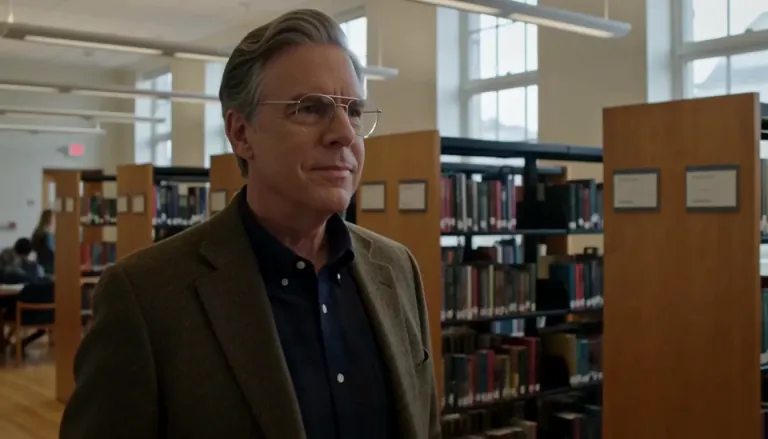 Muestra oficial
Create a 5-second live-action Hollywood film shot in a bright university library. A thoughtful professor stands in a medium shot, turns slightly toward an unseen student, and calmly says, “What is the real?” Natural daylight, professional cinema camera, realistic performance, subtle camera drift, no close-up, no dark lighting, perfect lip sync.
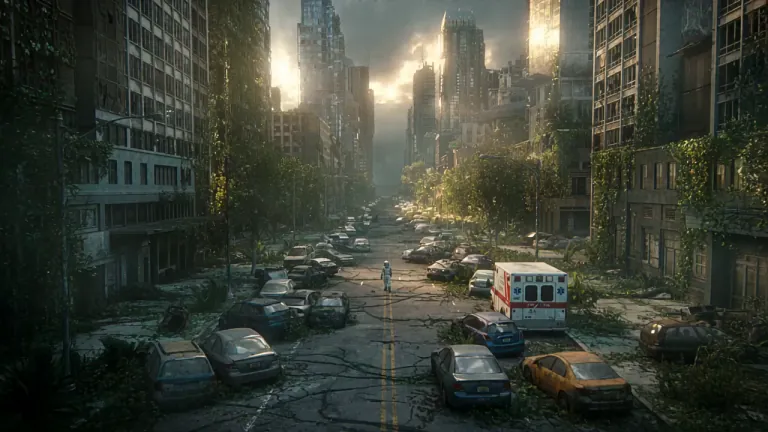 Muestra oficial
A lone astronaut walks through the ruins of a once-busy city, surrounded by abandoned cars, overgrown skyscrapers, and trees growing through cracked streets. She discovers a small child standing inside an old convenience store, holding a glowing flower. The astronaut slowly removes her helmet as birds suddenly rise into the sky and sunlight breaks through the clouds. Emotional science-fiction film, grand post-apocalyptic environment, slow cinematic camera movement, wide establishing shots, intimate facial close-ups, realistic dust particles, warm sunlight contrasting with cold ruins, epic yet hopeful atmosphere.
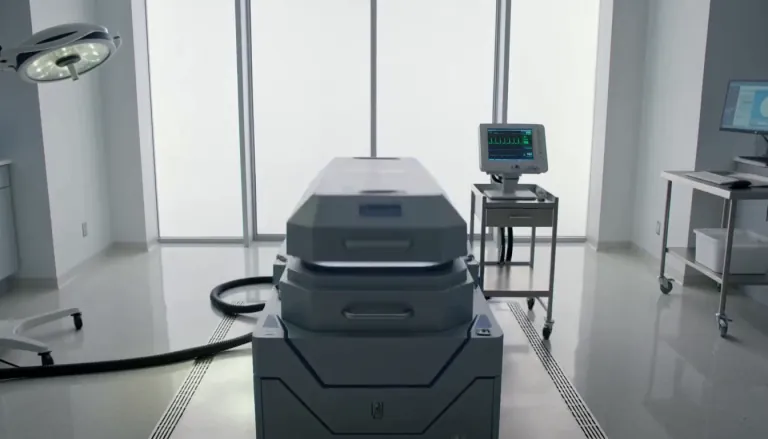 Muestra oficial
Exactly 5 seconds. Inside a bright sterile laboratory, a cryogenic chamber opens and cold vapor spills across the floor. A confused man slowly sits up. A scientist steps forward and says, “Welcome back.” The man asks, “What year is it?” The scientist hesitates as the camera gently pulls backward. Photorealistic Hollywood science-fiction drama, soft white daylight, realistic vapor, restrained acting, accurate lip sync, no extreme close-up.
 Muestra oficial
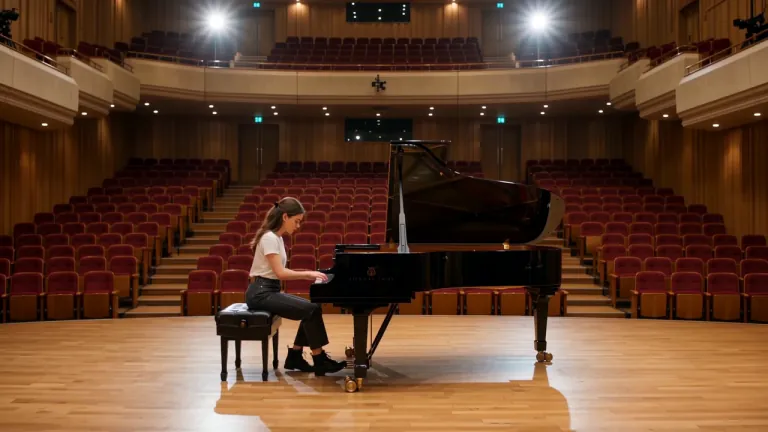
A young female piano tuner works alone inside an empty concert rehearsal hall, carefully adjusting the strings of a grand piano. A handsome young man enters from the opposite side carrying another tuning kit. They both stop when they realize they have been hired for the same piano. Without speaking, they sit on opposite sides and each plays a single note. She adjusts one string. He answers with another note. Their awkward disagreement slowly turns into an improvised musical conversation. The camera begins with a wide composition across the empty hall, glides toward the piano, then moves between their hands and subtle expressions. Romantic musical comedy, natural chemistry, elegant concert-hall acoustics, cinematic warm light.
Llegas aquí por vídeo online corto: una revelación de producto, un gancho de redes o un momento de storyboard que tiene que moverse. Grok Imagine Video 1.5 es el predeterminado porque está pensado para clips desde texto o primer fotograma a 480p / 720p en el navegador. Si aún necesitas un fotograma hero con tipografía legible, haz esa imagen primero en /image — y vuelve aquí a animarla.
Tres pasos en /video — las imágenes fijas se quedan en /image.
El selector abre en Grok Imagine Video 1.5 para pasadas cortas de texto a vídeo e imagen a vídeo. Pasa a Veo o Seedance cuando necesites otro look o un rango de duración distinto.
En texto a vídeo, nombra la acción y la cámara. En imagen a vídeo, sube una imagen (a menudo desde /image) y describe solo lo que debe moverse para que el fotograma de apertura se sienta familiar.
Usa 480p mientras exploras el timing. Pasa a 720p cuando el corte esté listo para revisión. Los fallos devuelven créditos automáticamente.
Solo escenarios de movimiento — otras personas y tareas que el hub de imágenes fijas.
Corta ganchos y transiciones de 3–8 segundos sin día de rodaje. Grok Imagine Video es para el clip que necesitas esta noche, no el render de un episodio entero.
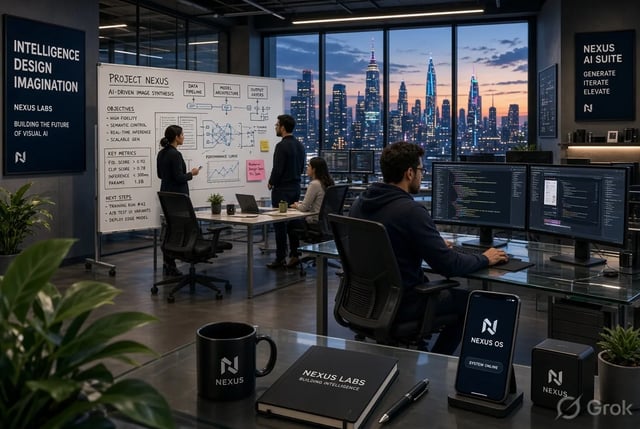
Convierte una imagen de packaging en una revelación corta: paneo, pulso de luz o giro suave del producto. Imagen a vídeo mantiene el primer fotograma alineado a la marca.
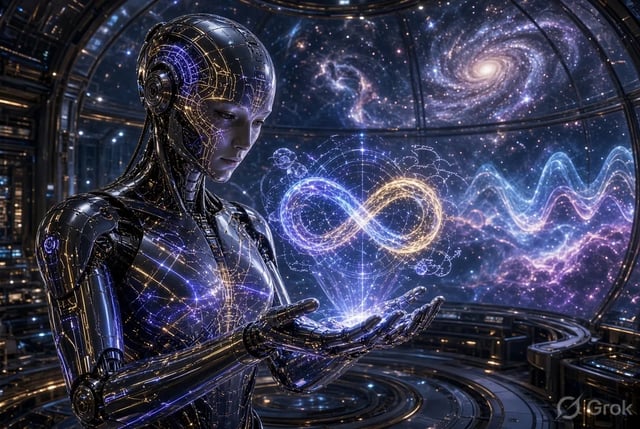
Prueba variantes en movimiento de la misma oferta. Borrador barato en 480p y cierra un corte en 720p para la cuenta de anuncios.
Mueve un fotograma de storyboard para que dirección comente el ritmo antes de un pase CG completo. Mantén los momentos cortos e intencionales.
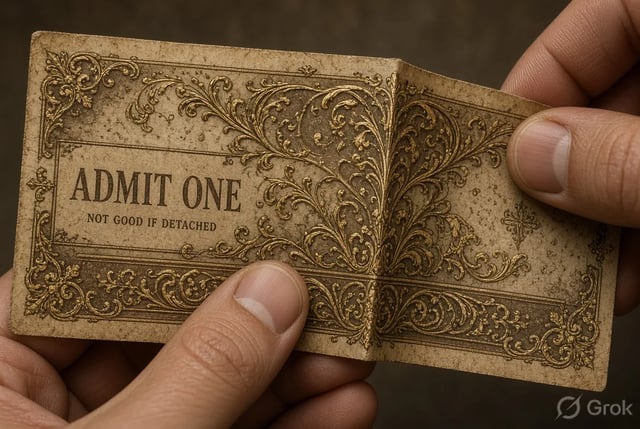
Anima un diagrama en un momento corto de explicación. Imagen a vídeo mantiene el fotograma didáctico familiar mientras el movimiento retiene la atención.
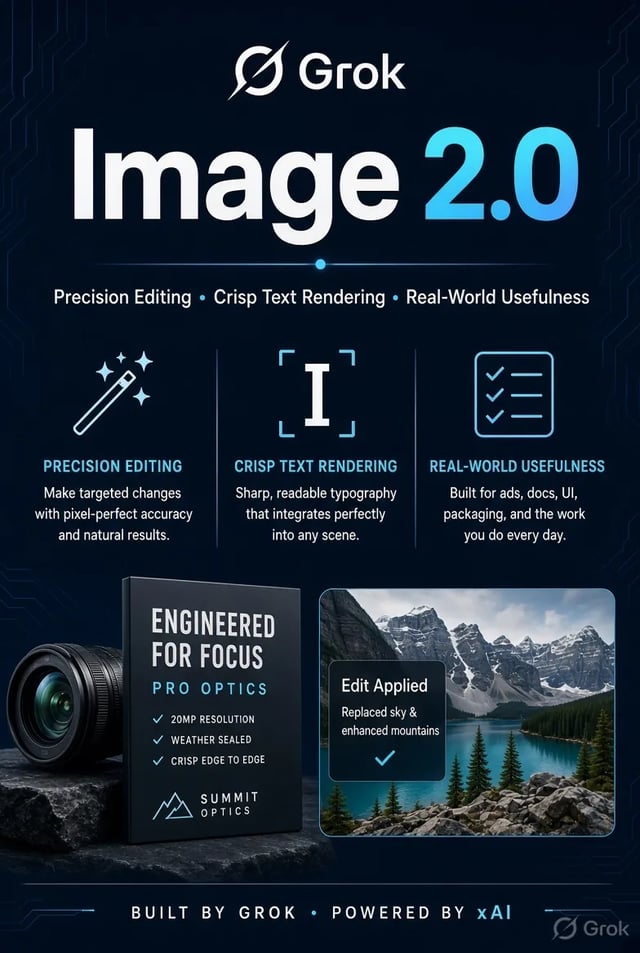
Muestra al cliente cómo podría moverse un fotograma clave sin reservar una producción completa. Descarga el clip el mismo día e itera con el feedback.
Grok Imagine Video 1.5 apunta a vídeo online de segundos (unos 1–15 s según la configuración). Encadena clips si necesitas una secuencia más larga: esto no es un suite offline de varios minutos.
Sube una imagen y describe el movimiento. El fotograma de apertura se queda cerca de tu foto mientras el resto del clip anima — ideal después de pulir una imagen en /image.
480p es el camino barato para explorar. 720p cuesta más por segundo cuando el corte necesita detalle para cliente o redes. Los créditos al registrarte cubren un inicio corto de nivel predeterminado.
Nombra el sujeto, la acción y la cámara. No necesitas una cuenta aparte de xAI ni instalar escritorio: la generación corre en el espacio del navegador.
Cuando un plano pida otro modelo de la casa, cambia sin pegar el prompt en otro sitio. Grok Imagine Video se queda como default para primeros cortes rápidos.
Timeouts, errores de servidor o filtros devuelven créditos. Solo gastas en los clips que recibes.
Grok Imagine Video 1.5 está pensado para clips online cortos — unos 1–15 segundos según la configuración de la ejecución. Para historias más largas, genera varios clips y edítalos juntos.
Sí. Exporta o reabre la imagen, abre /video, súbela como primer fotograma y describe el movimiento. Ese camino de imagen a vídeo es el paso previsto desde el generador de imágenes.
Empieza en 480p mientras exploras el ritmo y los movimientos de cámara. Pasa a 720p cuando el corte esté listo para redes o revisión de cliente. Más resolución usa más créditos por segundo.
Las cuentas nuevas reciben créditos gratis al registrarte que pueden cubrir una ejecución corta de nivel predeterminado. No hace falta tarjeta para empezar. Compra más créditos o suscríbete para volumen y licencia comercial.
Quédate en Grok Imagine Video 1.5 para primeros cortes rápidos y animación desde primer fotograma. Cambia cuando el pedido pida el look o el rango de duración de otro modelo: el selector mantiene cargados prompt y referencia.
No. Genera clips cortos que descargas y terminas en tu editor. Piensa en ganchos, revelaciones y previsualizaciones — no corrección de color, audio multipista ni edición de formato largo.
Los planes de pago incluyen licencia comercial para anuncios y trabajo de cliente. Los clips del nivel gratis son para pruebas personales salvo que tu plan diga lo contrario. Consulta las páginas legales para los términos exactos.
Los créditos se devuelven solos en errores de servidor, timeouts o filtros de contenido. Acorta el clip, simplifica el movimiento o prueba 480p antes de una pasada 720p más larga.
La tipografía legible vive en /image — aquí solo hay movimiento.
Prompt o primer fotograma · explorar en 480p · pulir en 720p — empieza gratis con créditos al registrarte.