

Information
Posts filed under Information
-
GPT Images 2.5 vs Grok Imagine Image 2.0: Which Fits Your Brief?
GPT Images 2.5 and Grok Imagine Image 2.0 solve different still-image bottlenecks. Compare the documented capabilities, current browser options, and a repeatable test before choosing.
Avery Cole · 2026-09-10 -
Grok Imagine Video 1.5 vs MiniMax H3 Max: Which Clip Model for Which Shot?
Two 2026 clip models, one job at a time. Read duration, frames, and resolution, then run the same brief on Video 1.5 here.
Avery Cole · 2026-09-02 -
GPT Image 2 vs Grok Imagine Image 2.0: Matched Still Tests
Two flagship still models, one prompt each time. Read the settings, pick by task, then run the same brief on Image 2.0 here.
Avery Cole · 2026-08-17 -
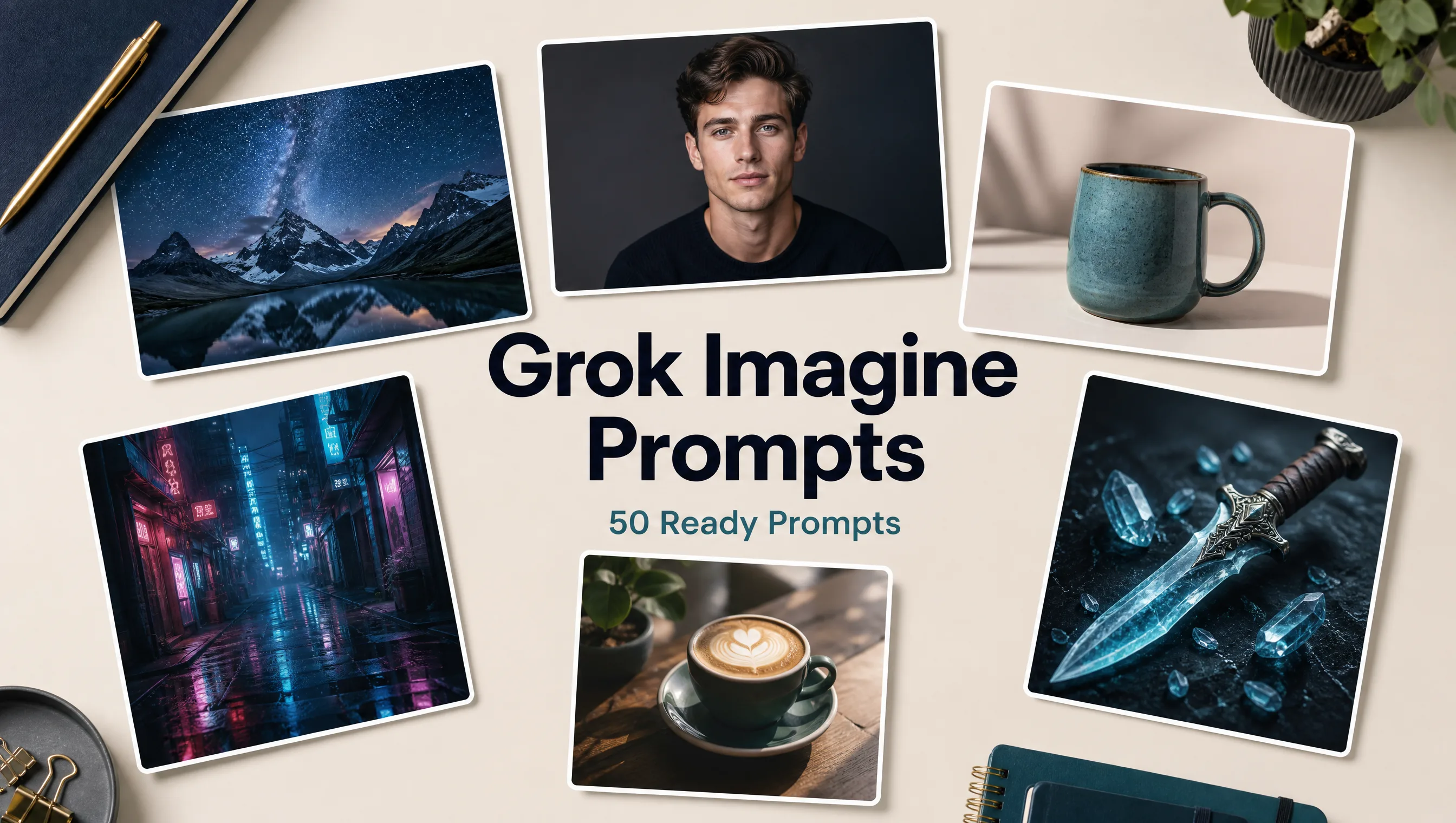
50 Ready-to-Use Grok Imagine Prompts (Sorted by Scene)
Copy any of these 50 Grok Imagine prompts, open our generator, and run Image 2.0 in the browser.
Riley Chen · 2026-08-13 -
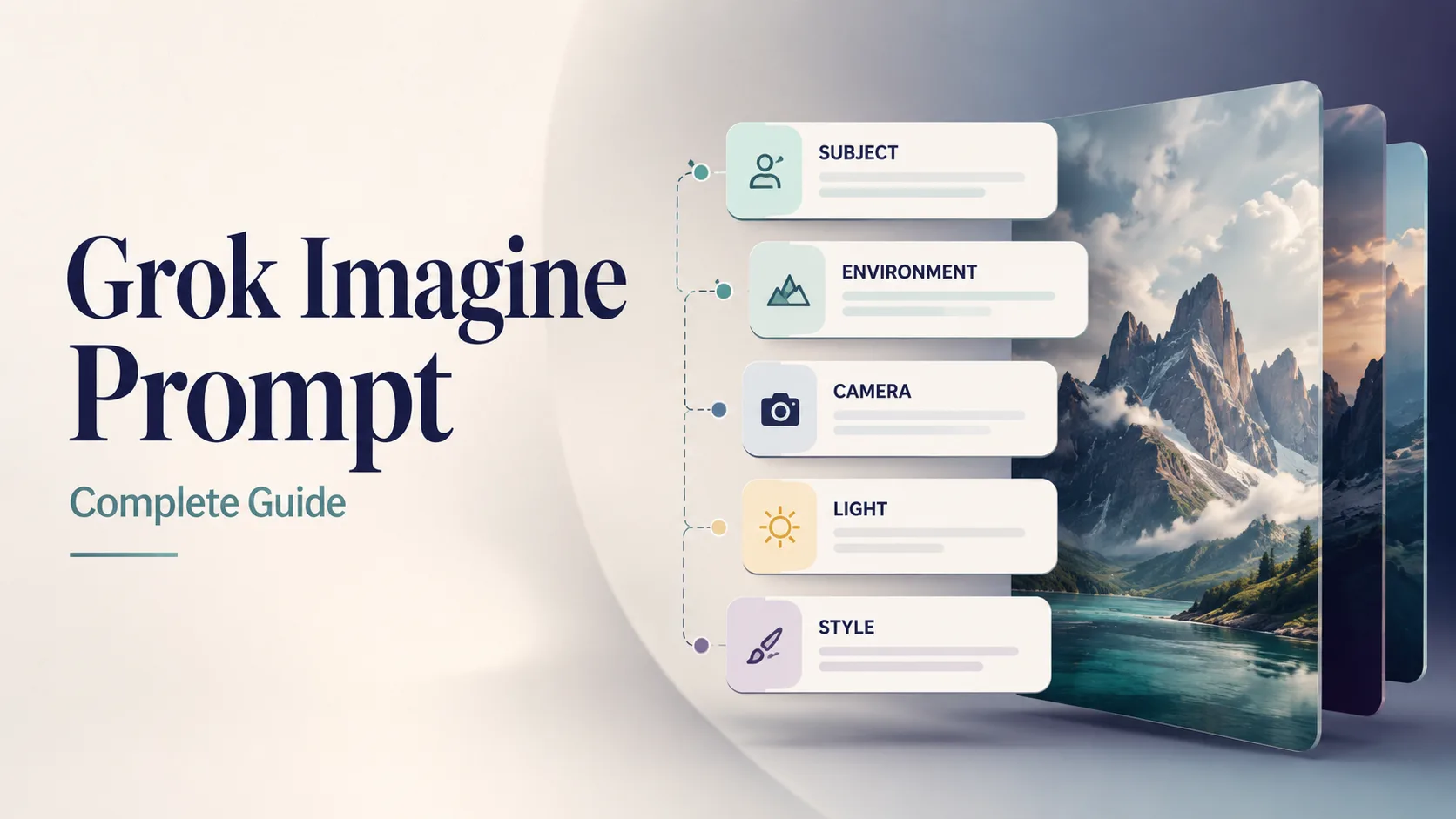
Grok Imagine Prompt Complete Guide (2026): How to Write Prompts That Stick
Stop guessing. Use a five-part Grok Imagine prompt structure, fix vague wording, and paste 12 ready prompts into our free generator.
Riley Chen · 2026-08-10 -
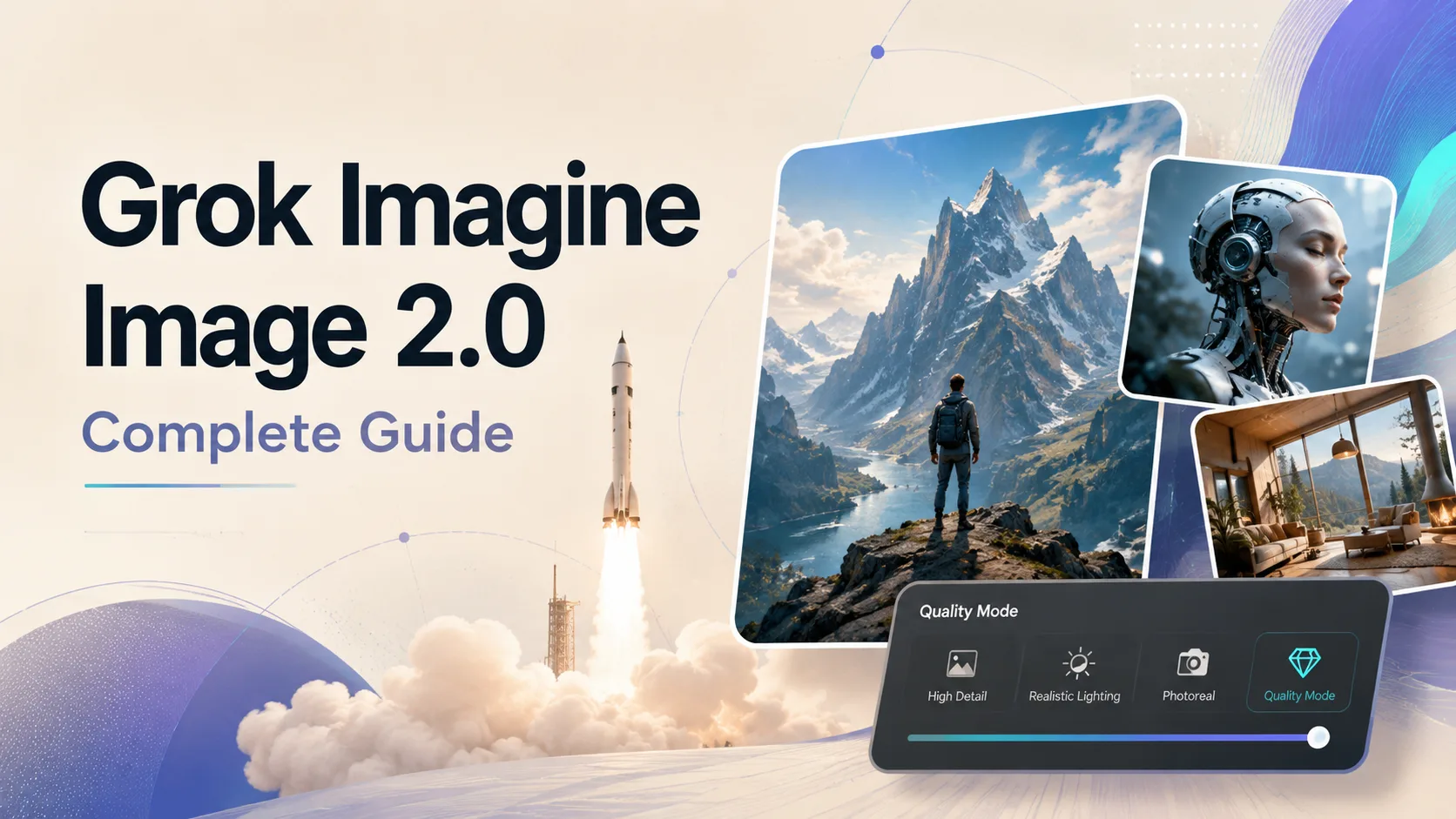
Grok Imagine Image 2.0 Complete Guide: New Features, Templates & Quality Mode
Image 2.0 is xAI’s Quality Mode for real creative work—stronger instruction following, sharp text, precise edits, and templates. Here’s how to use it and try it on our site.
Riley Chen · 2026-08-09