03DAY11HOUR34MIN54SEC
Limited-Time 50% OFF!Get Offer

Grok Imagine Image 2.0 for Stills That Need Readable Type Grok Imagine Image 2.0

Text to image and image to image with Image 2.0 preselected — ads, packaging, and UI boards that keep labels sharp.

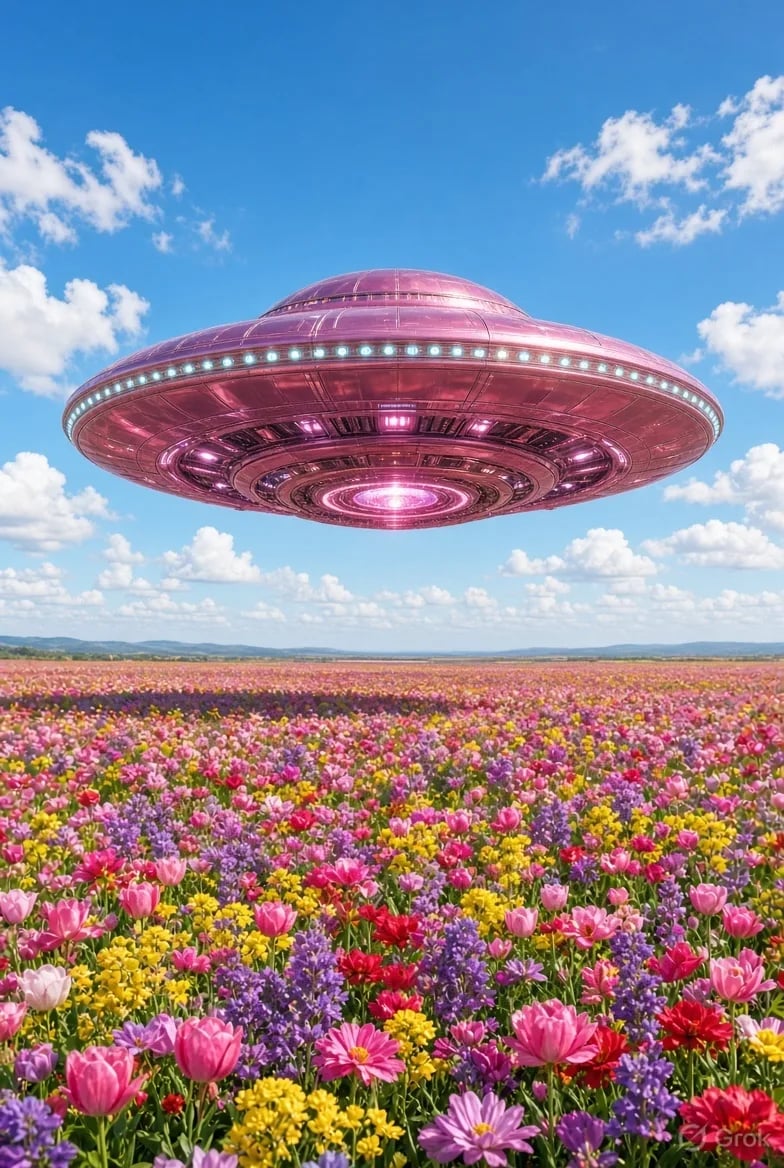
This /image route is the stills desk for Grok Imagine Image 2.0: high-fidelity generation, strong text-in-image, and precision region edits in the browser. Signup credits cover a default 1K try — no card required. Switch models only when the draft needs a different look.

  • On-image labels that stay legible
  • Region edits without restarting from zero
  • Posters, packs, and UI-style boards
  • 1K default fits free signup credits
Grok Imagine Image 2.0 hero — still from the homepage background video
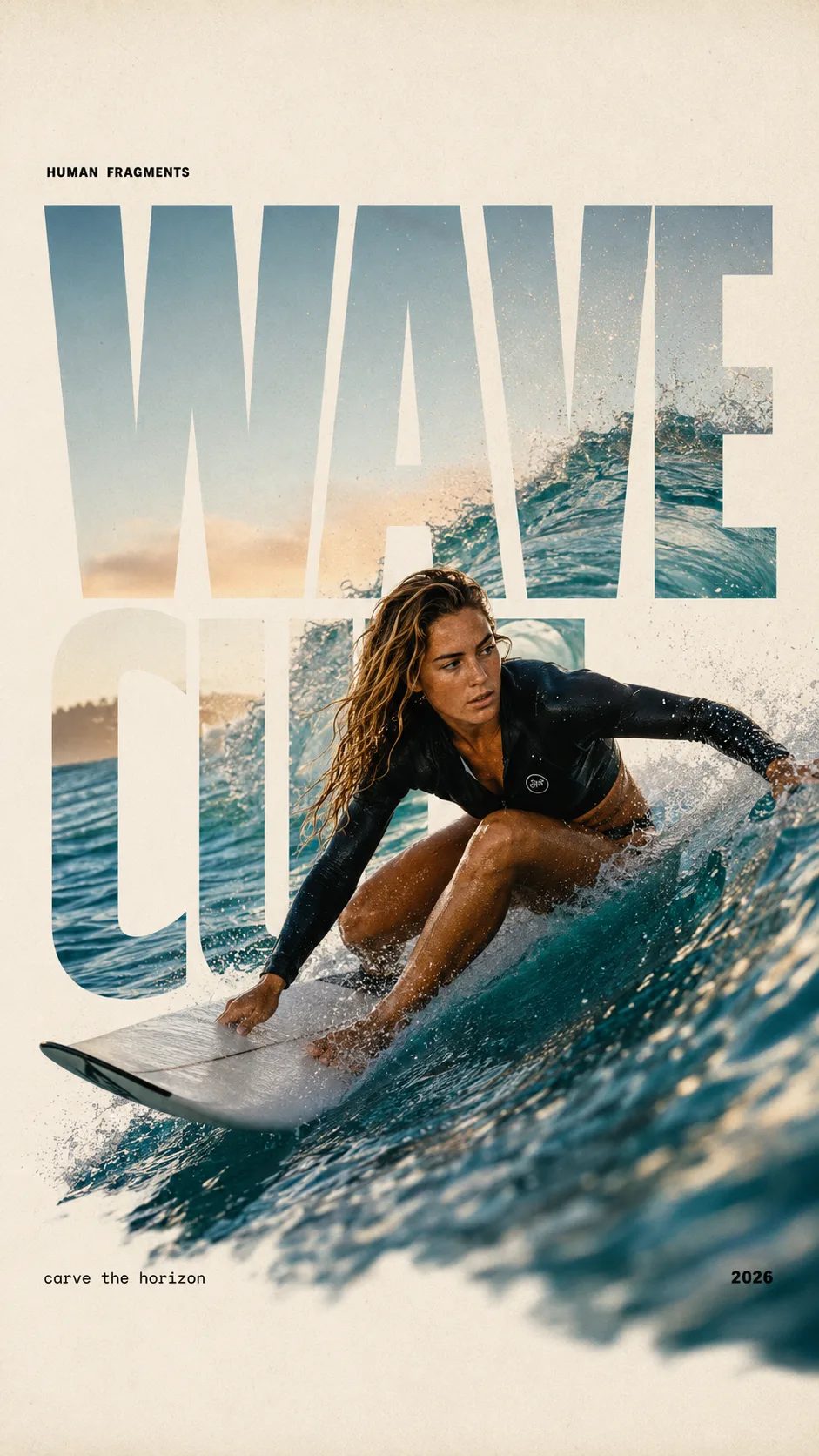
HUMAN FRAGMENTS editorial poster sample

Create a 9:16 editorial poster in the HUMAN FRAGMENTS visual system. Theme: [surfing / basketball / boxing / cake decorating] Subject: [gender, age, appearance, outfit] Action: [specific movement or handcraft] Scene: [location and environment] Title: [custom two-word title] Supporting line: [one short phrase] Year: 2026 Use oversized cropped typography as the main structural framework. The letters should act as windows that reveal the surrounding environment, while the main person remains visually complete in front of the type. Do not let the letters cut through the face, torso, arms, thighs, or other important parts of the body. Let one key action element break beyond the typography to create strong depth: 1. WAVE CUT — a surfer carving across a rising wave, with the board nose, hand, water spray, and curled wave breaking outside the letters. 2. RIM RISE — a basketball player reaching toward the hoop from a camera placed above the rim, with the basketball, hand, and hoop fully outside the letter masks and aligned naturally. 3. IMPACT FRAME — a boxer throwing a straight punch toward the camera, with the foreground glove enlarged and breaking beyond the typography while the gym remains inside the letters. 4. SOFT SWIRL — a graceful young woman decorating a cake, with the piping bag, hands, cake, and cream details extending beyond the letters while the bakery interior appears inside the type. Use realistic photography, believable anatomy, natural skin texture, strong foreground perspective, subtle paper grain, a warm off-white background, restrained colors, and clean editorial spacing. Keep the text minimal and freely placed: [Title] HUMAN FRAGMENTS [Short supporting line] 2026

Grok Imagine Image 2.0 Is Built for Layout-Heavy Stills

If the job is a poster with a headline, a packaging panel with small type, or a UI mock that must keep region boundaries, Grok Imagine Image 2.0 is the house default for a reason: high-fidelity stills, strong text-in-image, and local edits. This page is not a brand story and not the video desk — it is the place you open when you need a downloadable still now, with signup credits for a first 1K run.

| Grok Imagine Image 2.0 | text to image | image to image | precision region edits | readable on-image text |

Stills workflow

From Brief to a Saved Still

Three moves on /image — leave the motion path to /video.

1

Leave Image 2.0 on for layout and type

The picker defaults to Grok Imagine Image 2.0. Keep it when the still needs organized regions and readable labels. Only switch when you want a different speed or style family.

2

Prompt a layout — or upload a photo to edit

For text to image, name the regions and any on-image words. For image to image, upload a reference and say what to change so precision region edits can target one area instead of remaking the whole scene.

3

Review at 1K, then step up resolution

Run a default 1K pass with signup credits when you are exploring. Move to 2K or 4K when the still is ready to ship. Failed runs refund credits automatically.

Stills Jobs Where Grok Imagine Image 2.0 Fits

Concrete still outputs — not the same cast as the video hub.

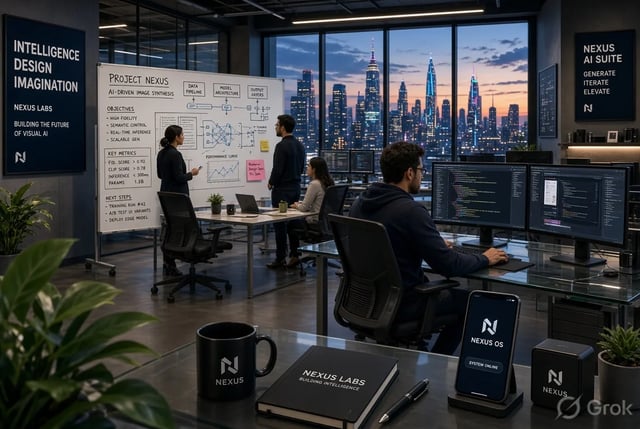
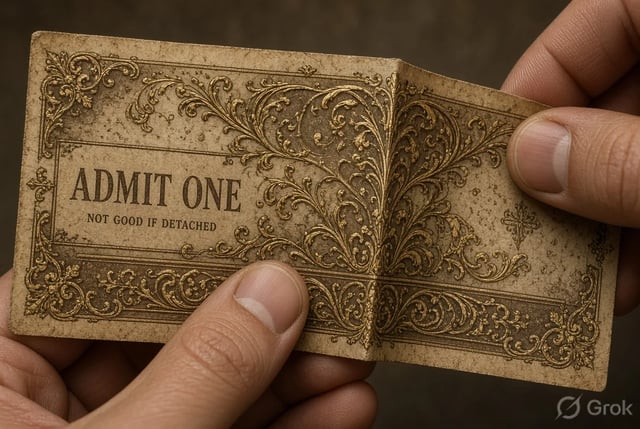
Campaign poster still for performance creatives with Grok Imagine Image 2.0

Performance creatives

Spin ad variants with different headlines on the same composition. Grok Imagine Image 2.0 keeps type readable so A/B tests look finished, not like blurry mocks.

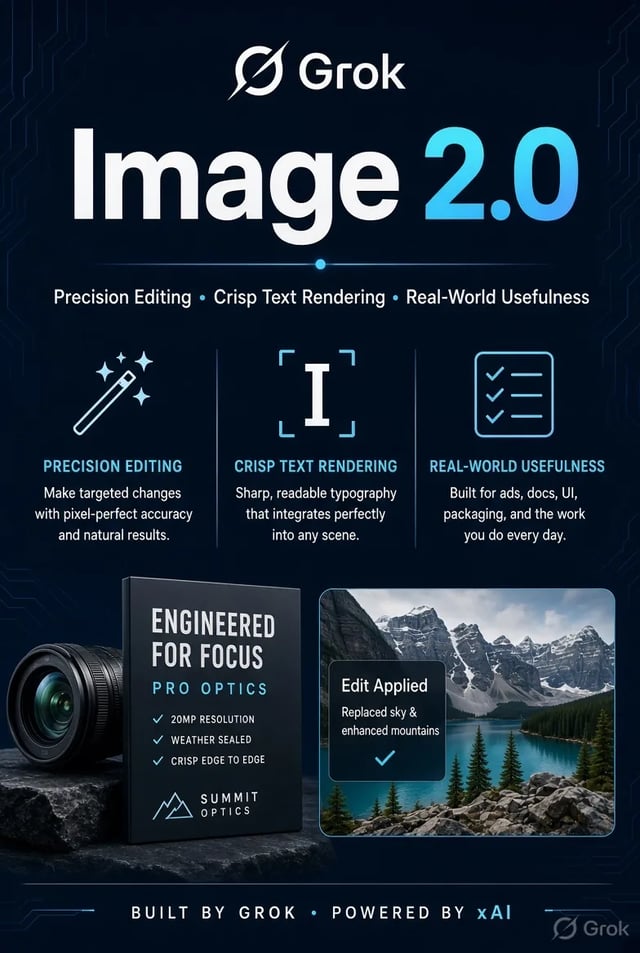
Packaging mockup sample from Grok Imagine Image 2.0

Packaging & merch leads

Explore box faces, sleeve copy, and label placement before a print file. Image to image lets you restyle a product photo while the logo region stays intentional.

UI-style still sample from Grok Imagine Image 2.0

Product designers

Draft UI-style boards and empty-state illustrations with sharp microcopy. Prefer Image 2.0 when small labels must stay crisp in the still.

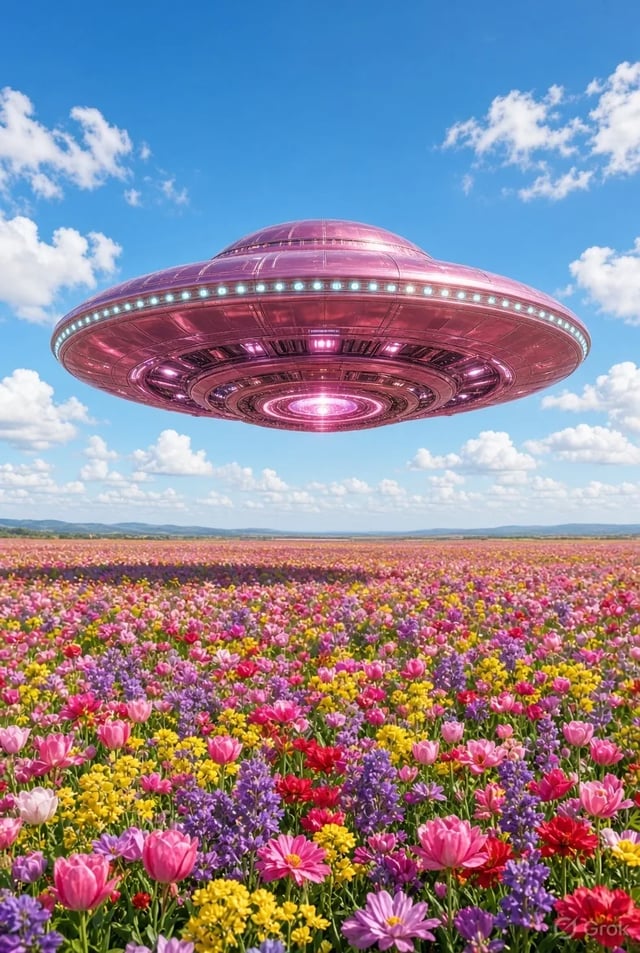
Catalog-style still from Grok Imagine Image 2.0

Marketplace sellers

Build catalog and lifestyle stills, then refine one region (background, prop, badge) without regenerating the whole product.

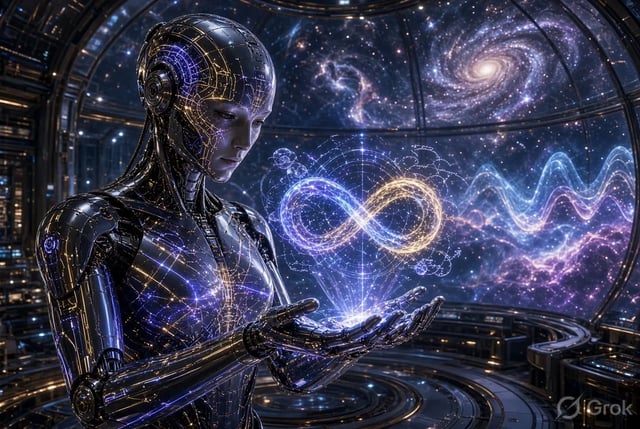
Diagram-like still from Grok Imagine Image 2.0

Editorial / deck authors

Make diagram-like stills and slide heroes where callouts must stay readable. Clear prompts keep panels distinct for review comments.

Landing-style still from Grok Imagine Image 2.0 precision edit demo

Solo founders

Ship landing heroes and pitch visuals without a design hire. Start free on 1K, then pay only when volume or commercial licensing matters.

Stills capabilities

What the Image Desk Emphasizes

Readable text inside the still

Grok Imagine Image 2.0 is strongest when the brief includes headlines, price tags, or UI labels. Write those words into the prompt instead of hoping a soft portrait pass will invent them cleanly.

Precision region edits

Upload a still and change one region — swap a background, fix a badge, extend a panel — while the rest of the composition holds. That is the image-to-image job this page is built around.

1K drafts, 2K and 4K finish

Explore cheaply at 1K (five credits per default run). Step up to 2K or 4K when the still is ready for export. Signup credits cover a first default-tier try.

Text to image and image to image together

Start from a blank prompt or a reference photo in the same generator. No separate install and no second account just to restyle a still.

Other models without leaving /image

Grok Imagine, GPT Image 2, Nano Banana, and more stay in the picker when a draft needs a different look. Image 2.0 remains the house default for layout-heavy work.

Failed runs refund automatically

Timeouts, server errors, or filters return credits. You only spend on stills you actually receive.

Stills FAQ for Grok Imagine Image 2.0

When should I use Grok Imagine Image 2.0 instead of Grok Imagine?

Use Grok Imagine Image 2.0 for production stills that need sharper type, denser layouts, and region edits. Use original Grok Imagine when you want faster style exploration and multi-candidate brainstorms.

Does Grok Imagine Image 2.0 handle text inside the image well?

Yes — that is a core reason it is the house default on this site. Put exact words in the prompt for posters, packaging, and UI mockups. Results vary with length and language, so iterate on short labels first.

How do precision region edits work here?

Upload a reference still, describe only the region you want changed, and run image to image with Grok Imagine Image 2.0 selected. The rest of the scene should stay closer to the original than a full re-roll.

What does a free try cost in practice?

Signup credits include enough for a default-tier 1K generation on Grok Imagine Image 2.0 (five credits). 2K and 4K cost more. No card is required to open the workspace.

Can I export for ads and client work?

Paid plans include commercial licensing for ads, products, and client deliverables. Free-tier stills are for personal testing unless your plan states otherwise — check the legal pages.

Should I animate on this page?

No. /image is for stills. When you have a hero still ready to move, open /video and use Grok Imagine Video (or another video model) with that still as a first frame.

Which aspect ratios work for product and social stills?

Common ratios (square, portrait, landscape) are available in the generator. Pick the ratio before you generate so packaging and feed crops match the final slot.

What if a generation fails midway?

Credits refund automatically on server errors, timeouts, or content filters. Re-run with a clearer prompt or a simpler region edit.

Make Your Next Still with Grok Imagine Image 2.0

Layout-aware defaults, readable type, region edits — start free at 1K.