Pick a category, then open the tool you need.
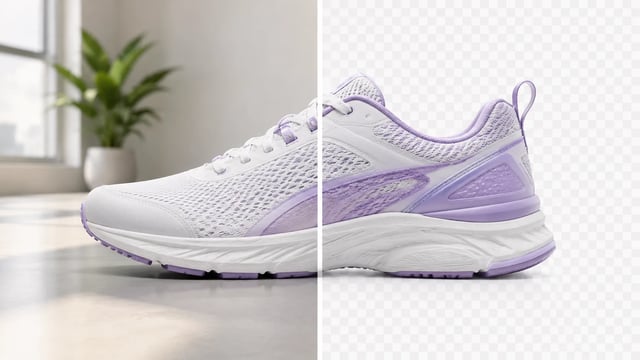
Open the Background Remover workspace on Grok Imagine Image 2.0.
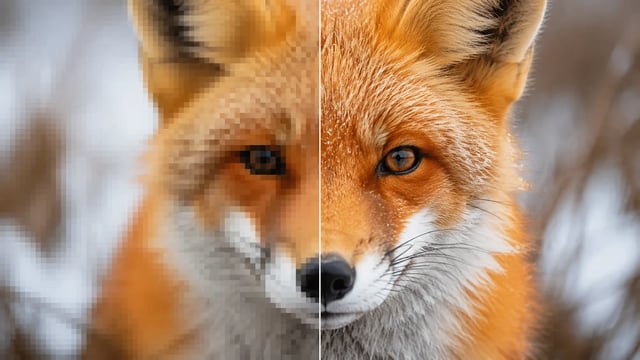
Open the Image Upscaler workspace on Grok Imagine Image 2.0.
Open the Image Extender workspace on Grok Imagine Image 2.0.
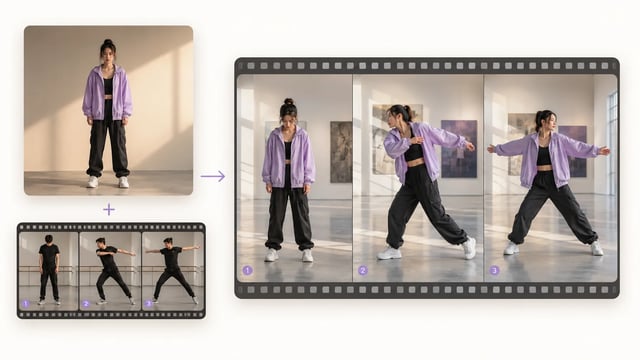
Open the Motion Control workspace on Grok Imagine Image 2.0.
Open the Lip Sync workspace on Grok Imagine Image 2.0.
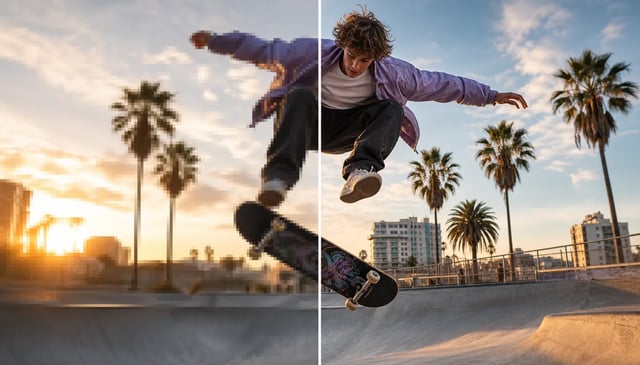
Open the Video Upscaler workspace on Grok Imagine Image 2.0.