

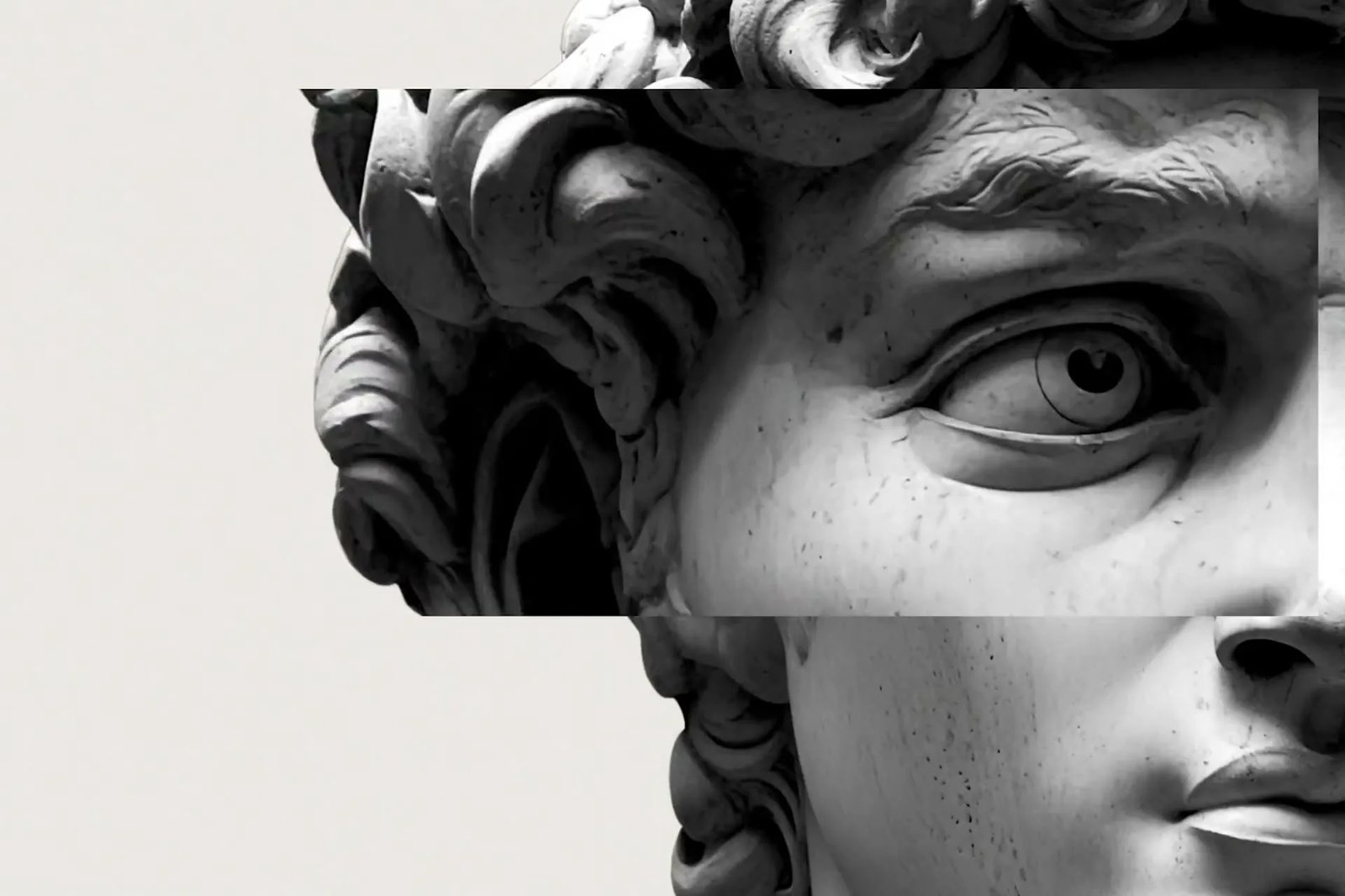

For product & ecommerce
Listing and lifestyle stills with Grok Imagine Image 2.0 — color variants, clean backdrops, and readable badges.
Grok Imagine Image 2.0 is built for real creative work — precision region edits, crisp on-image text, multi-reference consistency, and smart resize. Make free stills in the browser.
Default: Grok Imagine Image 2.0 for Quality-class stills. Switch models anytime in the picker.
Three strengths that define Grok Imagine Image 2.0: edit one area, keep text readable, and hold a subject steady across references.
Stuck on a still that is almost right? Change one region — background, badge, or prop — and leave the rest. The Grok Imagine Image 2.0 AI Image Generator treats editing as a first-class step, so you finish the brief without gambling on a full re-roll.
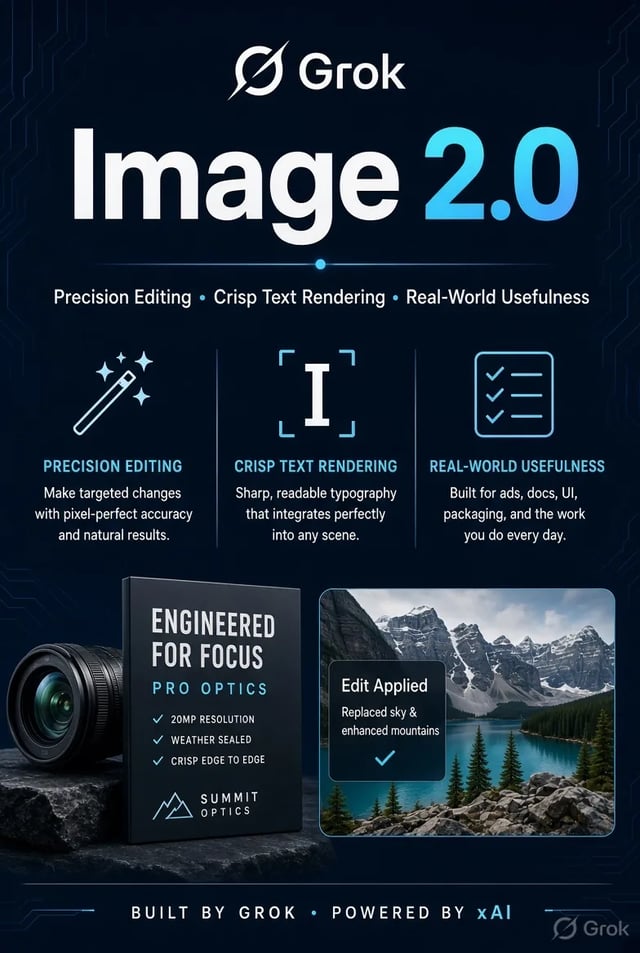
Posters, packaging panels, and UI-style boards need labels people can actually read. Put the exact words in your prompt and let Image 2.0 plan type and layout more like a designer would — not a soft portrait pass that invents mushy letters.
Need the same product, person, or style across a set? Bring several references into one run so identity holds. Multi-reference stills help the Grok Imagine Image 2.0 AI Image Generator stay brand-safe for ecommerce packs, character boards, and campaign variants.
Four steps from idea to a saved still. Built for iteration — not a single lucky draw.
Describe the still, or upload reference images when the job needs a product, face, or style lock.
The house default is Image 2.0 for Quality-class stills. Only switch when you want a different look or speed profile.
Run a first pass, then ask for a local change instead of remaking the whole frame.
Pick a ratio that fits the feed, ad, or deck slot, then keep the result in history for download or a second pass.
Toolkit
Workflow pieces mapped to how Image 2.0 is used for real creative work — not a generic feature list.
Start from a blank page: describe layout, colors, and any on-image words. The Grok Imagine Image 2.0 AI Image Generator is the house default for text to image when posters, packs, and UI boards need readable labels — not just a pretty vibe shot.

Upload a product photo or a prior result, then name one change — background, badge, or prop. Image to image with Grok Imagine Image 2.0 is built for precision region edits so the rest of the frame holds instead of starting over.
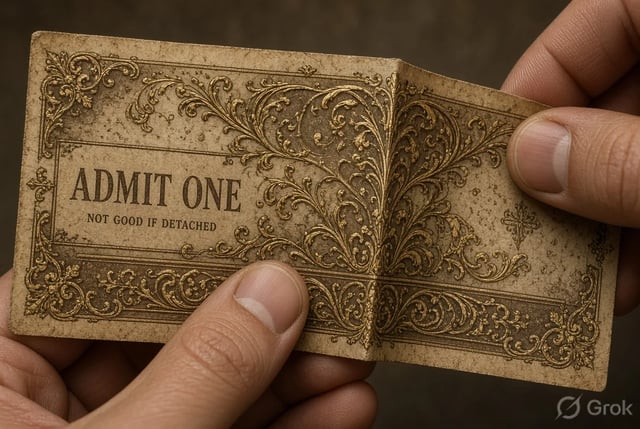
Combine a product pack, a face, or a style board in one run. Multi-reference inputs help the Grok Imagine Image 2.0 AI Image Generator keep identity steady across ecommerce sets, character boards, and brand-safe variants.
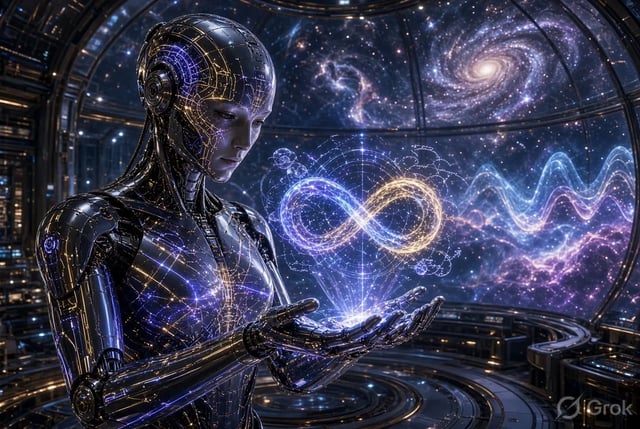
Need the same still for a square feed, a portrait story, and a landscape deck? Smart resize with Grok Imagine Image 2.0 reframes for common ratios without rebuilding the prompt from zero.

Ask for a clean cutout or a new backdrop when the model path supports that edit. Useful for marketplace listings, collages, and catalog stills that need a quieter stage behind the product.
Reopen past runs, start free without a card, and switch models in the same generator when a draft needs another look. The Grok Imagine Image 2.0 AI Image Generator stays the default until you choose otherwise.
Version comparison
How Image 2.0 differs from the previous Grok Imagine image stack (Quality Mode vs Speed / prior model), based on the August 2026 release notes and public discussion — not a generic image-vs-video table.
| Role in the stack | New Quality Mode model for production stills | Previous Imagine image model (often kept as Speed / fast path) |
|---|---|---|
| Primary goal | Images you can use in real creative work | Fast drafts and style exploration |
| Editing | First-class: region edits, segmentation-style control, iterative local changes | Basic image edit / re-prompt; less precise local control |
| On-image text & layout | Much stronger typography and multi-part layouts | Weaker small text; better for loose style frames |
| Reference inputs | Multi-reference consistency (up to several inputs in one run on the official path) | Fewer references; weaker identity lock across a set |
| Resize & background | Smart resize across ratios; background isolation / transparent-ready edits | Standard regenerate or simple restyle |
| Leaderboard signal (as of Aug 7, 2026) | Arena #2 class on both text-to-image and image edit (xAI-cited public Arena boards) | Prior generation; not the Image 2.0 dual-board peak |
| Best when you need | Client stills, packaging, ads with readable type, product sets | Quick brainstorms, old-style looks, or maximum speed |
| On this site | House default: grok-imagine-image-2 on /image | Still available in the picker as prior Grok Imagine when you want that path |
A free browser path that defaults to the model name people search for — with clear product boundaries.
As of Aug 7, 2026, Image 2.0 is cited near the top of public Arena boards for both text-to-image and image edit. We point to that public signal — we do not invent private benchmarks.
Region-level changes, multi-reference locks, and resize-friendly stills match how real briefs finish. Grok Imagine Image 2.0 is built for iteration, not a single lucky draw.
Open /image, keep Grok Imagine Image 2.0 selected, and run text to image or image to image. No desktop app, no waitlist form between you and a first still.
Primary CTAs land on stills with Image 2.0 preselected, so people looking for the Grok Imagine Image 2.0 AI Image Generator do not land on a random picker.
Try the free path first on the Grok Imagine Image 2.0 AI Image Generator. Upgrade only when volume grows — no credit card required to open the workspace.
This site is not affiliated with xAI. Model names identify third-party models we route through our own interface so you know where the boundary is.
Use cases
Template-style jobs Image 2.0 is known for — product, headshot, game assets, UGC, and agency first cuts.
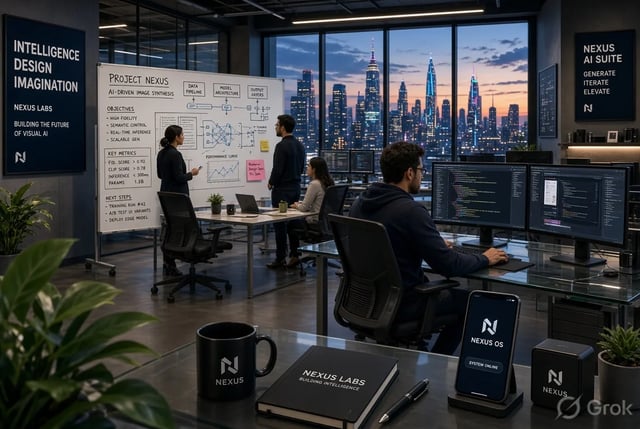
Listing and lifestyle stills with Grok Imagine Image 2.0 — color variants, clean backdrops, and readable badges.
Ad variants with different headlines on a stable composition so A/B tests look finished, not blurry mocks.
Professional headshot-style portraits and brand mascot frames with tighter identity hold.
Icons, character sprites, props, and UI kit frames that need sharp edges and consistent style.
Feed-ready lifestyle stills and UGC-style product photos without a full photo shoot.
Client-ready first cuts with multi-reference brand lock while the art team refines finals.
It is a browser tool that defaults to Grok Imagine Image 2.0 for text to image and image to image stills. You can still pick other models in the generator when a draft needs a different look.
Image 2.0 is the Quality-class model for real creative work: stronger instruction following, sharper on-image text, multi-reference consistency, smart resize, and region-level editing. Earlier Grok Imagine Image (often used as a Speed / prior path) is better for fast style exploration. On official Grok products, Quality Mode maps to Image 2.0 and Speed Mode keeps the previous model.
Yes — crisp typography and multi-part layouts are a core reason Image 2.0 is the house default. Put exact words in the prompt for posters, packaging, and UI-style boards, then iterate short labels first.
Yes. Upload a still and describe only the region to change, or bring multiple references when you need product/person/style consistency. Exact UI controls may differ from the official Grok app; results follow the model path available here.
No. This site is an independent product and is not affiliated with, endorsed by, or sponsored by xAI. Model names are trademarks of their respective owners, used for identification only.
Yes. A free tier is available without a credit card. Paid plans and credit packs unlock higher volume when you need them.
Use /image for stills with Grok Imagine Image 2.0. When a frame is ready to move, open /video and run image to video with the house video model.
Review the site Terms and the upstream model provider terms before commercial use. Policies can differ by model and plan.
Precision stills, crisp text, iterative edits — free tier, no credit card.